EC-30C | 1.00.02 +49 2102 935 888 www.mc-techgroup.com 39
7.11 Service-Reset (qualified personnel only)
Note
Loss of data caused by service reset!
There is no security query, whether you really want to carry out the
service reset or not.
Service reset has to be carried out only by qualified personnel!
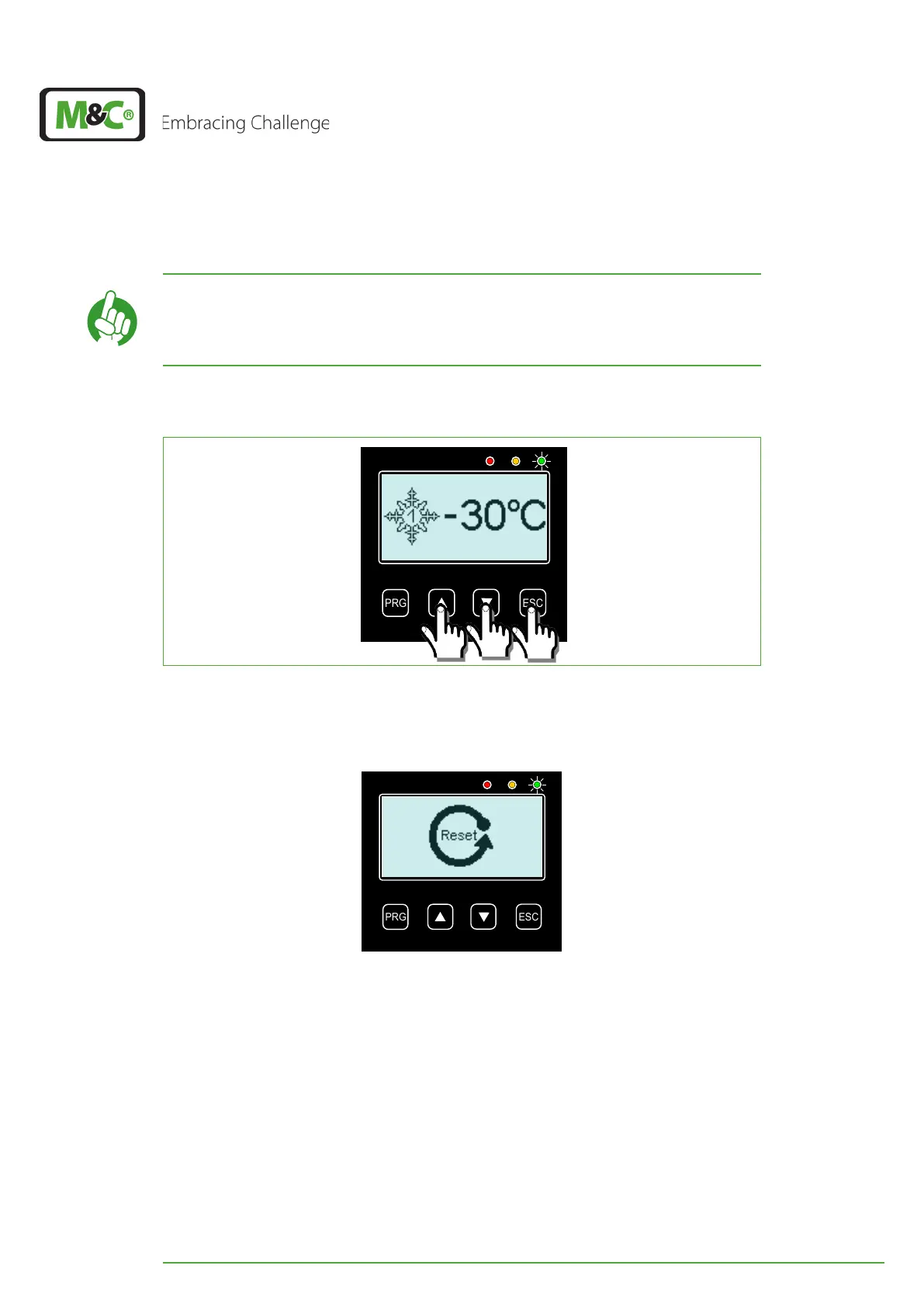
The service reset can be activated from the start screen by pressing simultaneously the UP,
DOWN and ESC button for three seconds.
Press for 3 seconds
simultaneously
Fig. 28: Activating Service Reset (Qualified personnel only)
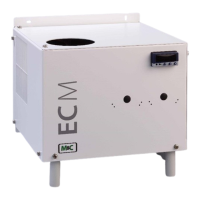
After activating service reset all messages from the error memory will be deleted. The
service time will also be reseted.
Fig. 29: Reset screen (Qualified personnel only)


 To Next Page