EasyManua.ls Logo

Markforged MARK TWO - Printer Time Synchronization; Browser Requirements

Markforged MARK TWO
58 pages
Print Icon
To Next Page IconTo Next Page
To Previous Page IconTo Previous Page
Loading...
DESKTOP PRINTER SERVICE MANUAL
18
2. 

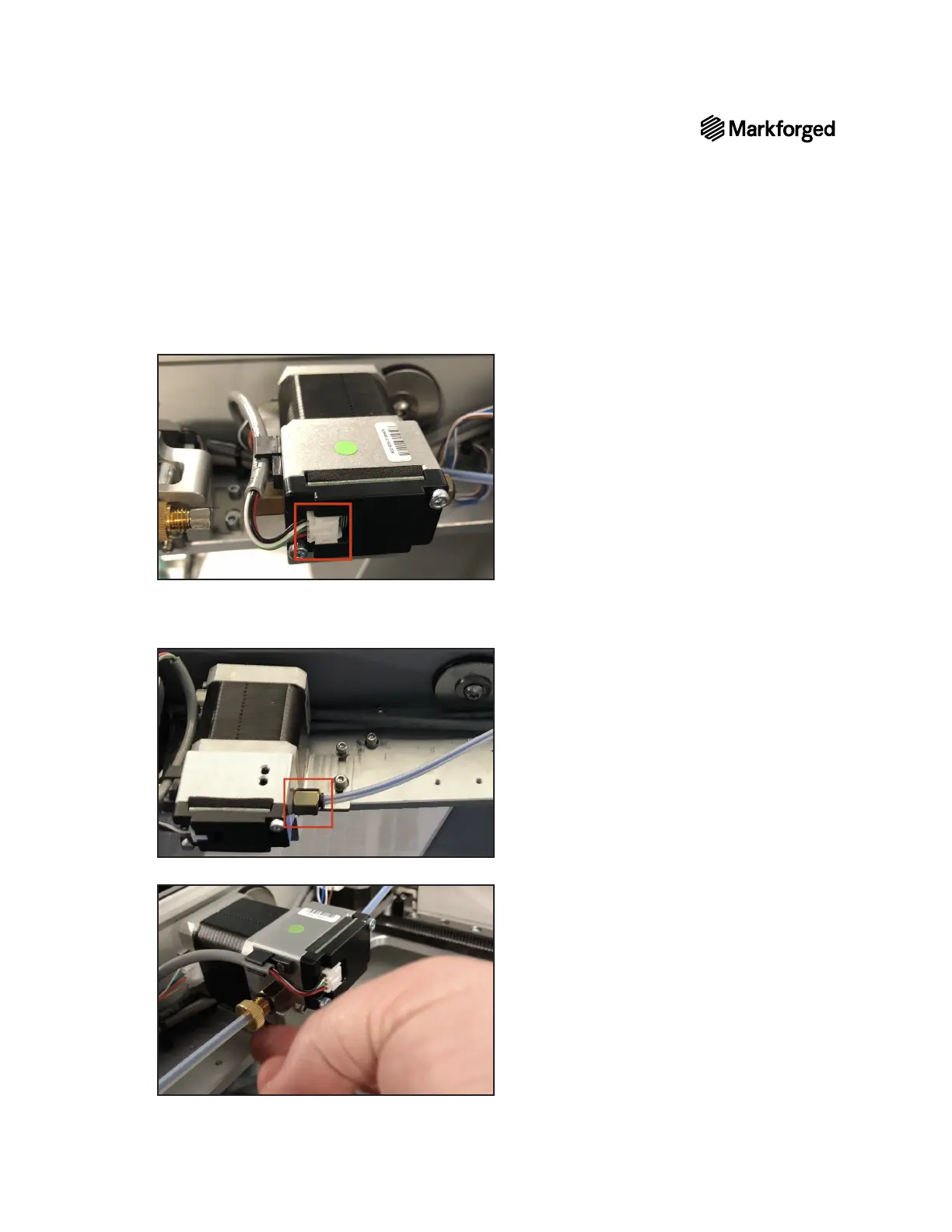
3. Install the extruder on the rail, pushing it back against the case until the mounting holes line up. Use the
2.5mm hex key to install the two screws, securing the extruder to the rail.
4. Connect the plastic feed tube to the plastic extruder.
5. Connect the plastic Bowden tube to the plastic extruder and tighten the thumbscrew.


Other manuals for Markforged MARK TWO

Related product manuals