EasyManua.ls Logo

Markforged MARK TWO - Page 19

Markforged MARK TWO
58 pages
Print Icon
To Next Page IconTo Next Page
To Previous Page IconTo Previous Page
Loading...
19
DESKTOP PRINTER SERVICE MANUAL
6. 
7. 

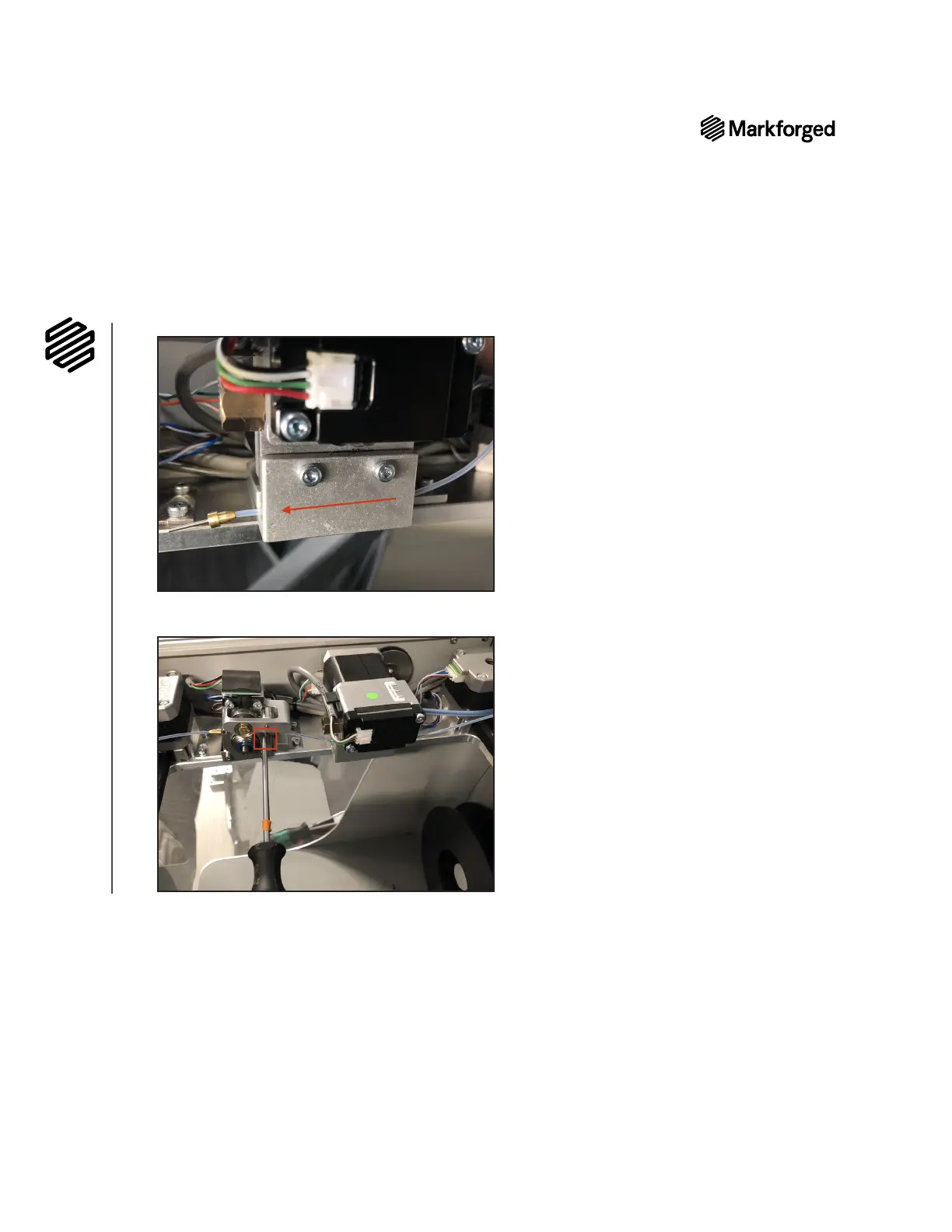
8. Carefully tuck all internal cables and connectors below the lid of the printer.
9. Power on the printer.
10. Reload print material. For more information, see Loading Plastic and Loading Fiber, if applicable.


Other manuals for Markforged MARK TWO

Related product manuals