DESKTOP PRINTER SERVICE MANUAL
48
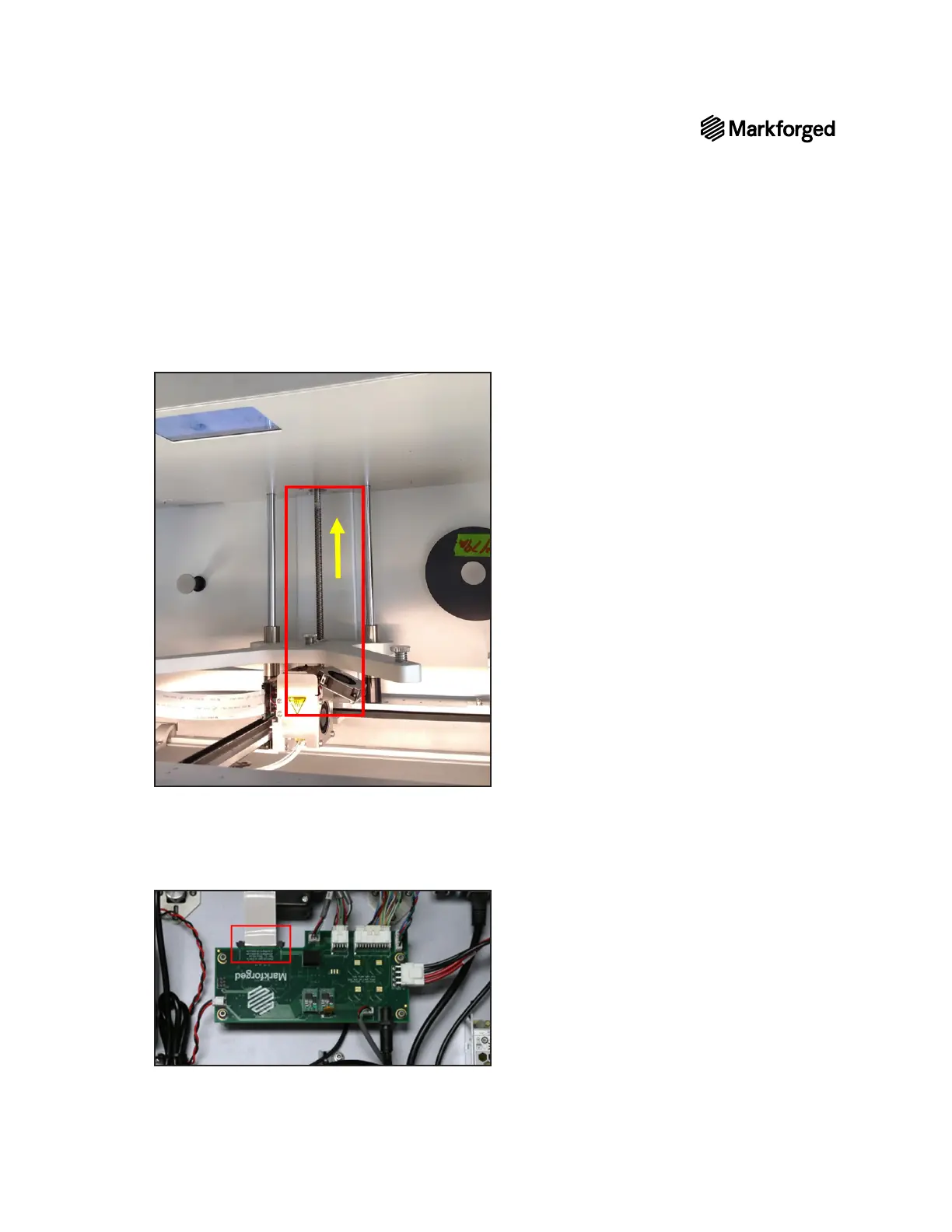
15. Tilt the printer backward such that the visor can be opened wide enough for you or a partner to reach into
below, the arrow points toward the bottom plate of the printer, facing up during the procedure.)
16. Find the spot where the ribbon cable adheres to the back wall of the printer and peel the cable free of the
adhesive.
Note: Leave the adhesive on the printer, if possible. You will need it when installing the new
cable.
17. beneath



 To Next Page