Rad-8 Signal Extraction Pulse Oximeter Operator’s Manual 4-17
4
operation
SETUP MENU LEVEL 3 - (CONTINUED)
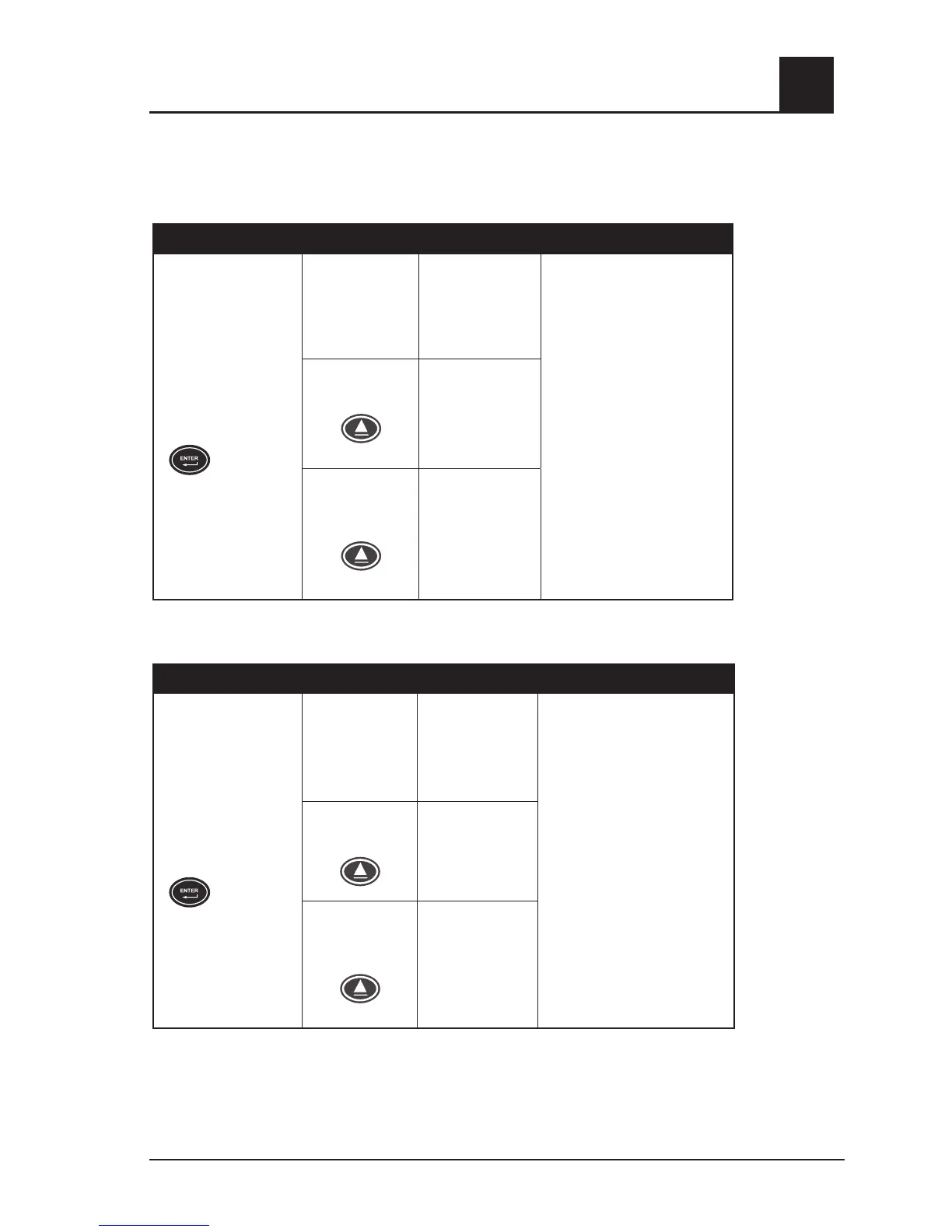
YEAR
BUTTONS SETTINGS INSTRUCTIONS
Press the Enter Button
again to move to the
next menu.
Year (current
year)
(default set to
internal clock)
Confirm setting and press
Enter.
NOTE: Pressing Enter while
on Yes will clear trend.
Use the Up or Down Button to
move between settings.
AND
press the Enter Button to accept
the setting and move to the
next menu
OR
let the device time out for 10
seconds to exit without saving
the new setting.
Press Up Once
and press Enter
Year
Sets year (0-99)
Press Up Once
and press Enter
Year
(defaults to Yes)
MONTH
BUTTONS SETTINGS INSTRUCTIONS
Press the Enter Button
again to move to the
next menu.
Month (current
month)
(default set to
internal clock)
Confirm setting and press
Enter.
NOTE: Pressing Enter while
on Yes will clear trend.
Use the Up or Down Button
to move between settings
AND
press the Enter Button to
accept the setting and move
to the next menu
OR
let the device time out for 10
seconds to exit without saving
the new setting.
Press Up Once
and press Enter
Month
Sets Month
(0-12)
Press Up once
and press Enter
Month
(defaults to Yes)



 To Next Page