Stork Vitals+ Advanced Use
Masimo Corporation 39 www.masimo.com
Remove a Stork device - Swipe left on a device and select the remove icon. Follow the in-
app instructions to remove the device. The device can also be removed from the
Device Info
screen.
Settings
Units of Measurement
Select the units of measurement for temperature, length or weight.
Alert Sounds
Sounds are on by default. This feature allows the ability to turn the alarm sounds and visual
alerts on the Stork Camera off, so as to not disturb the baby. The app alarms cannot be
disabled.
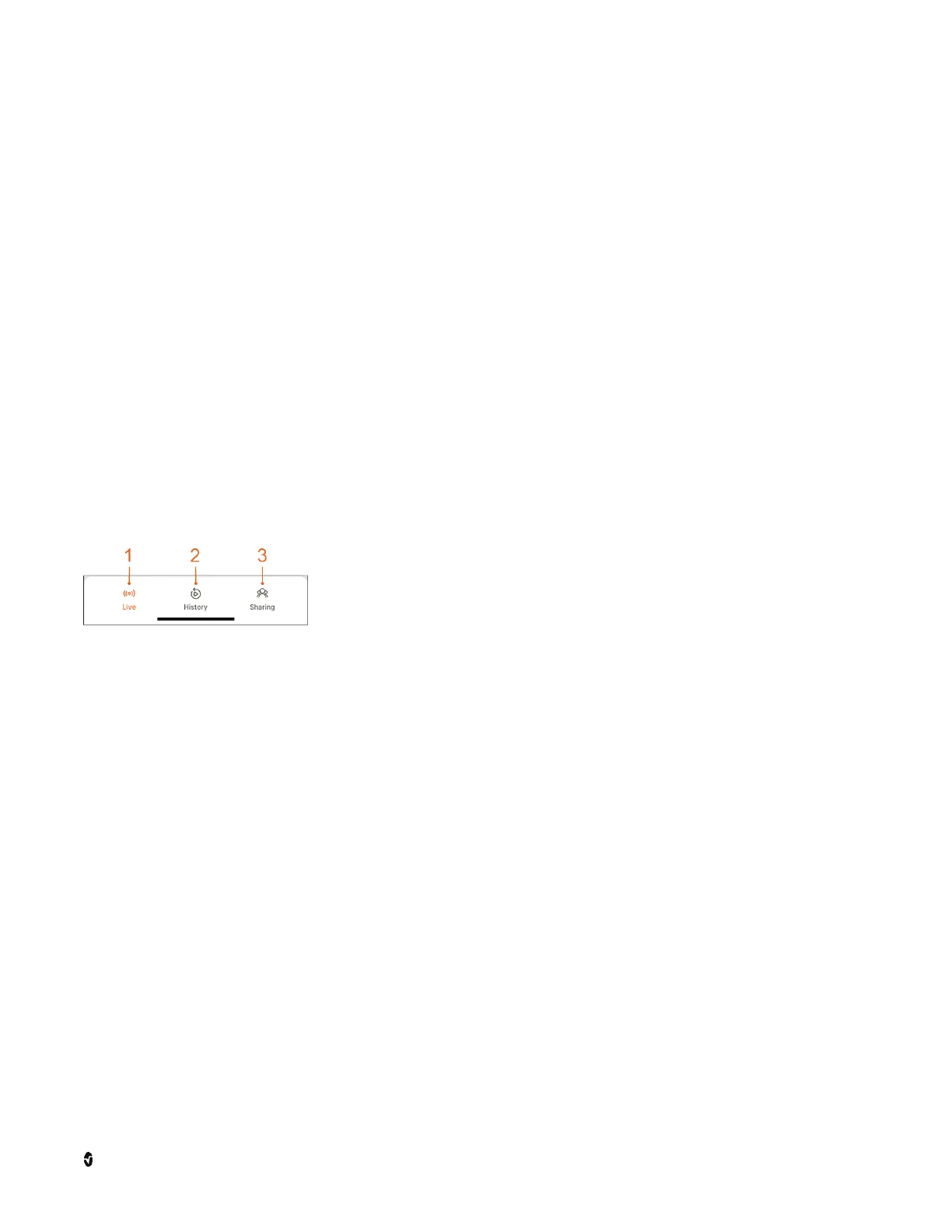
Bottom Menu
The
Bottom Menu
provides access to the following functions and features of Stork:
1 Live - Displays the current data, room conditions and health
data. See
Step 3: V iew Live Da ta
on page 30.
2 History - Review history data recorded by Stork. See
History
on page 40.
3 Sharing - Access to view other Stork Systems that have been
shared with you or share your system with other caregivers. See
Sha ring
on page 40.



 To Next Page