11.1 wxPropView 93
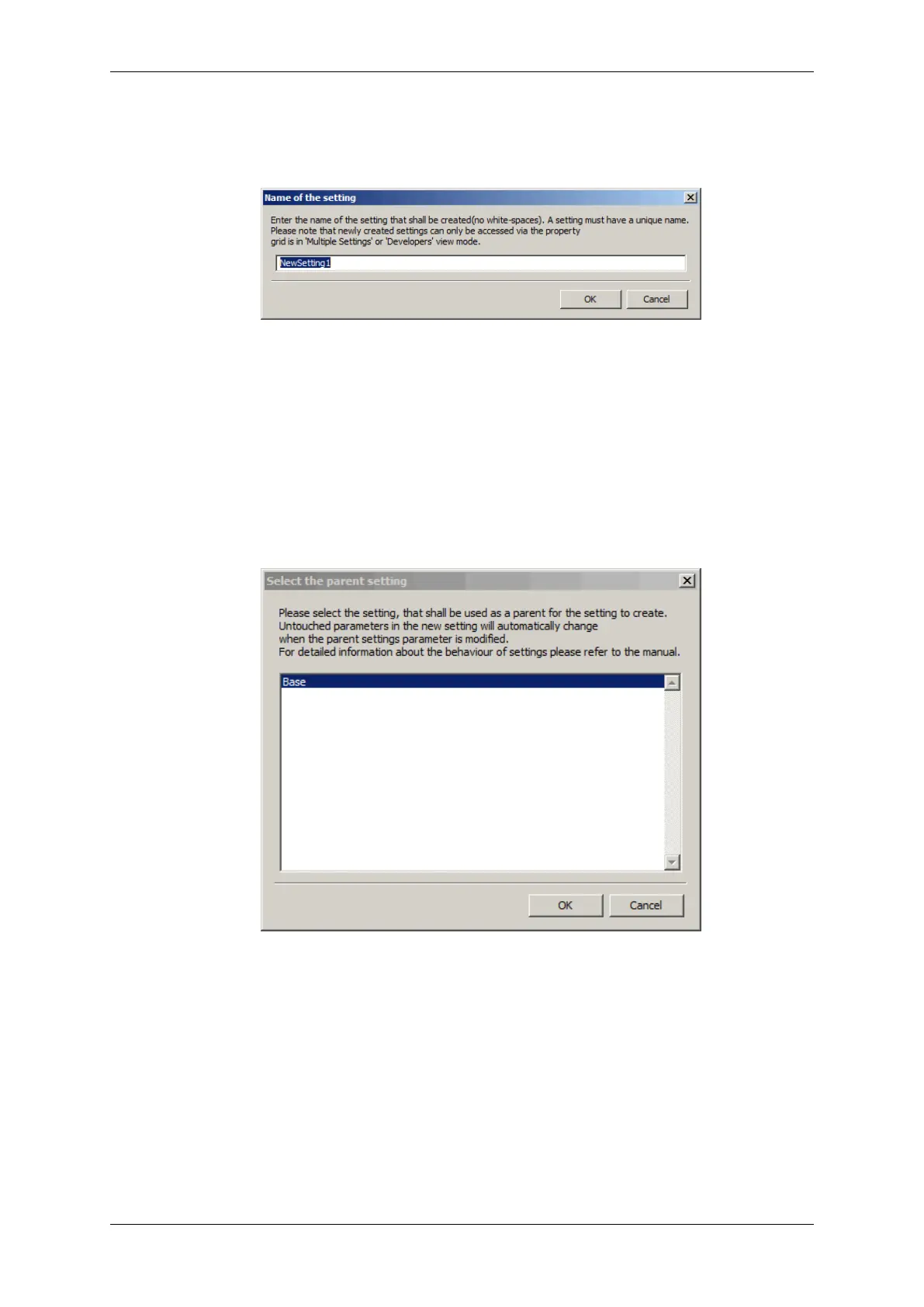
2. Then, the user is asked for the name of the new setting.
Figure 18: wxPropView - Create capture setting - Choosing name
3. And finally for the base this new setting shall be derived from.
Figure 19: wxPropView - Create capture setting - Choosing base
Afterwards, in this example we end up having 2 capture settings:
• a "Base" setting, which is always available
• a "NewSetting1", which has been derived from "Base".
MATRIX VISION GmbH



 To Next Page