92 CONTENTS
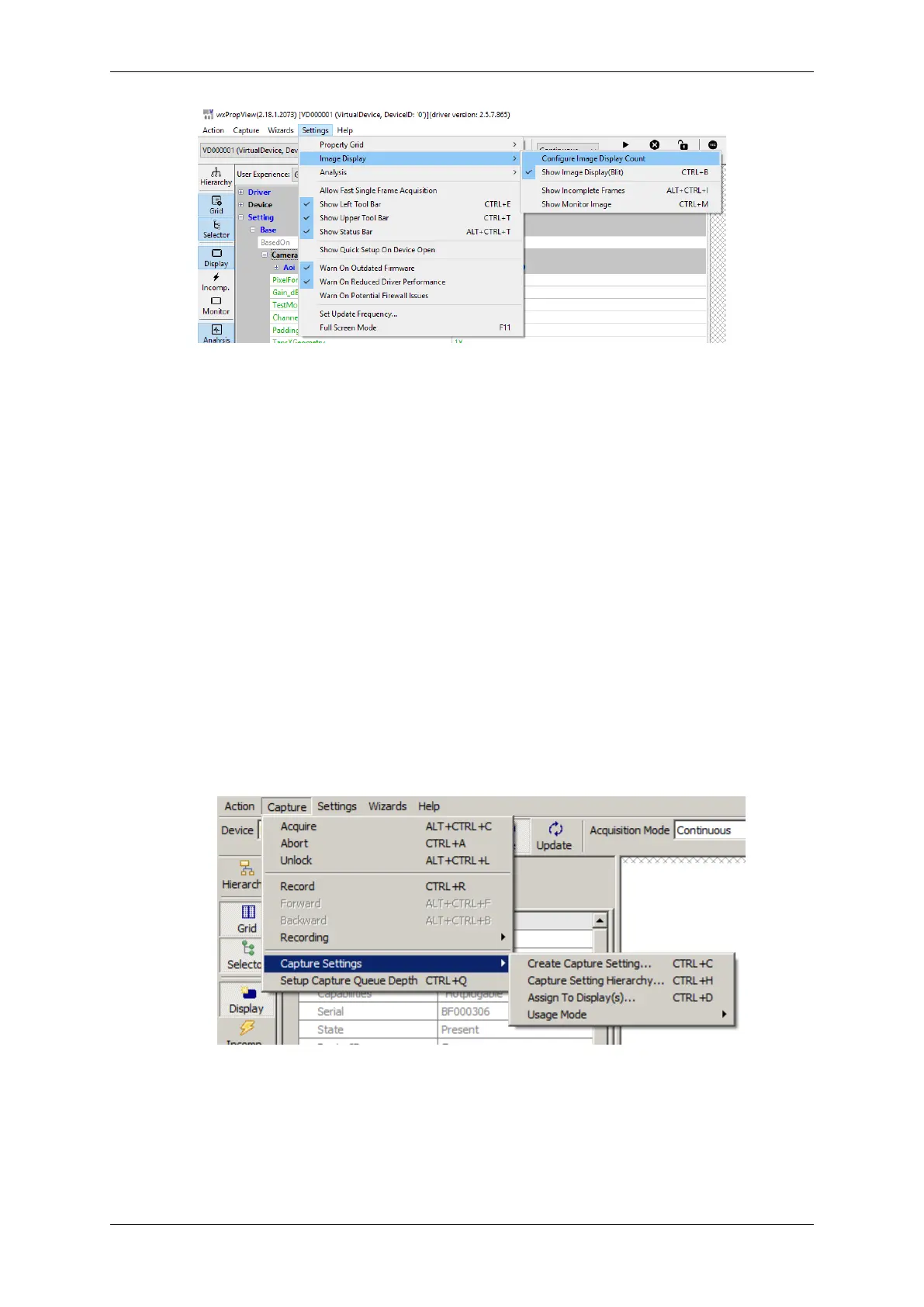
Figure 16: wxPropView - Create capture setting
Additional capture settings can be created via "Menu Bar": "Capture -> Capture Settings -> Create Capture
Settings". The property grid will display these capture settings either in "Developers" or in "Multiple Settings
View".
Now, in order to set up wxPropView (p. 77) to work with 2 instead of one capture setting,
1. Various additional capture setting can be created. In order to understand what a capture setting actually is
please refer to
• "Working with settings" chapter of the "mvIMPACT Acquire API" manuals.
Creating a capture setting is done via "Capture -> Capture Settings -> Create Capture Setting".
Figure 17: wxPropView - Create capture setting
MATRIX VISION GmbH



 To Next Page