11.1 wxPropView 91
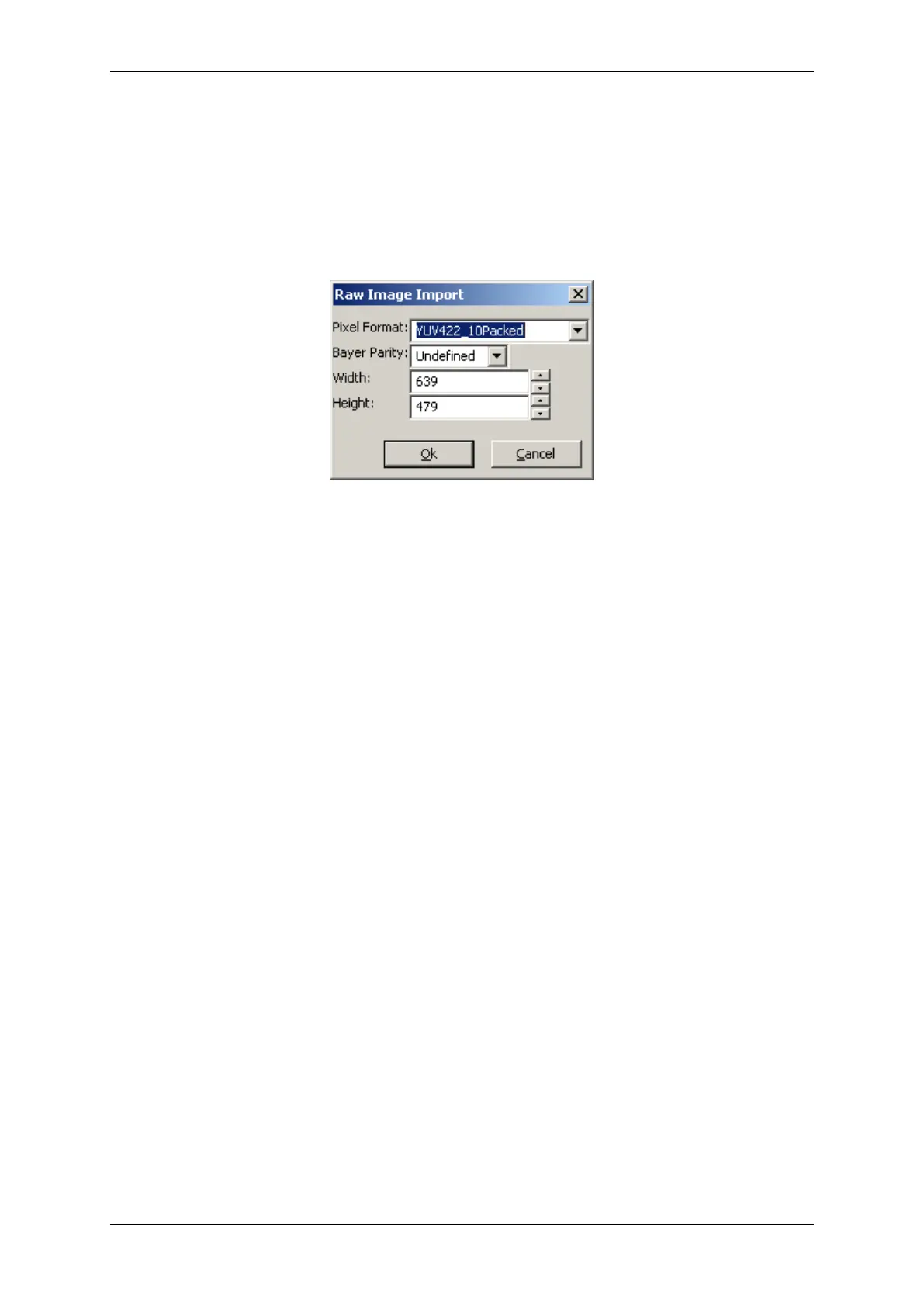
When importing a "∗.raw" image file a small dialog will pop up allowing the user to define the dimensions and
the pixel format of the image. When the file name has been generated using the image storage function offered
by wxPropView (p. 77), the file name will be passed and the extracted information will automatically be set in the
dialog thus the user simply needs to confirm this information is correct.
Figure 15: wxPropView - Raw image file import
11.1.1.9 Setting up multiple display support and/or work with several capture settings in parallel
wxPropView (p. 77) is capable of
• dealing with multiple capture settings or acquisition sequences for a single device and in addition to that
• it can be configured to deal with multiple image displays.
The amount of parallel image displays can be configured via the command line parameter (p. 115) "dcx" and
"dcy". In this step by step setup wxPropView (p. 77) has been started like this from the command line:
wxPropView dcx=1 dcy=2
This will result in 1 display in horizontal direction and 2 in vertical direction.
Since
mvIMPACT Acquire 2.18.1
Is is also possible to change the amount of display at runtime via "Settings -> Image Displays -> Configure Image
Display Count":
MATRIX VISION GmbH



 To Next Page