11.1 wxPropView 109
Figure 38: External flash signal
If current needed for flash is below 100 mA you can connect flash directly to camera outputs. If it is higher, you have
to use an additional driver for controlling the flash, which provides the higher current.
Note
Depending on used flash driver it could be necessary to use pull-up or pull-down resistors so that driver can
recognize the signal correctly.
See also
Characteristics of the digital outputs (p. 45)
11.1.2.5.2 Setting up
In wxPropView (p. 77) you can open camera and display acquired images.
By default camera is running free. This means, it uses its own timing depending on set pixel clock, exposure time
and shutter mode.
Trigger
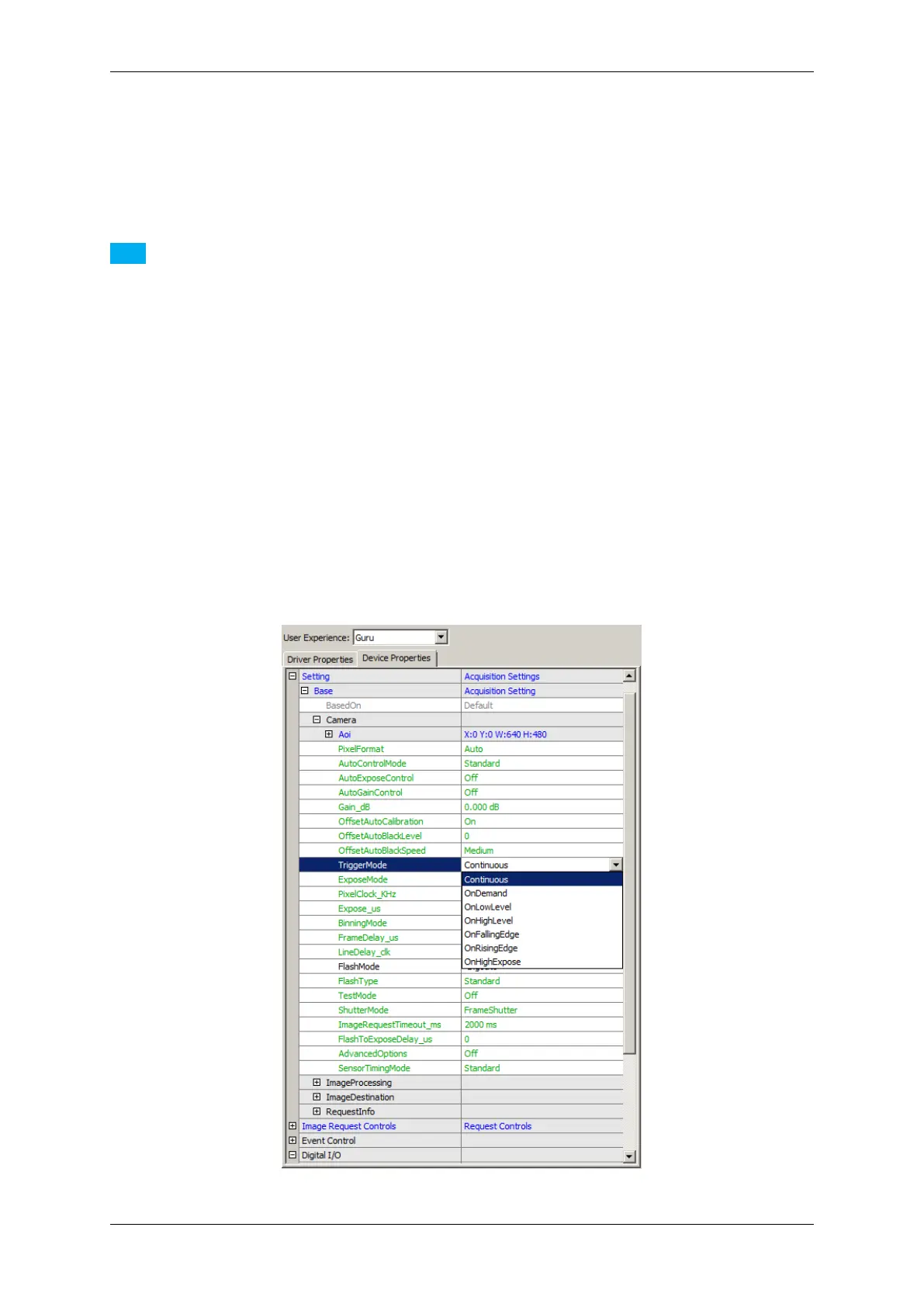
To let the camera acquire images only with an external trigger signal you must change the "TriggerMode" to the
mode suitable to your application:
Figure 39: TriggerMode
MATRIX VISION GmbH



 To Next Page