19.2 Improving the acquisition / image quality 157
Figure 9: After white balance
Figure 10: Corresponding histogram after white balance
19.2.2.3 Step 3: Contrast
Still, black is more a darker gray. To optimize the contrast you can use "Setting -> Base -> ImageProcessing ->
LUTControl" as shown in Figure 8.
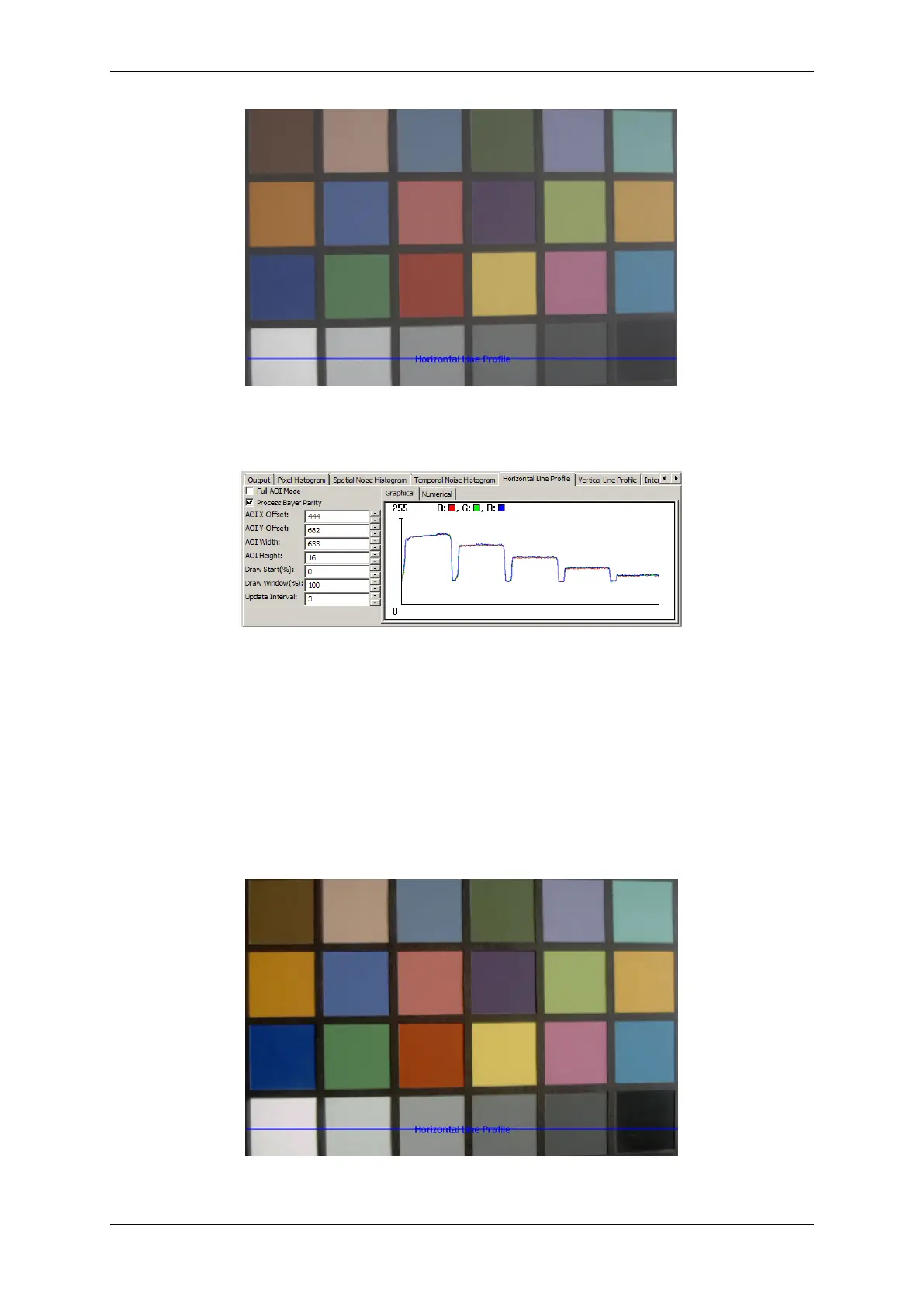
The image will look like this now:
Figure 11: After adapting contrast
MATRIX VISION GmbH



 To Next Page