92
Chapter 7, Monitoring Your Matrox VS4 System
Displaying hardware information
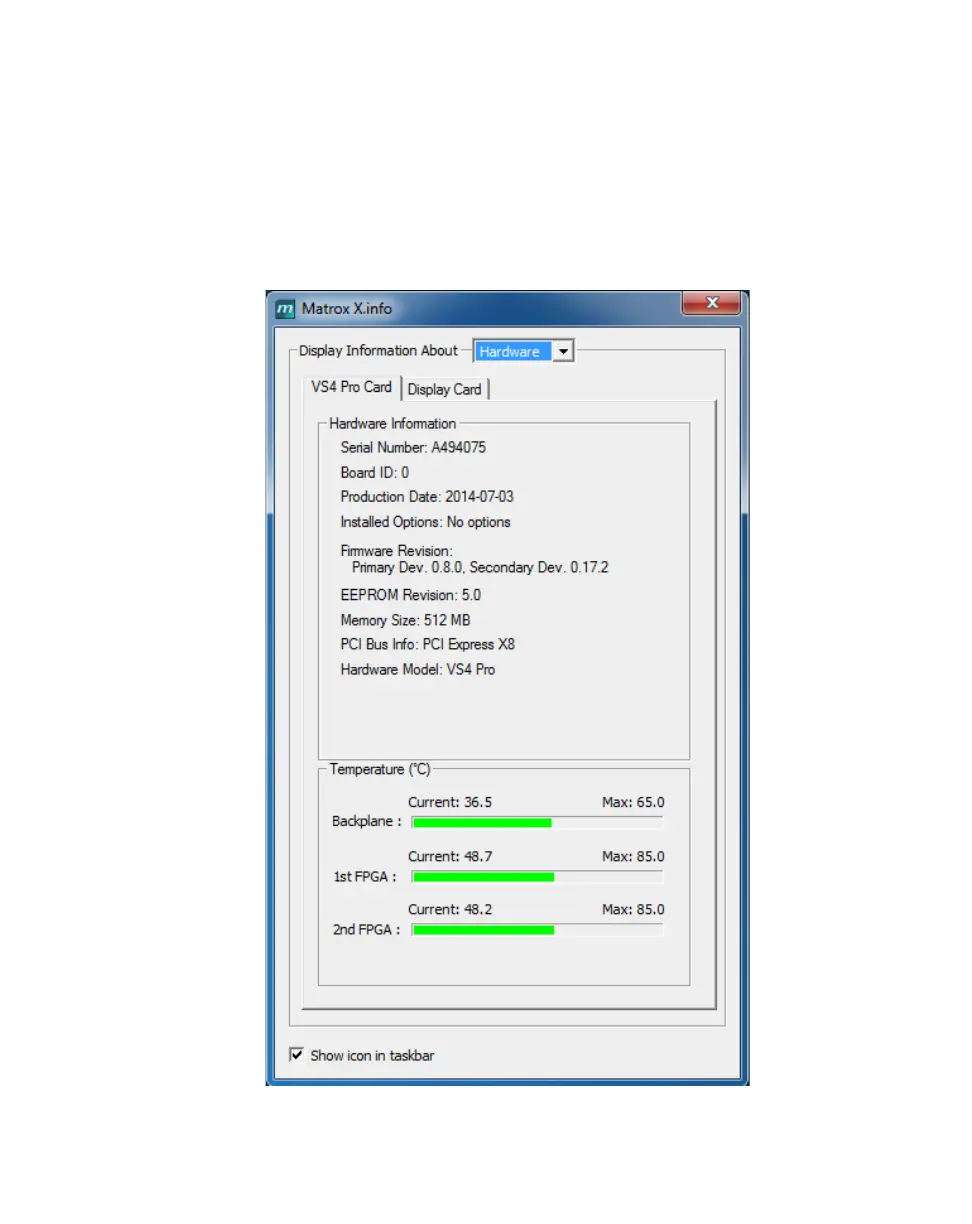
To display information about the Matrox VS4 cards installed in your system,
select
Hardware from the Display Information About list. The hardware
information (for example, serial number and production date) for each of the
installed VS4 cards in your system is displayed on a separate
VS4 Card page. If
you have two VS4 cards installed, use X.info to select which is to be your
primary card. You can also monitor the current and maximum operating
temperatures for each of your VS4 cards.



 To Next Page