11
Connecting devices to Matrox VS4
Connecting devices to Matrox VS4
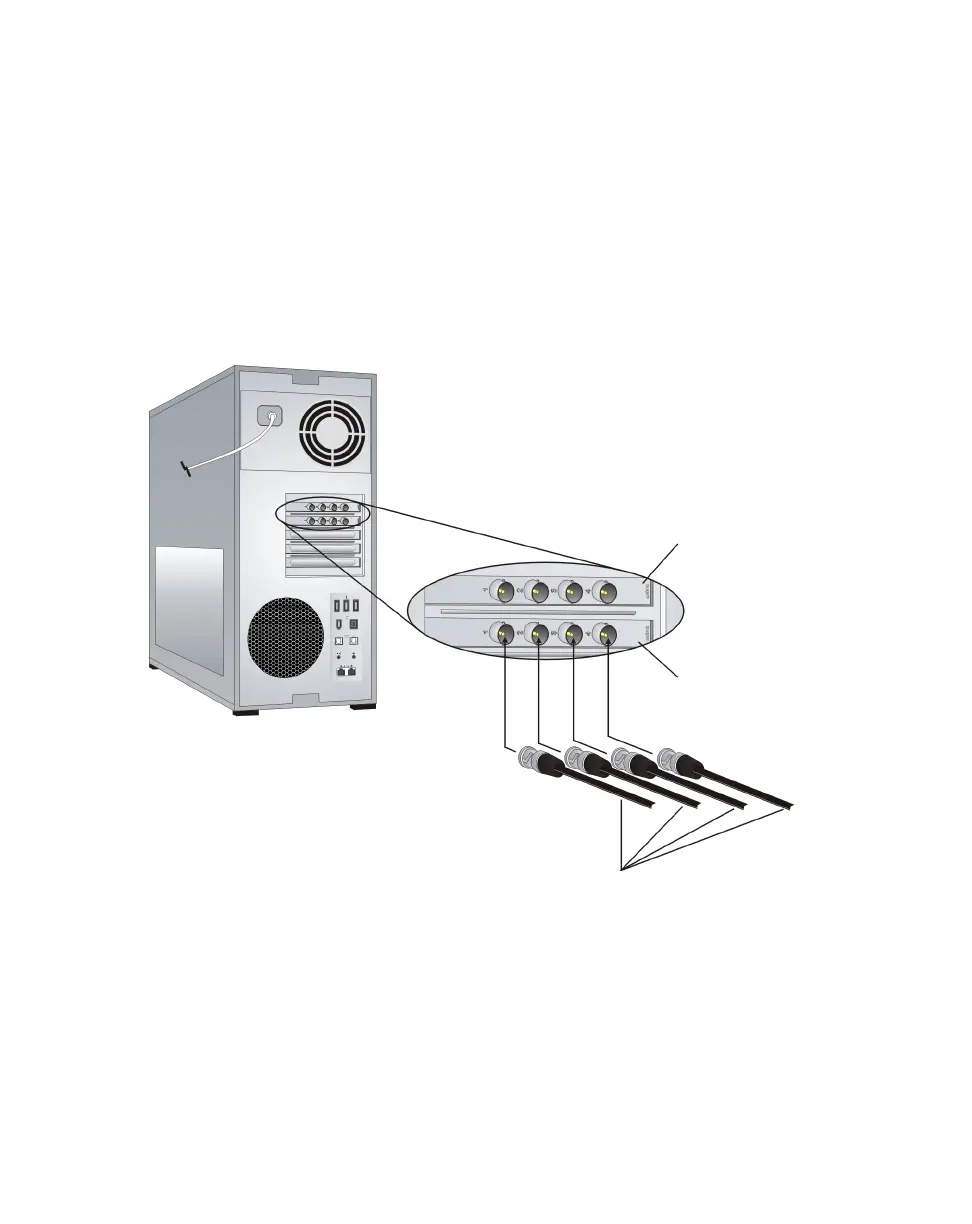
A Matrox VS4 card provides SDI input connectors for up to four external video
devices.
Connect an SDI video cable (not provided) from your SDI source device to an
available SDI input (
1, 2, 3, or 4) on the Matrox VS4 card.
¡ Important If connecting sources with different video formats, the sources
must have compatible frame rates. For a list of compatible frame rates, see
“Supported input formats” on page 10.
SDI video cables
(not provided)
VS4 card
VS4 card
(optional second card)



 To Next Page