52
Chapter 4, Using the VS4Recorder Pro Application
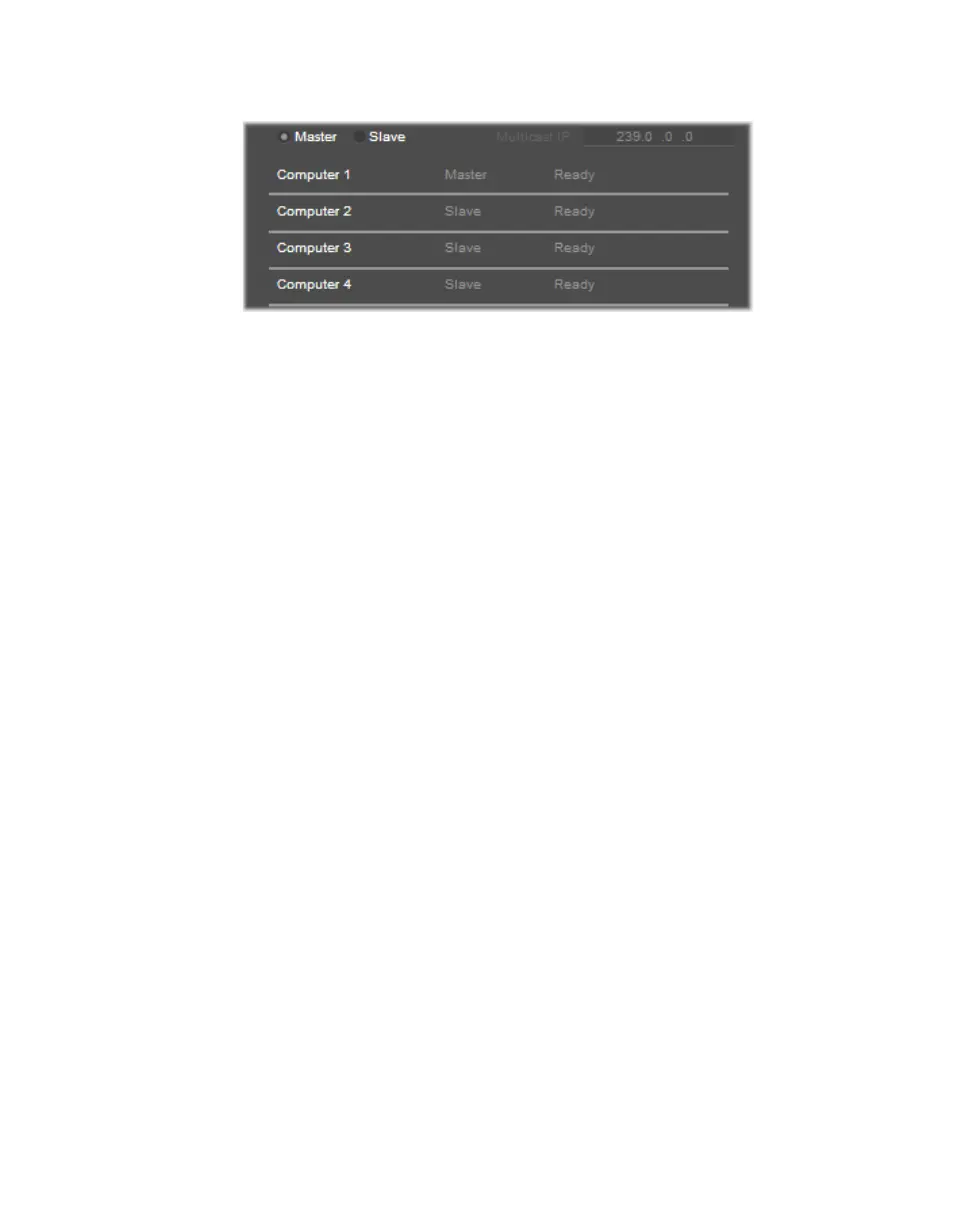
VS4Control status pane
The VS4Control status pane is where all pertinent information regarding your
VS4Control recording session is located, such as your session’s Multicast IP
address (see “Multicast IP address” on page 53), the machine names, and the
machine statuses. The machine statuses are as follows:
• Ready The machine is ready to record and is waiting to receive a start to
record command from the Master, or a slave is ready to capture in the next
recording session (joining a group that is currently recording).
• Recording The machine is currently recording/capturing.
• Not responding The machine joined a group, but is not responding
(perhaps due to a crash).
¦NoteAs soon as a machine joins the group, it notifies the network that it is
connected and accessible. If a notification is missing, the machine that is not
responding will be tagged with a
Not responding status.
Master and slave machines
Each computer used to capture the video files during your VS4Control recording
session has a machine name
for identification.
¦NoteWhen using VS4Control, the Session Name is the name of the master
machine’s session.
Before starting a VS4Control recording session, you should select which
machine will be the Master, configuring the settings. Selecting either
Master or
Slave affects the available options and display:
• The title bar of the control pane will update with the corresponding Master
or Slave selection.
• Selecting
Slave disables the Record button on the machine currently in use;
whereas selecting
Master will enable it.
• The VS4Control status pane will update.
Whenever VS4Control is enabled, the first machine set to
Master will cause the
other machines on that network to set to
Slave.



 To Next Page