76
Chapter 5, Using Matrox VS4 with Telestream Wirecast
WAV audio recording
When you record audio to separate .wav files along with your video, the .wav
files can have a maximum file size of 4 GB. This means that depending on your
specified audio settings, the .wav audio file has a maximum duration. This
restriction does not apply to the embedded audio in the video file, which can last
as long as the associated video. The following table lists the approximate
maximum duration for a separate .wav audio file based on the audio settings:
Record status
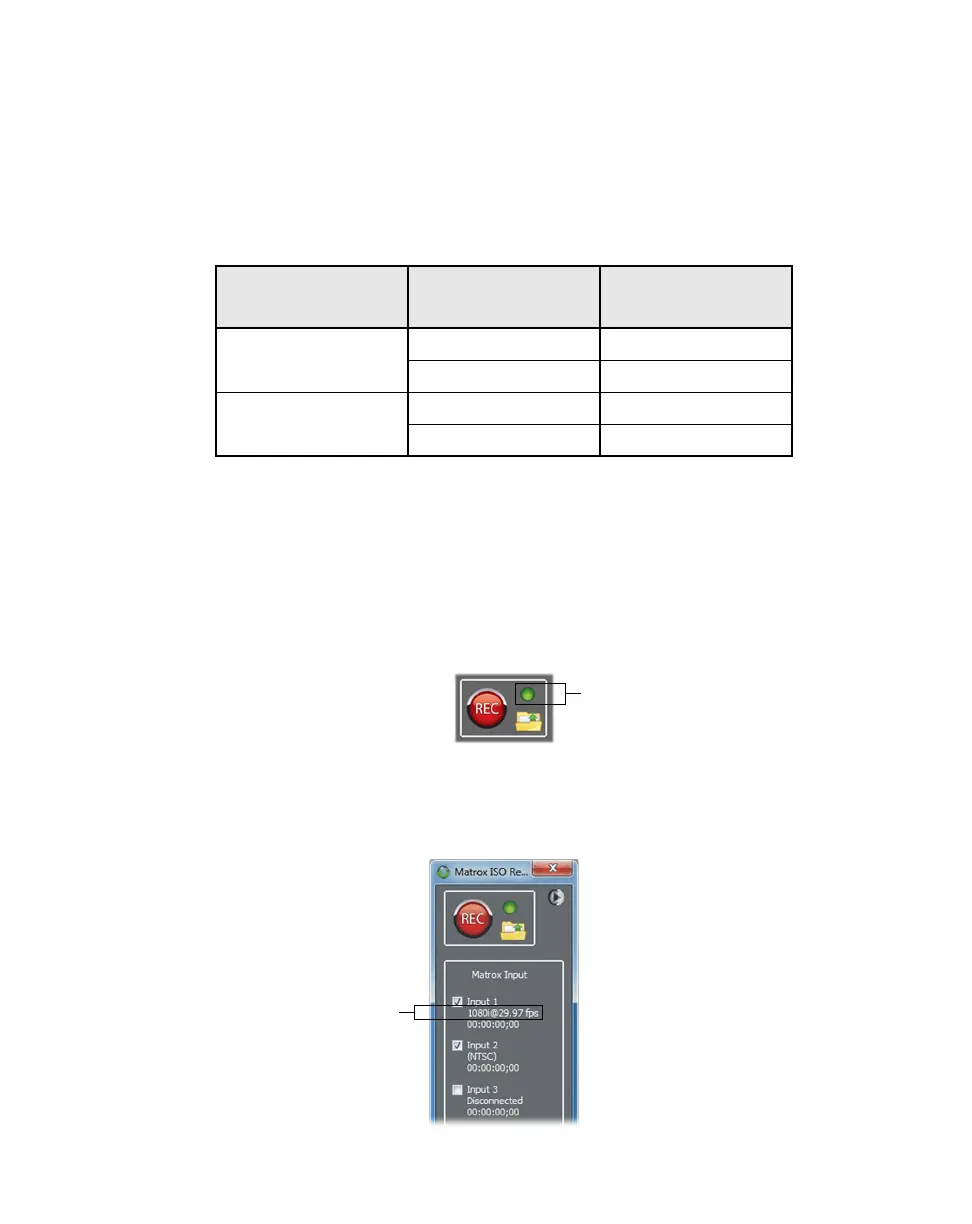
Matrox VS4 includes a record status indicator. If the indicator remains green
throughout the entire recording session, all input recordings completed without
any dropped or skipped frames. If dropped or skipped frames occur for any input
recording, the indicator turns red for the duration of the recording session. Check
the Record.Log file to see the dropped/skipped events for each recorded input
(see “Record log file” on page 77).
Input states and video formats
Matrox VS4 automatically detects the video format of the source connected to a
VS4 input and displays it in the Matrox ISO Recording tool.
Audio Channel Type Audio Bit Depth
Approximate
Maximum Duration
Mono
16-bit 12 hours
24-bit 6 hours
Stereo
16-bit 6 hours
24-bit 3 hours



 To Next Page