47
Settings
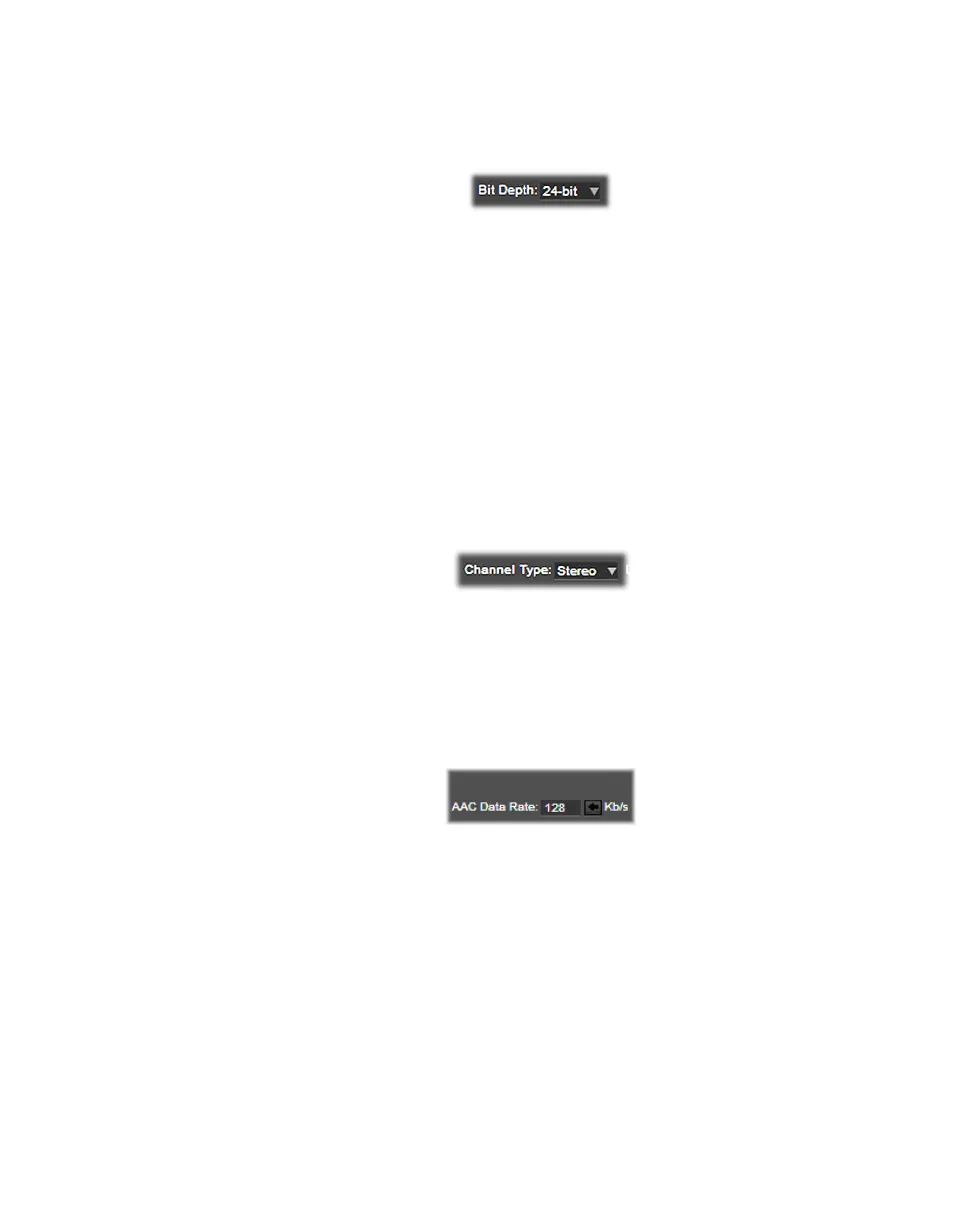
Bit depth
Select the bit depth that you want for the two channels of embedded PCM audio
in your video file, and the separate audio files that are recorded.
Channel type
Select the channel type that you want for all the separate audio files that are
recorded. If recording to an .mov video file (see “Video codec” on page 40), this
setting also applies to the audio that is embedded in the recorded video file.
•
Mono Creates a separate .wav or .aac audio file for every selected
channel. For example, if four audio channels are selected, four mono audio
files will be created. The embedded audio in an .mov file will also be mono
(not supported for embedded audio in an .avi file, which is always stereo).
•
Stereo Creates a separate .wav or .aac audio file for each audio pair
selected. For example, if four audio channels are selected, two stereo audio
files will be created. The embedded audio in an .avi, or .mov file will also be
stereo.
Data rate
If AAC is selected as the audio file type (see “File type” on page 46), specify the
bit rate (in Kb/s) that you want for all the separate audio files that are recorded.
You can set the data rate to any value between 32 Kb/s and 512 Kb/s.
¦NoteThis setting also affects the enbedded audio when capturing video in
H.264.
Timecode settings
VS4Recorder Pro includes timecode metadata in every recorded video file for
easy synchronization in Adobe Premiere Pro CC and CS6. The starting timecode
in a video file corresponds to the timecode at the moment when the source
recording was started. You can choose to embed the timecode that is present in
the SDI source, or the VS4Recorder Pro session timecode. Select
System Time
to embed the current time in the video files (see “System Time” on page 49).
¦NotePreviously, embedded timecode present in any source would be used for
the corresponding input. Now, this is only possible when recording in
Independent mode; otherwise, it will be taken from Input 1 only.



 To Next Page