51
VS4Control
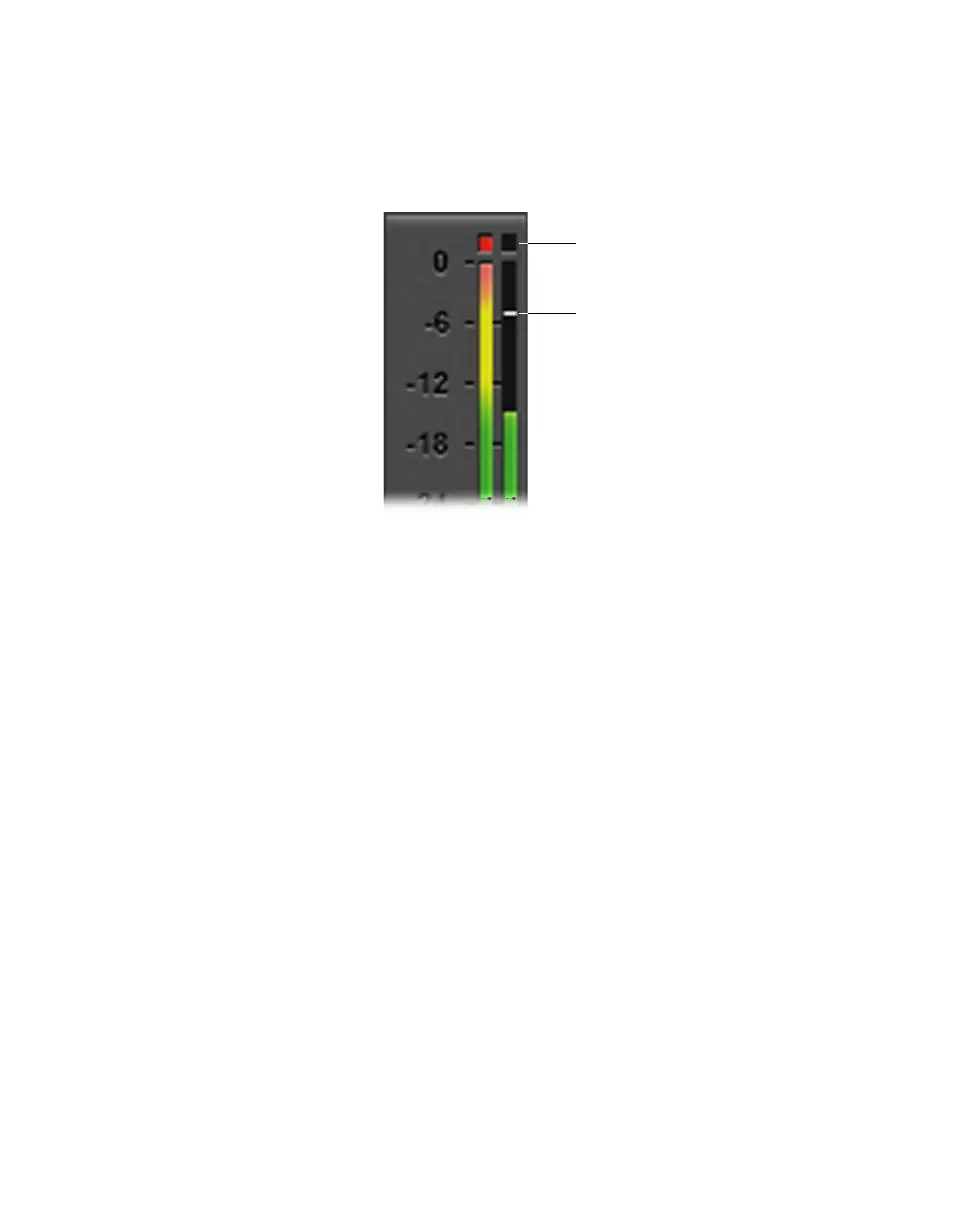
Once the peak LED illuminates, the peak indicator no longer appears for the
duration of the source recording.
¥Tip You can reset the VU peak by double-clicking the VU meter in the source
window.
Auto hide
When
Auto hide is selected, VU meters appear only when mouse activity occurs
over the VS4Recorder Pro source windows, and disappear after a period of
mouse inactivity.
VS4Control
You can enable or disable VS4Control from the option button at the bottom of the
VS4Recorder Pro
Settings dialog. VS4Control allows you to capture an
unlimited number of SDI streams at the same time (each computers with a VS4
card). One VS4, set as a master, can synchronize the capture on four computers
(one master, three slaves) over a network. Recording using VS4Control is like
recording in Multi-Cam mode, but with the ability to link with more machines
and sources.
For a VS4Control recording session, you require:
• A network. All systems must be on the same subnet.
• A valid source connected to Input 1 of each networked machine.
• All cameras genlocked to the same source.
• All cameras output at the same resolution (same frame size and rate).



 To Next Page