33
Settings
Working with 1080i/PsF and SD sources
Some PsF and SD 16:9 video signals do not include scan mode or aspect ratio
information as part of the signal. To avoid possible errors in detection when the
input source is 1080i/PsF at 25/29.97 fps, NTSC, or PAL, VS4Recorder Pro
requires that you indicate whether or not the 1080 source is
PsF, and whether or
not the NTSC/PAL source has a
16:9 aspect ratio.
Record Path
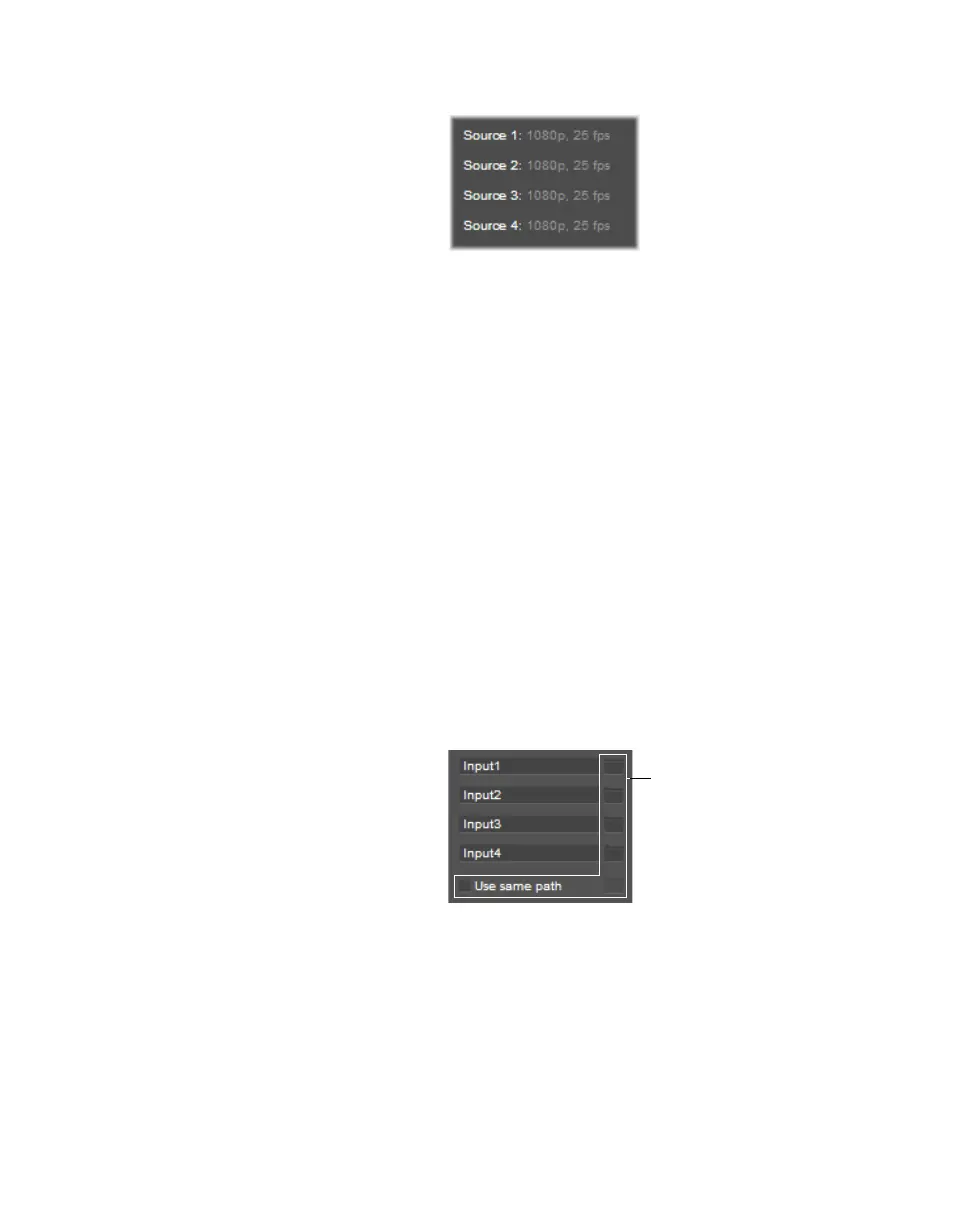
VS4Recorder Pro allows you to specify a single record path for all source
recordings, or a separate record path for each source.
• To specify one record path for all sources, under
Session and File, select
the
Use same path option, and then click the folder icon to browse to the
desired destination. This is especially useful in Multi-Cam mode and when
using VS4Control, as all video and audio files that are created during a
recording session will be stored in the same session folder.
• To specify a separate record path for each source, under
Session and File,
clear the
Use same path option, and then click the folder icon for each
source to browse to the desired destination. In this case, a separate session
folder is created for each source recording.
Session folders
VS4Recorder Pro organizes your source recording files into session folders. How
session folders are created and the naming of the session folders depends on the
recording configuration:
• Multi-Cam mode and when using VS4Control If the
Use same path
option is selected in the VS4Recorder Pro settings, a single session folder is
created for the entire recording session, wherein the video and audio files for
all source recordings are saved.



 To Next Page