37
Settings
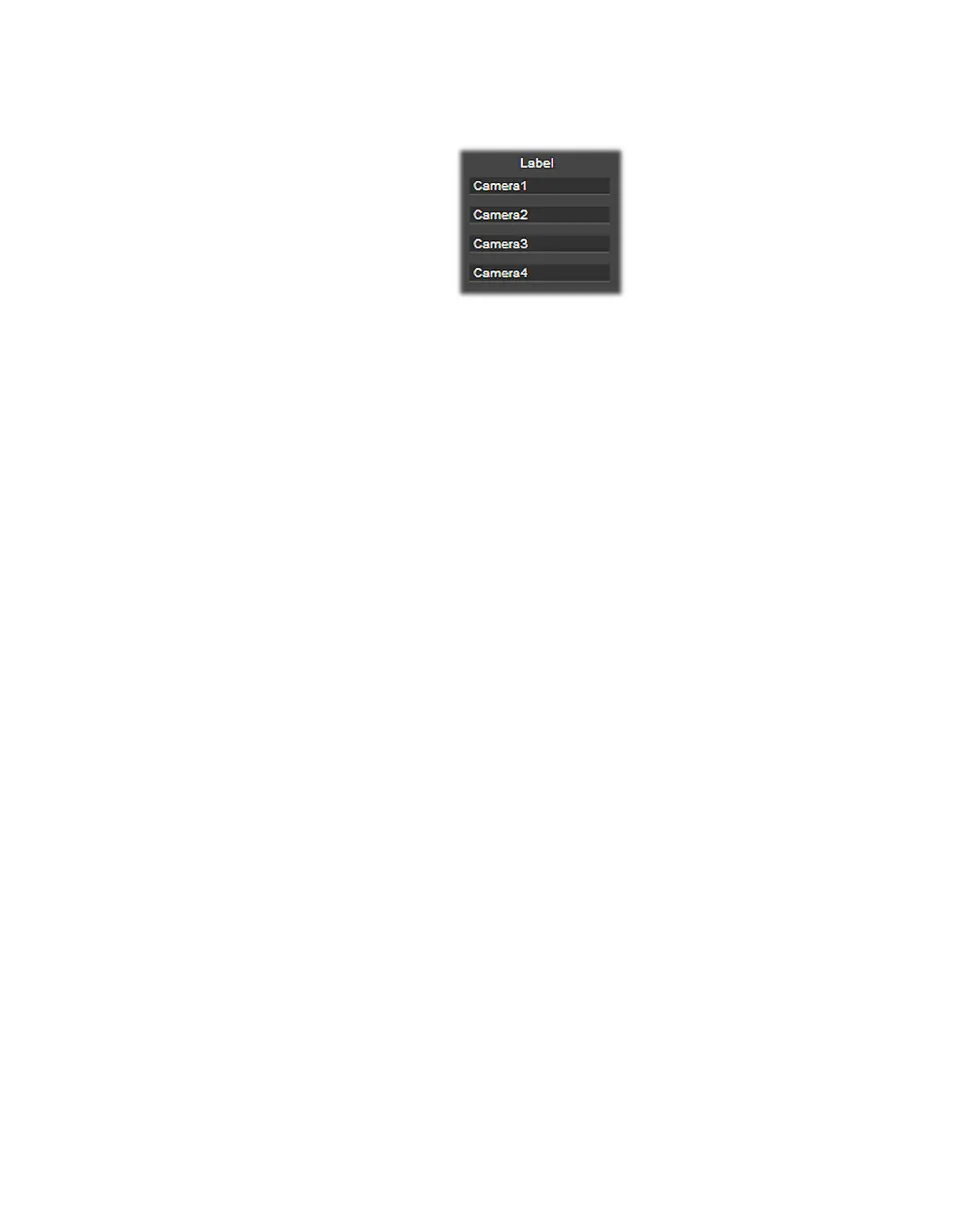
Under Session and File, specify a descriptive label in the Label box for each
source.
Capture duration
You can set a capture duration limit that stops a recording session after a specific
time limit. Once the limit is reached, the recording session will stop
automatically.
How capture duration works
A helpful feature of setting a capture duration is the option of unattended
recording. The
Capture duration feature operates in minute increments, and the
minimum settable duration is one (1) minute. This setting applies to all inputs.
The timer starts once you begin to record. If you do not wish to limit your
recording time, you must clear the
Capture duration option button.
¥Tip When capturing .mp4 files, enabling Capture duration creates streamable
files.
Capture duration functions differently depending on the recording
configuration:
• Multi-Cam mode:
$ One timer is set for all inputs.
$ When you stop the recording session, the timer resets.
$ When you connect another feed (input) while capturing, the timer will
continue (no reset).
$ If an input is disabled, and then re-enabled while capturing, the timer will
continue (no reset).
• Independent mode:
$ The timer operates independently for each input.
$ When you stop capturing on an input, it resets the timer of that particular
input.
$ When you connect another feed (input) while capturing, the timer will
continue (no reset).



 To Next Page