46
Chapter 4, Using the VS4Recorder Pro Application
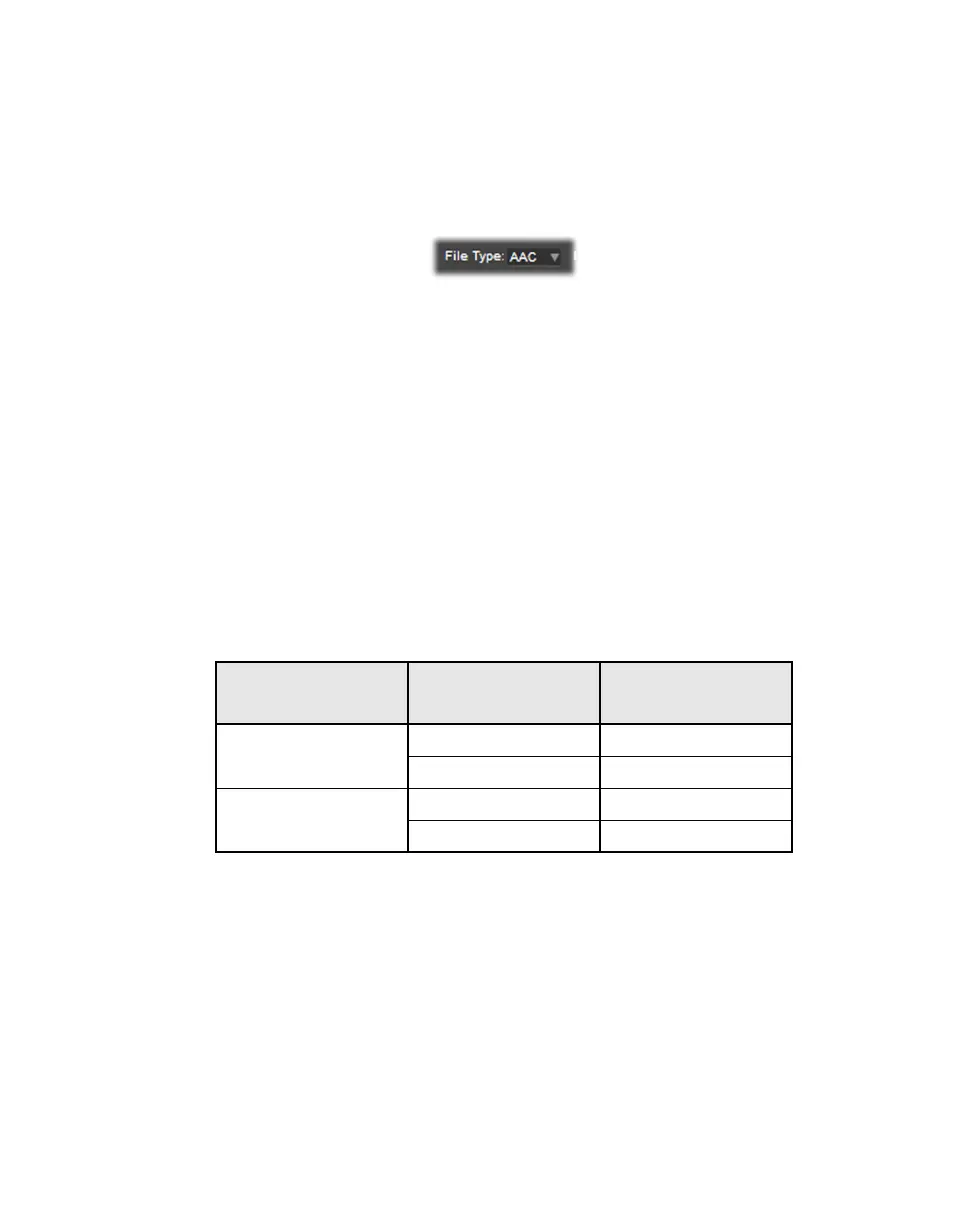
File type
Under
Audio Codec, select the type of separate audio files that you want to
create:
•
WAV Records PCM audio to separate .wav files.
•
AAC Records AAC audio to separate .aac files.
WAV files
The WAV audio format has a restriction; namely, .wav files have a maximum
size of 4 GB. This means that depending on your audio settings, when you record
separate .wav files along with your video, the .wav files are limited to a
maximum duration.
If you wish to capture a lengthy separate .wav file, use file splitting to make
several .wav files that will respect the size limitation, while still being able to
capture the full duration of your recording (see “Automatic file splitting” on page
38).
¦NoteThis restriction does not apply to separate .aac audio files or to the
embedded audio in the video file, which can last as long as the associated video.
The following table lists the approximate maximum duration for a separate .wav
audio file based on the audio settings:
AAC files
You can capture AAC codec data when recording:
• H.264 .mp4 or H.264 .mov
• AAC files as separate audio files
When file splitting is enabled, AAC is not available for separate audio files.
Audio Channel Type Audio Bit Depth
Approximate
Maximum Duration
Mono
16-bit 12 hours
24-bit 6 hours
Stereo
16-bit 6 hours
24-bit 3 hours



 To Next Page