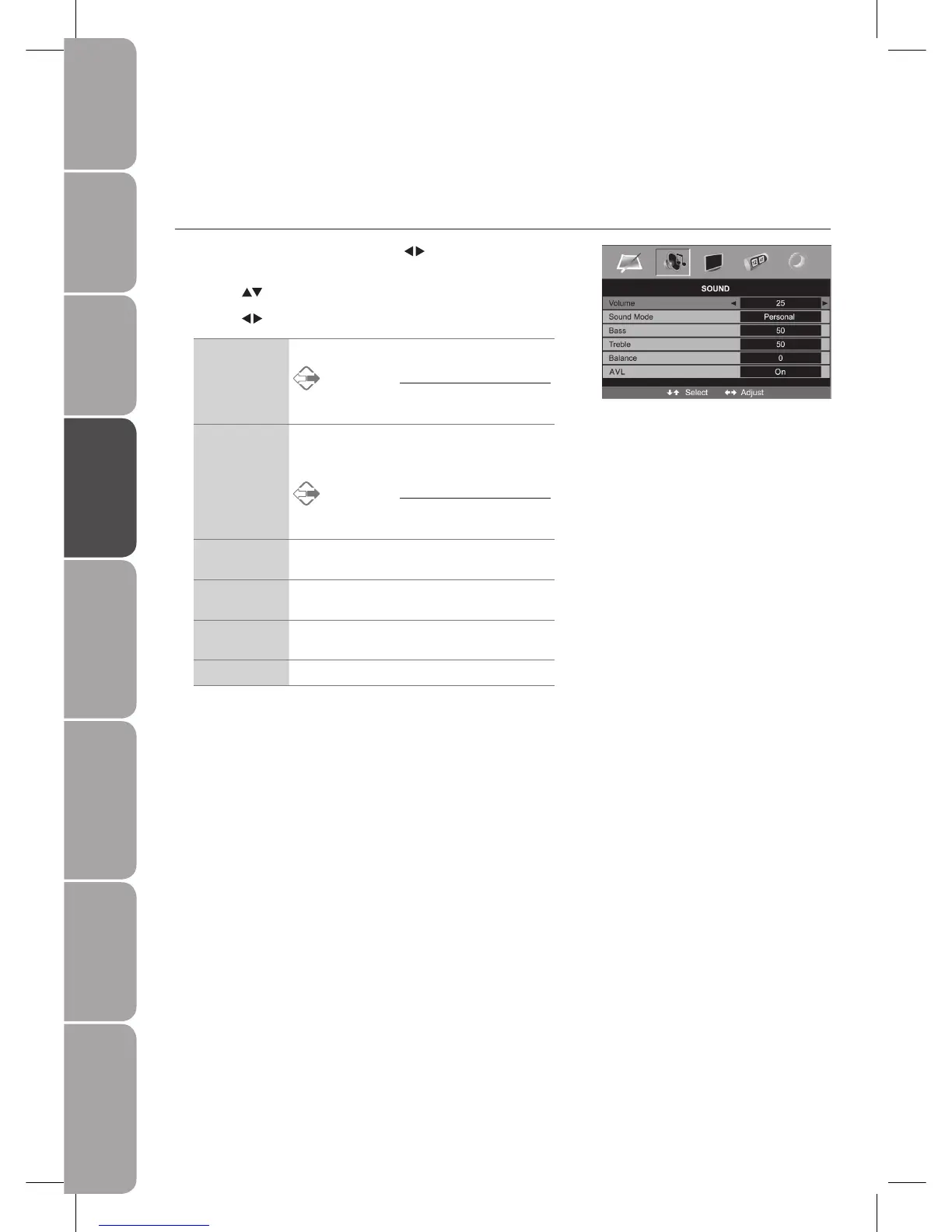
Customising the SOUND Setting
Sound Mode
Allows you to select an audio-enhancement technique.
Press the 1. MENU button and then use the
buttons to select the SOUND
menu.
Press the 2.
buttons to highlight an individual Sound option.
Press the 3.
buttons to change the following settings.
Volume Adjusts the volume.
Alternative
Press the VOL+ or – buttons to adjust the
volume directly.
Sound Mode
Allows selection of an audio-enhancement
technique from among the following options:
Personal / Voice / Music / Theatre.
Alternative
Press the S.MODE button to select the display
type directly.
Bass Controls the relative intensity of lower-pitched
sounds.
Treble Controls the relative intensity of higher pitched
sounds.
Balance Adjusts the relative volume of the speakers in a
multiple speaker system.
AVL Allows volume to be controlled automatically.
Press the 4. MENU button to save the settings and return back to the previous
menu.
Press the 5. EXIT button to exit the menu.



 To Next Page