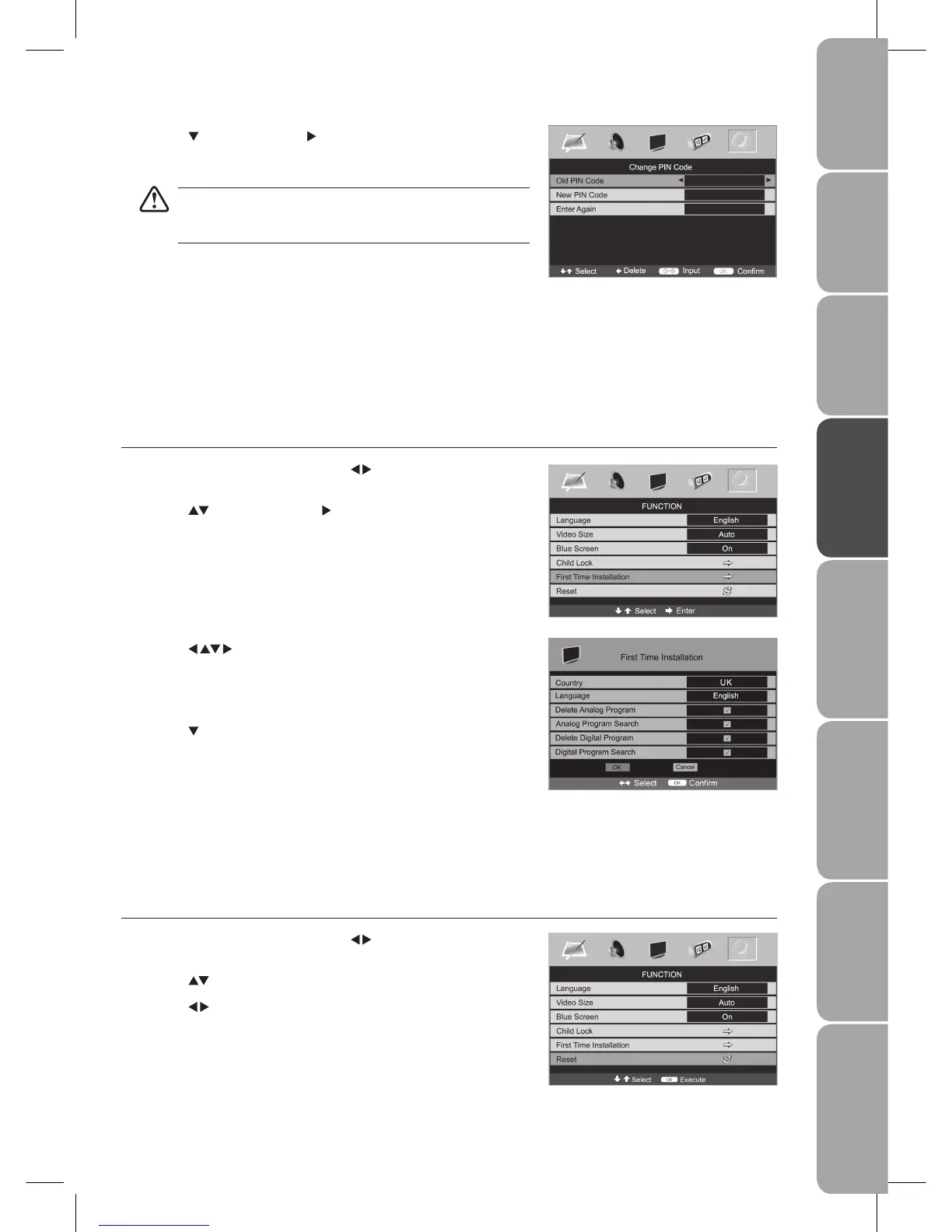
Press the 3. buttons to navigate the menu. Select the
country where you will operate the TV in (ATV mode only), and
your desired language to be displayed on the screen.
Tick the boxes to perform the required operation.4.
Press the 5.
button to select OK on the screen and press the OK
button on the remote control to start the First Time Installation.
Select Cancel on the screen or press the 6. EXIT button to exit from
the screen if you want to cancel the First Time Installation.
A First Time Installation reminder will appear the next time you
turn on the TV.
Reset
Restores all settings to factory defaults.
Press the 1. MENU button and then use the
buttons to select the
FUNCTION menu.
Press the 2.
buttons to select Reset menu.
Press the 3.
buttons to restores factory settings.
Press the 4. MENU button to save and return back to the previous menu.
Press the 5. EXIT button to exit the menu.
Press the 7. MENU button to save the setting and return back to the previous
menu.
Press the 8. EXIT button to exit the menu.
First Time Installation
Allows you to set up your TV if you have not previously done so or if you have moved house.
Press the 1. MENU button and then use the
buttons to select the
FUNCTION menu.
Press the 2.
buttons and then the button to select First Time
Installation menu.
Press the 4. button and then the button to select Change PIN Code.
Use the 5. 0–9 buttons to input a 4-digit PIN code.
The default PIN code is “0000”.
Be sure to remember this number! If you forget your PIN code, press
the master PIN code “4711” on the remote control.
Re-enter new PIN code for confirmation.6.



 To Next Page