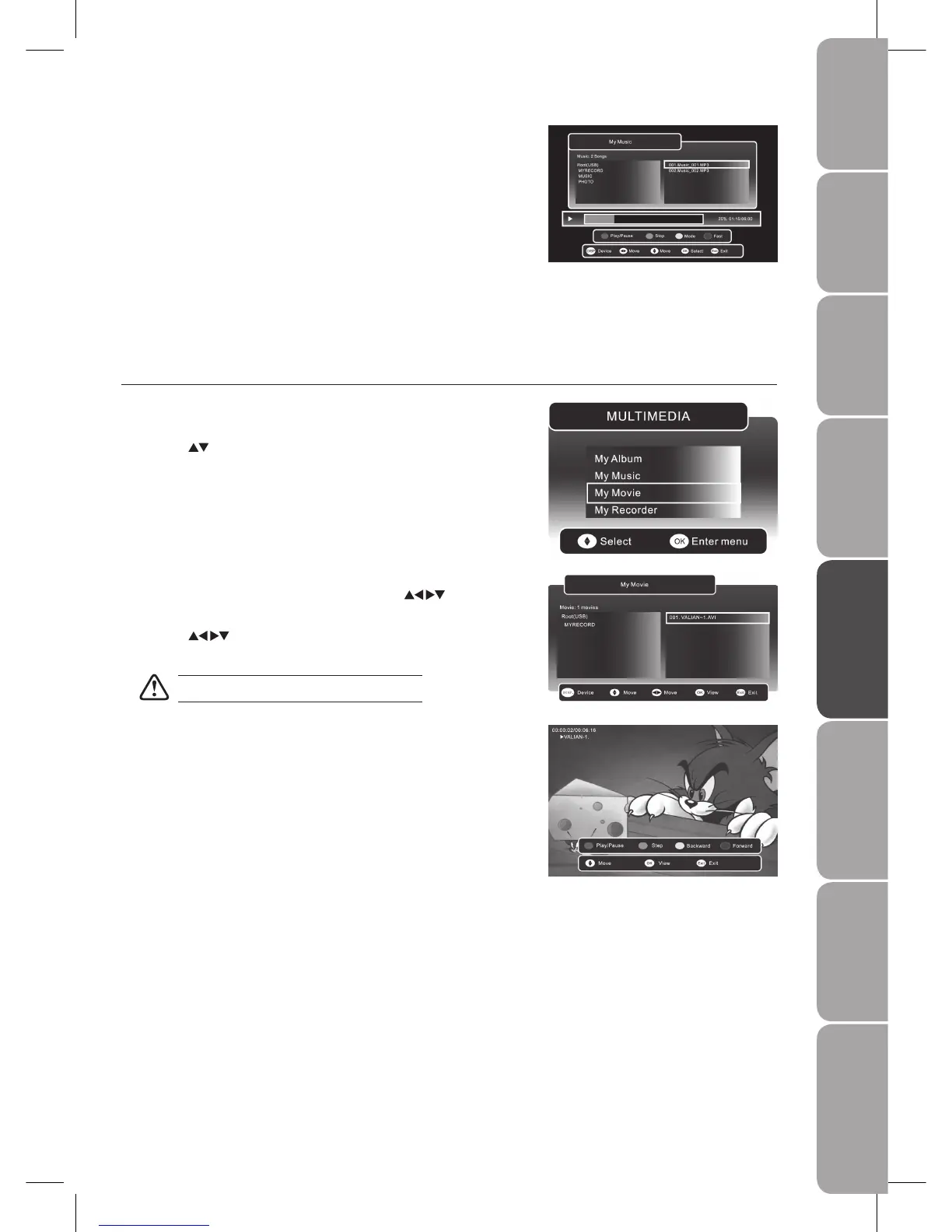
Press the 4. RED button to pause the music playback and press again to
resume the playback.
Press the GREEN button to stop the music playback.
Press the YELLOW button to set repeat mode of the music (Repeat All/
Repeat One/ Repeat OFF).
Press the BLUE button to fast forward the music playback.
Press the DISPLAY button to switch to the device type menu.
Press the 5. MENU / MEDIA button to save the settings and return to the
previous menu.
Press the 6. EXIT button to exit the menu.
During the movie playback, press the 5. DISPLAY button to display the
function bar.
Press the RED button to pause the movie playback and press again to
resume the playback.
Press the GREEN button to play the movie in one-step-play and press again
to set a slow-forward speed to view the movie.
Press the YELLOW button to set a fast-backward speed to view the movie.
Press the BLUE button to set a fast-forward speed to view the movie.
Press the 6. MENU / MEDIA button to save the settings and return to the
previous menu.
Press the 7. EXIT button to exit the menu.
If more than one USB storage devices is connected, press the 3. DISPLAY
button to switch to the device type menu. Press the
buttons to
select the active device and press the OK button to confirm.
Press the 4.
buttons to navigate in the movie folder. Select the movie
you want to play and press the OK button to play it.
Some audio files formats will not be supported.
My Movie
Press the 1. SOURCE button and select DTV mode, then press the MEDIA
button.
Press the 2.
buttons and the OK button to select My Movie.



 To Next Page