Customising the FUNCTION Setting
Language
Allows you to select your desired on screen menu language.
Press the 1. MENU button and then use the
buttons to select the
FUNCTION menu.
Press the 2.
buttons to select Language.
Press the 3.
buttons to select your desired language. The menu can be
shown on the screen in the selected language.
Press the 4. MENU button to save the setting and return back to the previous
menu.
Press the 5. EXIT button to exit the menu.
Video Size
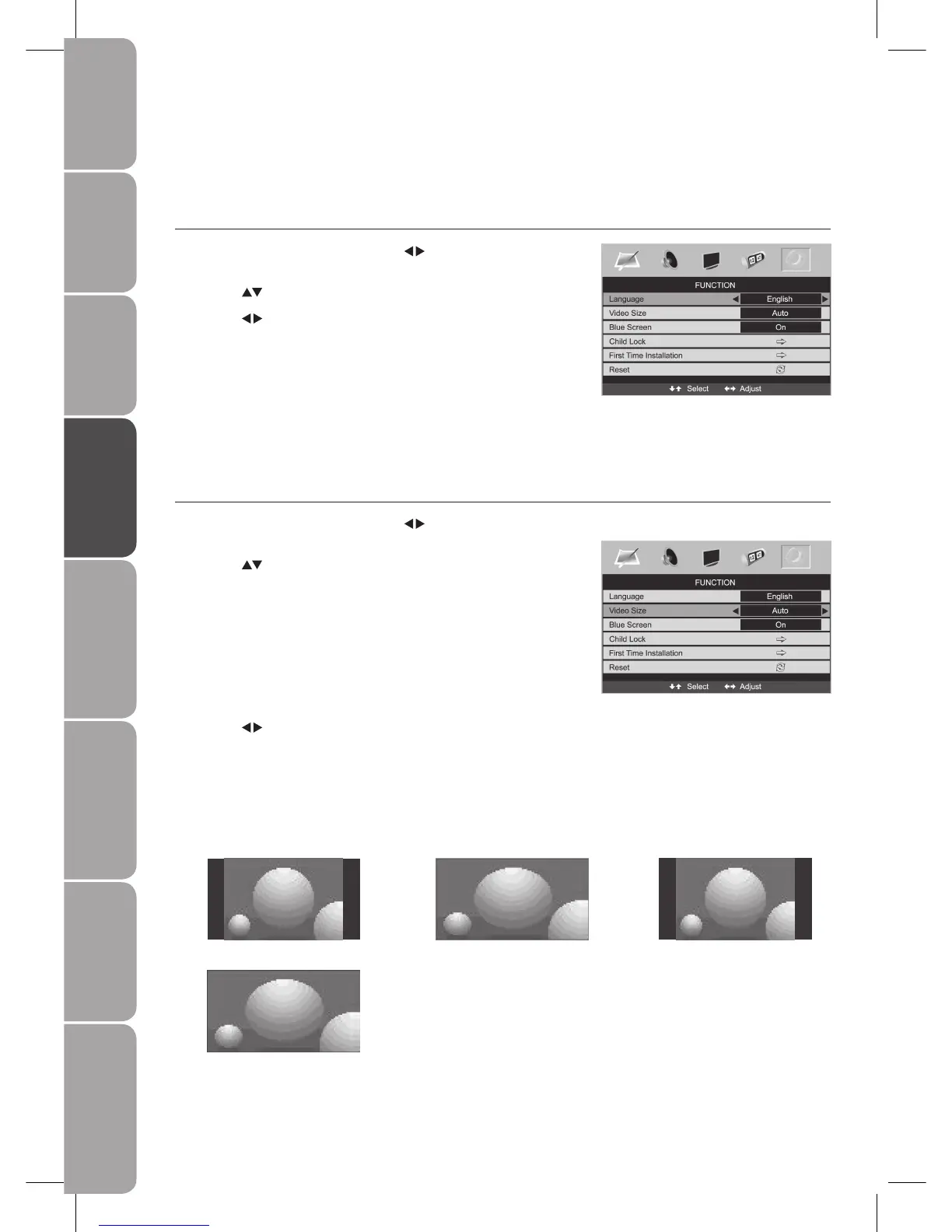
Allows you to watch the screen in various picture formats: Auto / 16:9 / 4:3 / Full Screen / Zoom / Subtitle.
Press the 1. MENU button and then use the
buttons to select the
FUNCTION menu.
Press the 2.
buttons to select Video Size.
Auto
When your TV receives a 4:3 or 16:9
signal it will automatically change to
the picture format broadcast.
Press the 3.
buttons to select the desired format.
16:9
The following selection will allow you
to adjust the picture horizontally, in
linear proportion, to fill the entire
screen.
4:3
The following selection will allow you
to view a picture with an original 4:3
aspect ratio, black bars will appear on
both the left and right of the screen.
4:3
16:9



 To Next Page