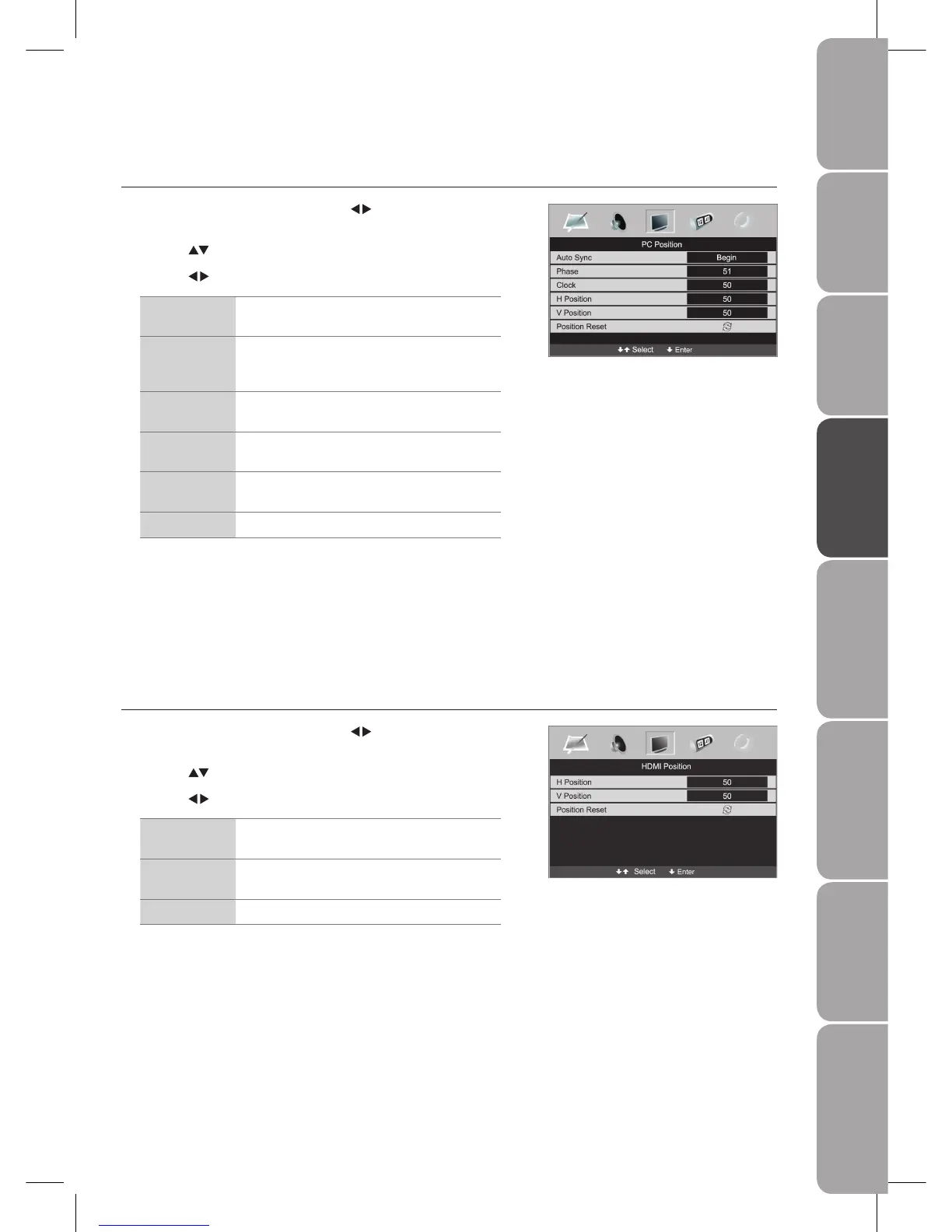
Customising the SETUP Settings (VGA Mode)
Allows you to adjust the PC desktop content.
Press the 1. MENU button and then use the
buttons to select the PC
Position menu.
Press the 2.
buttons to highlight an individual PC Position option.
Press the 3.
buttons to change the following settings.
Auto Sync Allows you to synchronise VGA signal
automatically.
Phase Controls the signal phase, which can improve
focus clarity and image stability based on the VGA
mode.
Clock Control the signal clock, which can improve the
image stability based on the VGA mode.
H Position Adjusts the position of the picture left and right in
the window.
V Position Adjusts the position of the picture up and down in
the window.
Position Reset Resets to default settings.
Press the 4. MENU button to save the settings and return back to the previous
menu.
Press the 5. EXIT button to exit the menu.
Customising the SETUP Settings (HDMI Mode)
Allows you to adjust the displayed content.
Press the 1. MENU button and then use the
buttons to select the HDMI
Position menu.
Press the 2.
buttons to highlight an individual HDMI Position option.
Press the 3.
buttons to change the following settings.
H Position Adjusts the position of the picture left and right in
the window.
V Position Adjusts the position of the picture up and down in
the window.
Position Reset Resets to default settings.
Press the 4. MENU button to save the setting and return back to the previous
menu.
Press the 5. EXIT button to exit the menu.



 To Next Page