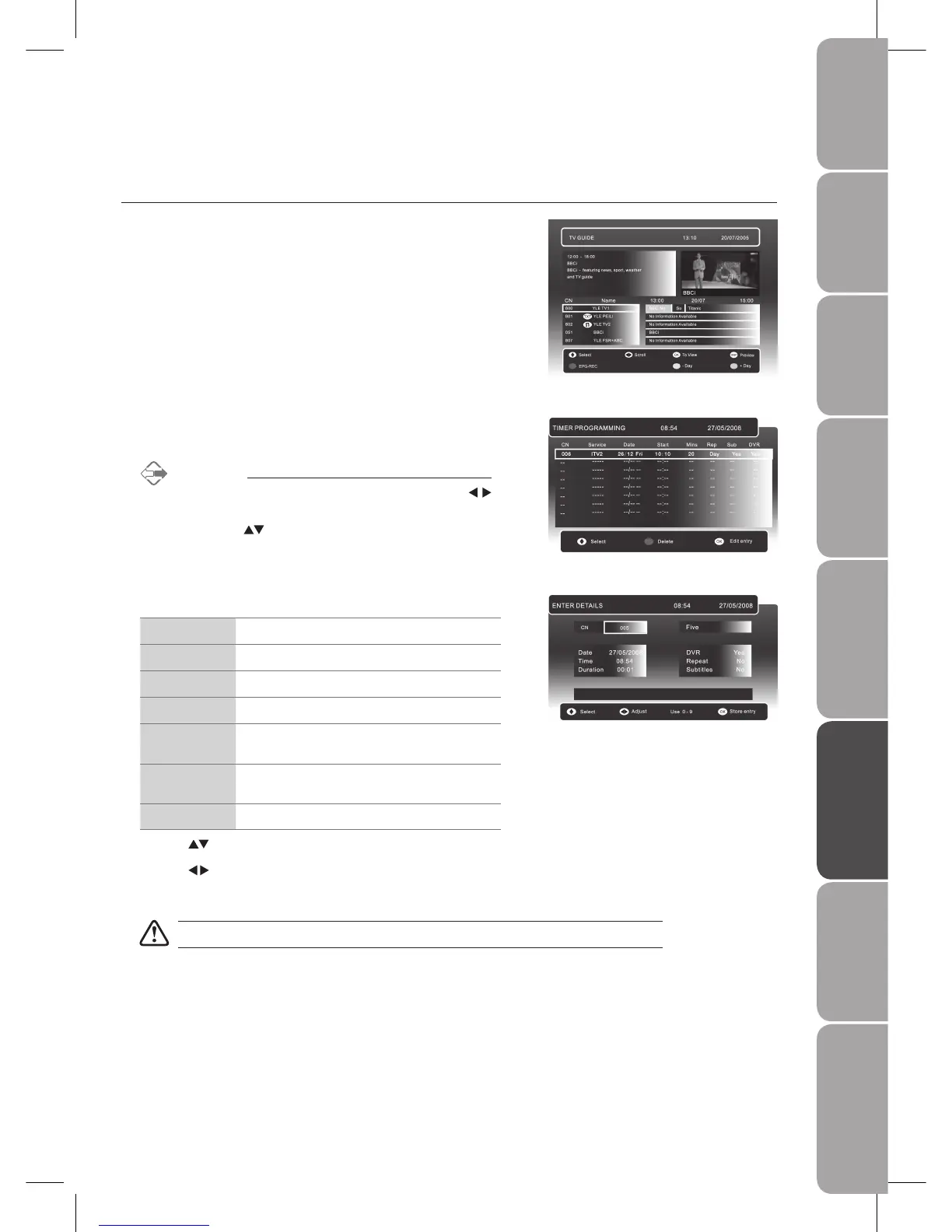
Press the 3. OK button to enter the Enter Details menu for recording setting.
CN
Input / Select the channel no.
Date
Set the recording date
Time
Set the starting time of recording
Duration
Set the duration of recording
DVR
Set YES for programme recording and NO for
programme reminder.
Repeat
Set repeat function among Daily / Weekly /
Mon-Fri / Mon-Sat / NO
Subtitles Set buttitles to be included during recording
Press the 4.
buttons to select CN / Date / Time / Duration / DVR / Repeat.
Press the 5.
buttons for adjustment.
Press the 6. OK button to save the setting.
If a programme recording starts when the TV is in standby mode, the red LED indicator will flash.
Press the 2. RED button on the remote control to enter the Timer Programming
menu.
Alternative
You may press the 1. MENU button and then use the
buttons to select SETUP menu.
Press the 2.
buttons to select Timer-Rec to enter the
TIMER PROGRAMMING menu.
Timer Programming
This function is used to perform scheduled recording.
Press the 1. EPG button on the remote control. The EPG menu will appear.



 To Next Page