Playing JPEG Discs
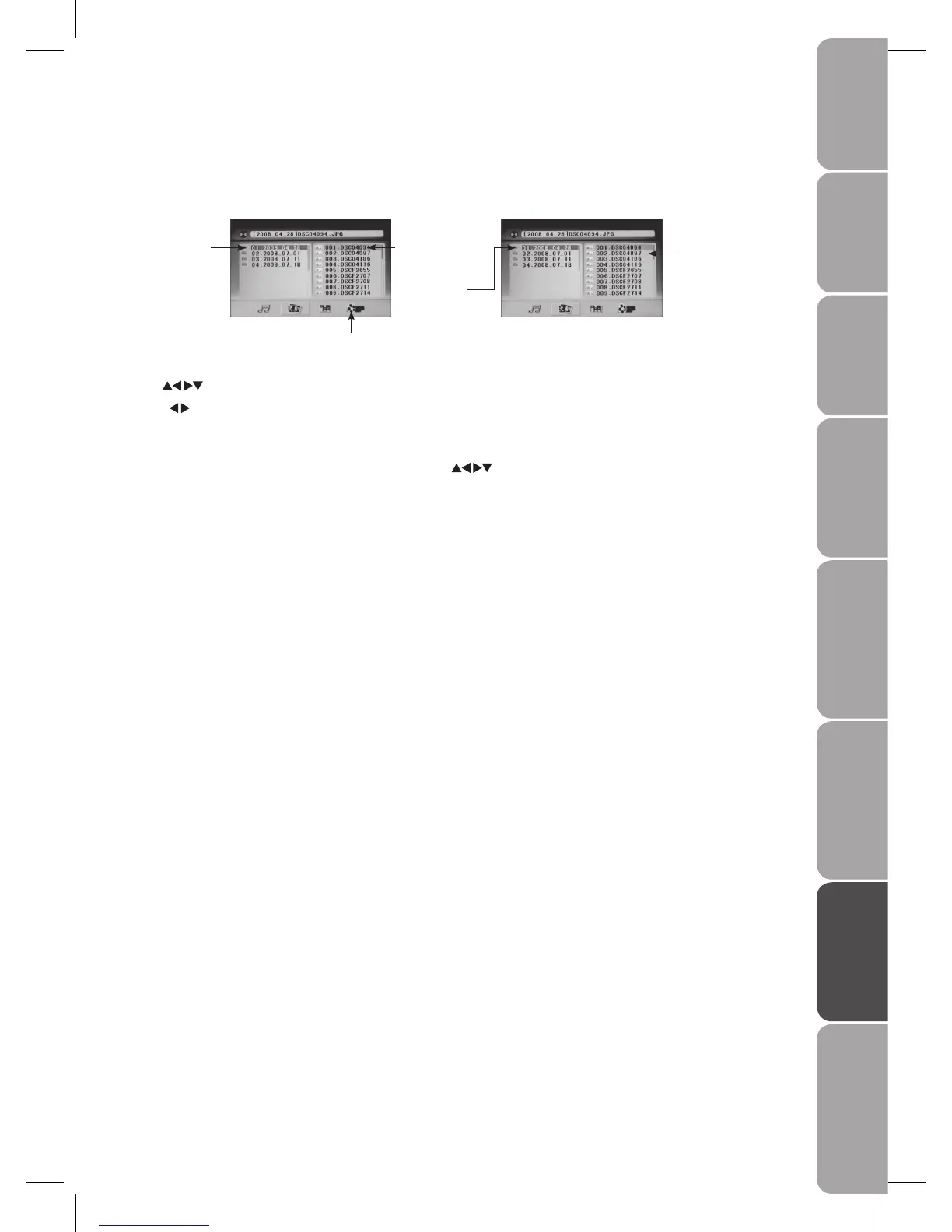
After loading the JPEG disc, it will start to scan for the stored JPEG folders. The JPEG contents will display automatically and the
first file (highlighted file) will start to play. Screen as follow:
Display current
MP3 playback
function
Buttons for switching between
MP3 and JPEG playback function
Display current
MP3 Playback
function
Highlight le for
current playback
Scroll bar to view
next page.
Use the buttons to check your favourite folder and playback the first file or move to your favourite file.
Press the
buttons to move the highlight to folders, documents or mode selection.
Press the 0-9 buttons to select the contents directly. For numbers over 10, press the +10 button first. (e.g. File number 15, press
+10 then 5.)
When playing or pausing with picture playback, you may use the
buttons to flip / rotate the picture.



 To Next Page