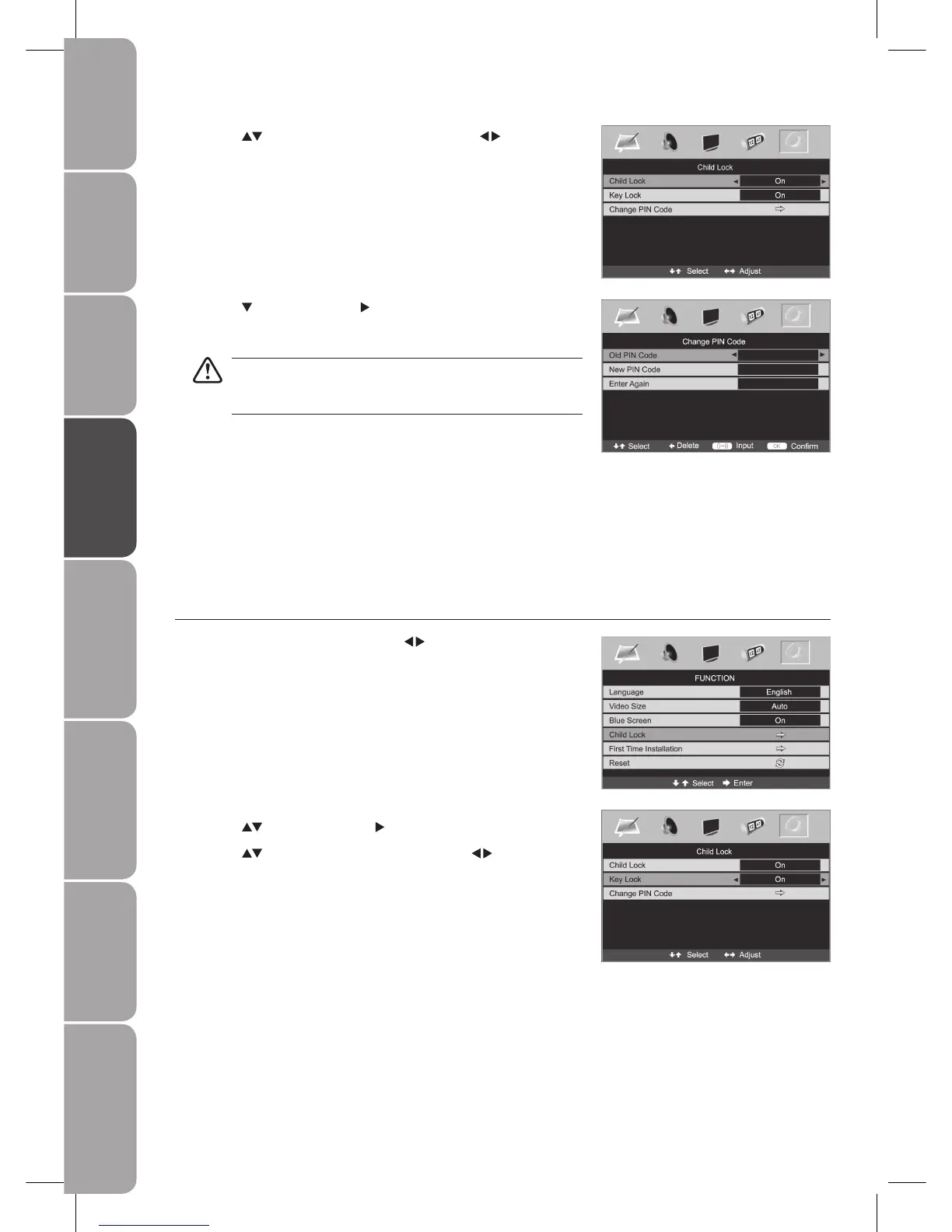
Press the 2. buttons and then the button to select Child Lock.
Press the 3.
buttons to select Key Lock and then the buttons to select
On.
Press the 4. button and then the button to select Change PIN Code.
Use the 5. 0–9 buttons to input a 4-digit PIN code.
The default PIN code is “0000”.
Be sure to remember this number! If you forget your PIN code, press
the master PIN code “4711” on the remote control.
Re-enter new PIN code for confirmation.6.
Press the 7. MENU button to save the setting and return back to the previous
menu.
Press the 8. EXIT button to exit the menu.
Key Lock
Key Lock is designed to prevent children from pressing the buttons on the TV. If the Key Lock is set to On, all buttons on the TV
will be locked. All TV operations can be controlled by the remote control only.
Press the 1. MENU button and then use the
buttons to select the
FUNCTION menu.
Press the 3. buttons to select Child Lock and then the buttons to
select On.



 To Next Page