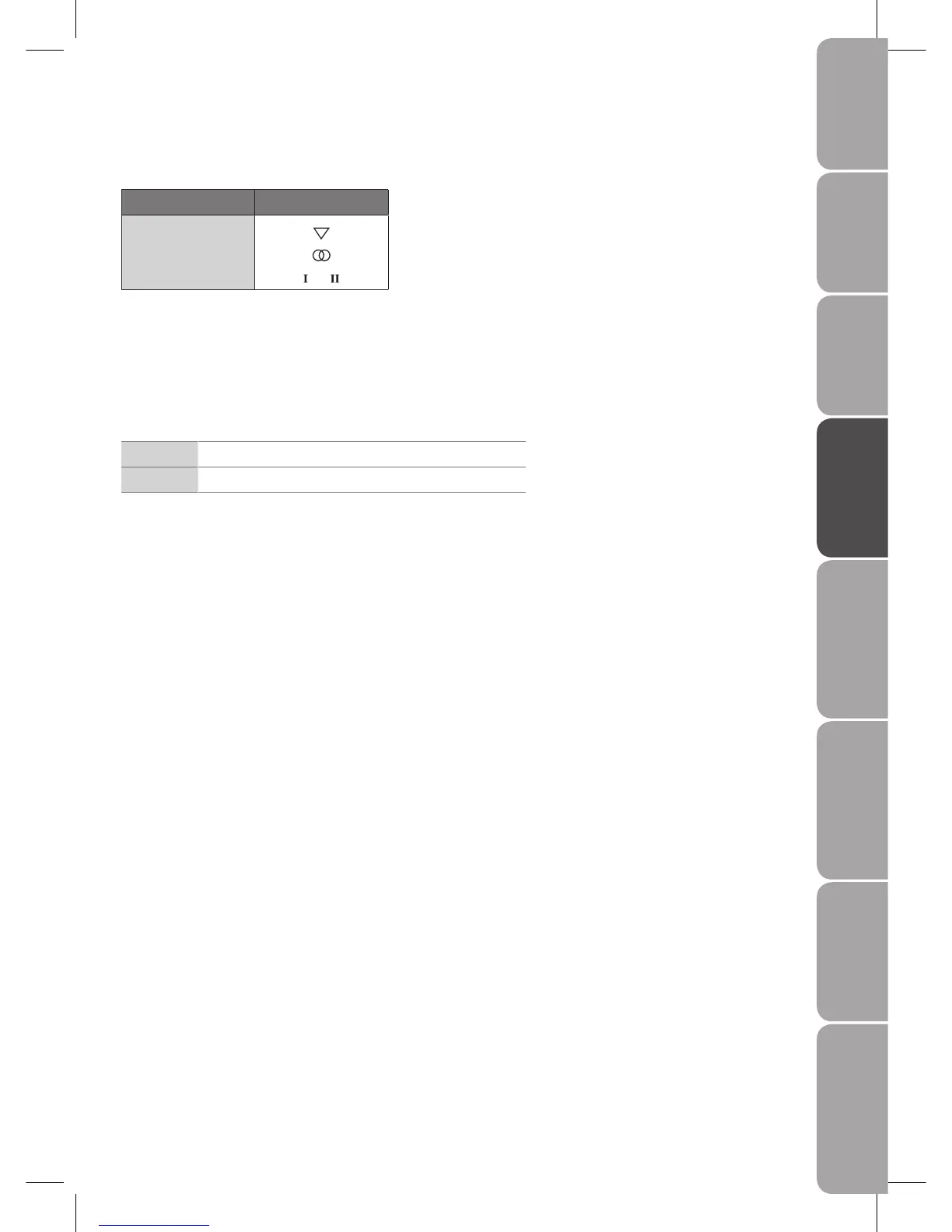
Stereo / Dual Sound Reception (Analogue TV Mode)
When a programme is selected, the sound information for the station appears after the programme number and station name
disappear.
Broadcast On Screen Display
Mono
Stereo
Dual
or
Mono sound selection
If the stereo signal is weak in stereo reception, you can switch to mono by pressing the NICAM button. In mono reception, the
clarity of sound is improved. To switch back to stereo, press the NICAM button again.
Language selection for dual language broadcast
If a programme can be received in two languages (dual language), you can switch to DUAL I, DUAL II or MONO by pressing the
NICAM button repeatedly.
DUAL I Sends the primary broadcast language to the loudspeakers
DUAL II Sends the secondary broadcast language to the loudspeakers
Speaker Sound Output Selection (DTV Mode)
Switches between different audio languages (only applicable when the TV programme has this feature).



 To Next Page