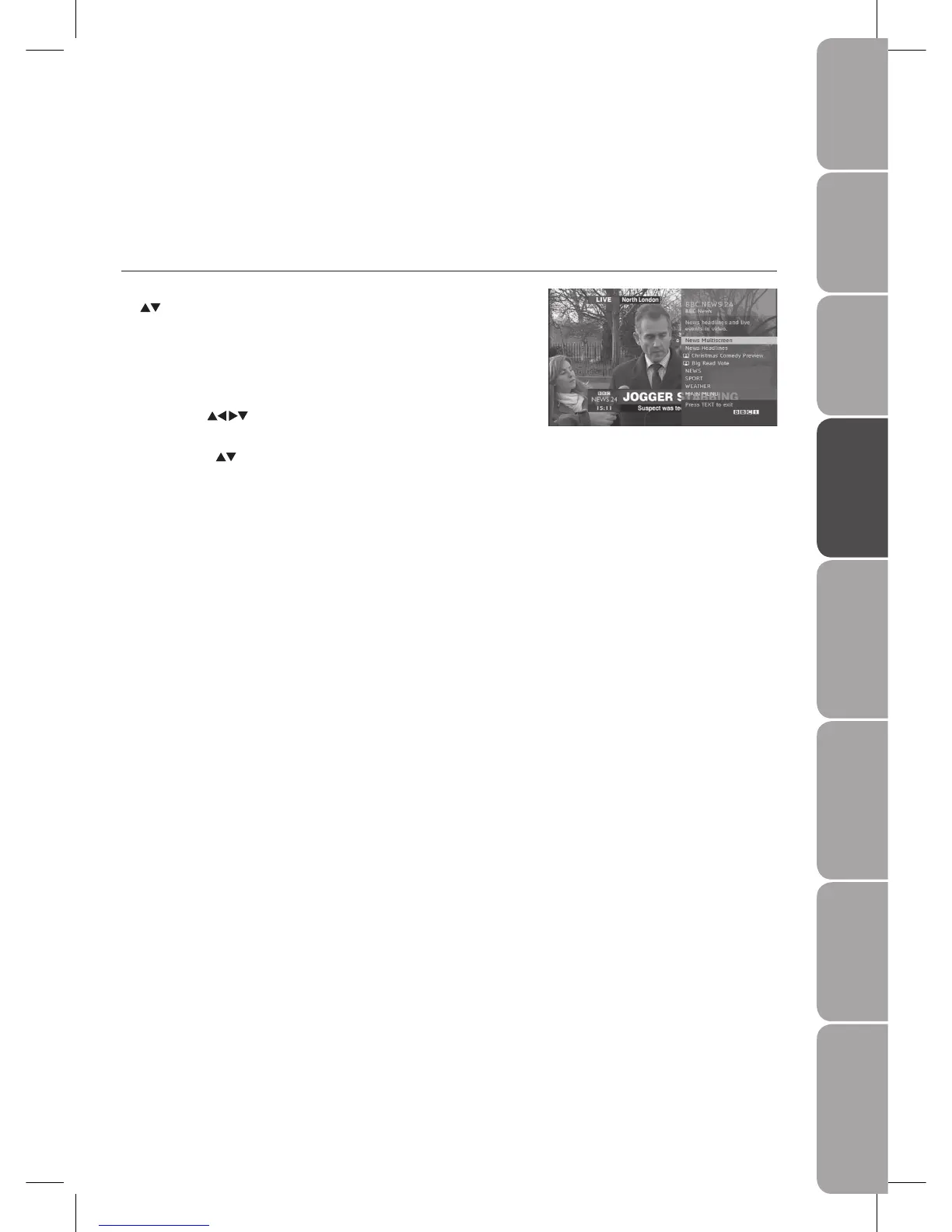
Digital Teletext (DTV Mode)
Digital teletext can access special digital teletext services and specific services which broadcast digital teletext. The subtitle will
temporarily auto off when teletext function is turned on.
Teletext within Digital Service
In DTV mode, press the 1. CH. List button to display the Channel List. Press the
buttons to select the teletext channel.
Press the 2. TEXT button to display the teletext page.
Press the 3. 0-9 buttons to select page number which broadcasts digital
teletext.
Follow the instructions on digital teletext and move onto the next step by 4.
pressing OK,
, RED, GREEN, YELLOW, BLUE or the 0-9 buttons etc.
To change digital teletext service, select a different service by the 5. 0-9
buttons or the
buttons.



 To Next Page