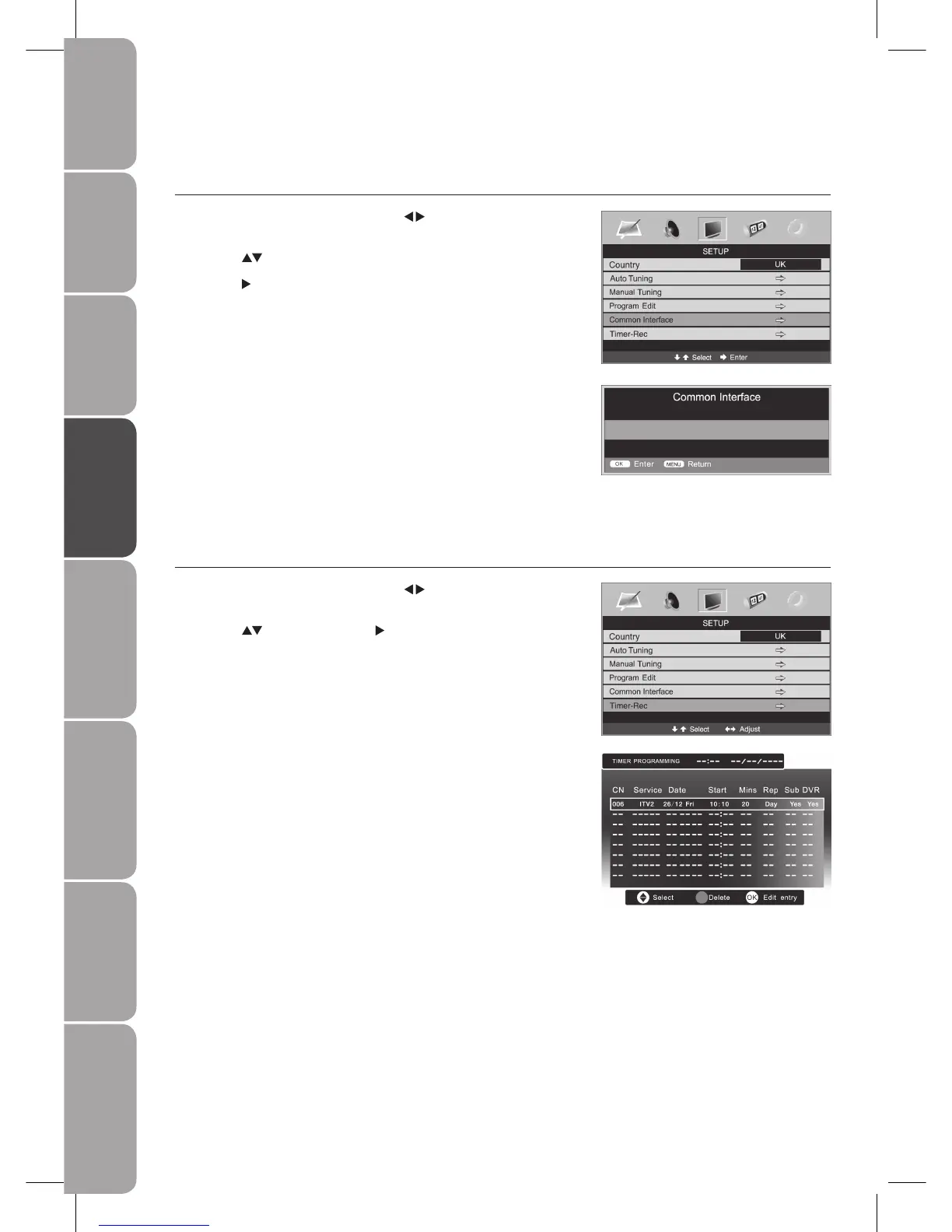
Common Interface
This function enables you to watch some scrambled services (pay services). When the CI card is inserted into the CI slot, you can
access the CI information: Module Information, Smart Card Information, Language, Software Download
Press the 1. MENU button and then use the
buttons to select the SETUP
menu.
Press the 2.
buttons to select Common Interface.
Press the 3.
button to display the CI information: Module Information, Smart
Card Information, Language, Software Download.
Press the 4. MENU button to save the setting and return back to the previous
menu.
Press the 5. EXIT button to exit the menu.
See page 47 for details on Timer Programming.3.
Timer-Rec
Timer programming is only available when a USB storage device is connected.
Press the 1. MENU button and then use the
buttons to select the SETUP
menu.
Press the 2.
buttons and then the button to select Timer-Rec.



 To Next Page