Upgrading The Computer
6 - 4 Removing/Replacing the Component Bay Cover
6
Removing/Replacing the Component Bay Cover
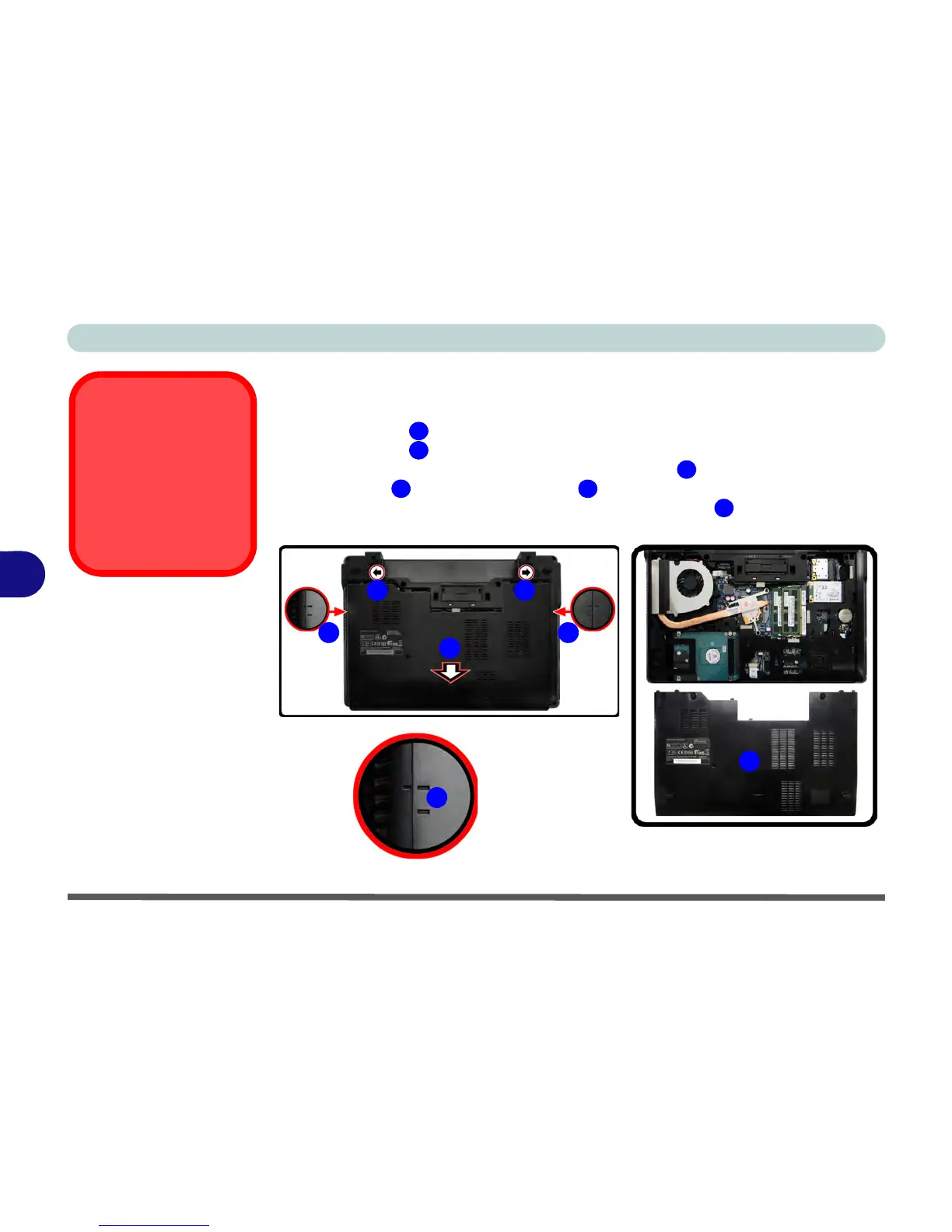
1. Turn off the computer, and turn it over and remove the battery.
2. Slide the latch in the direction of the arrow.
3. Slide the latch in the direction of the arrow, and hold it in place.
4. Carefully slide the cover in the direction of the arrow to align with the markers
on the case , and then lift the cover off the computer.
5. When reinserting the cover align the markers on the case and cover first, and
then slide the cover until it clicks into place.



 To Next Page