Modules & Options
Wireless LAN Switch 7 - 17
7
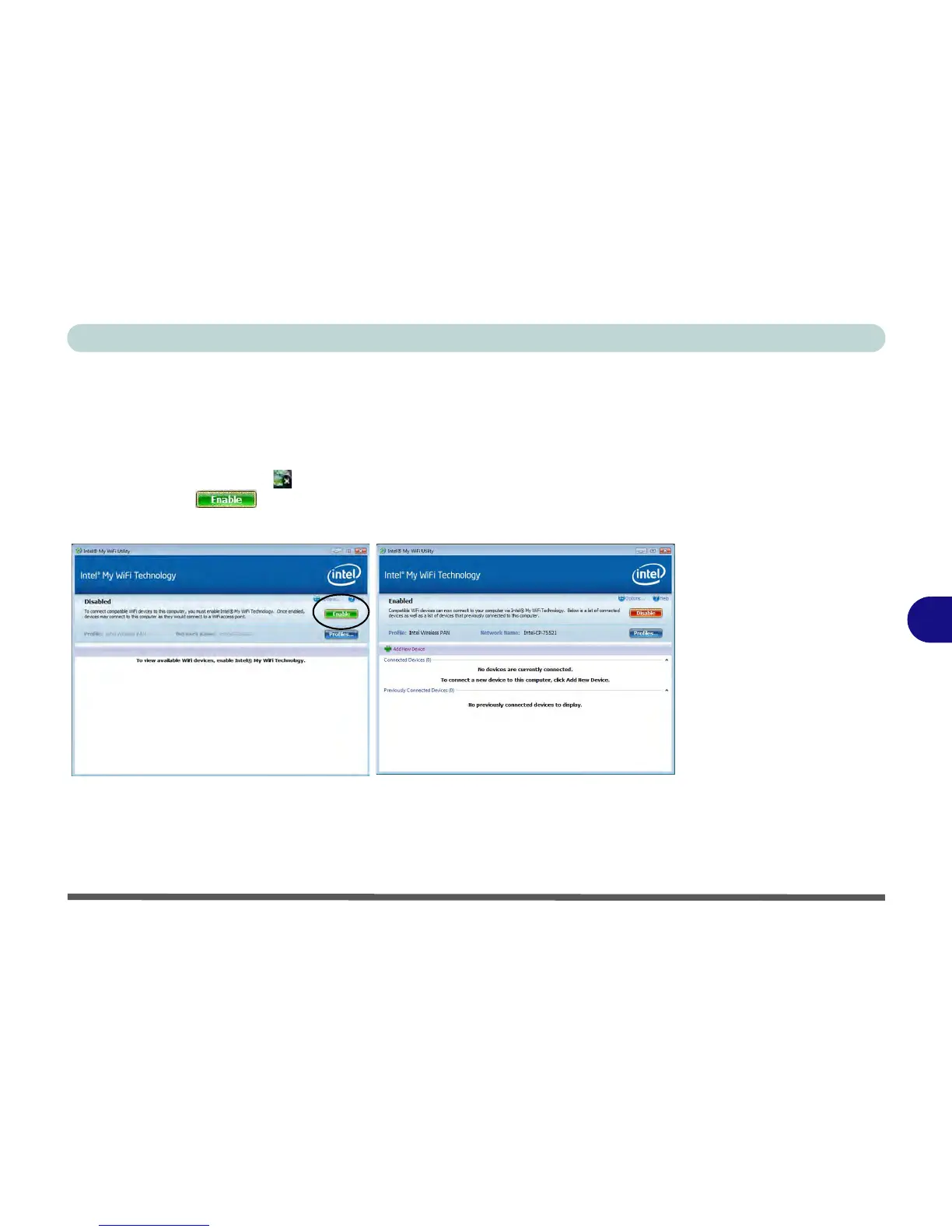
Intel® My WiFi Configuration
You can configure the My WiFi settings as follows.
1. Access the Intel® My WiFi Utility from the Start menu (Start > Programs/All
Programs > Intel PROSet Wireless > Intel My WiFi Technology), or by double-
clicking the taskbar icon .
2. Click Enable (on the first run of the program there will be no connected
devices listed).



 To Next Page