Features & Components
2 - 10 Audio Features
2
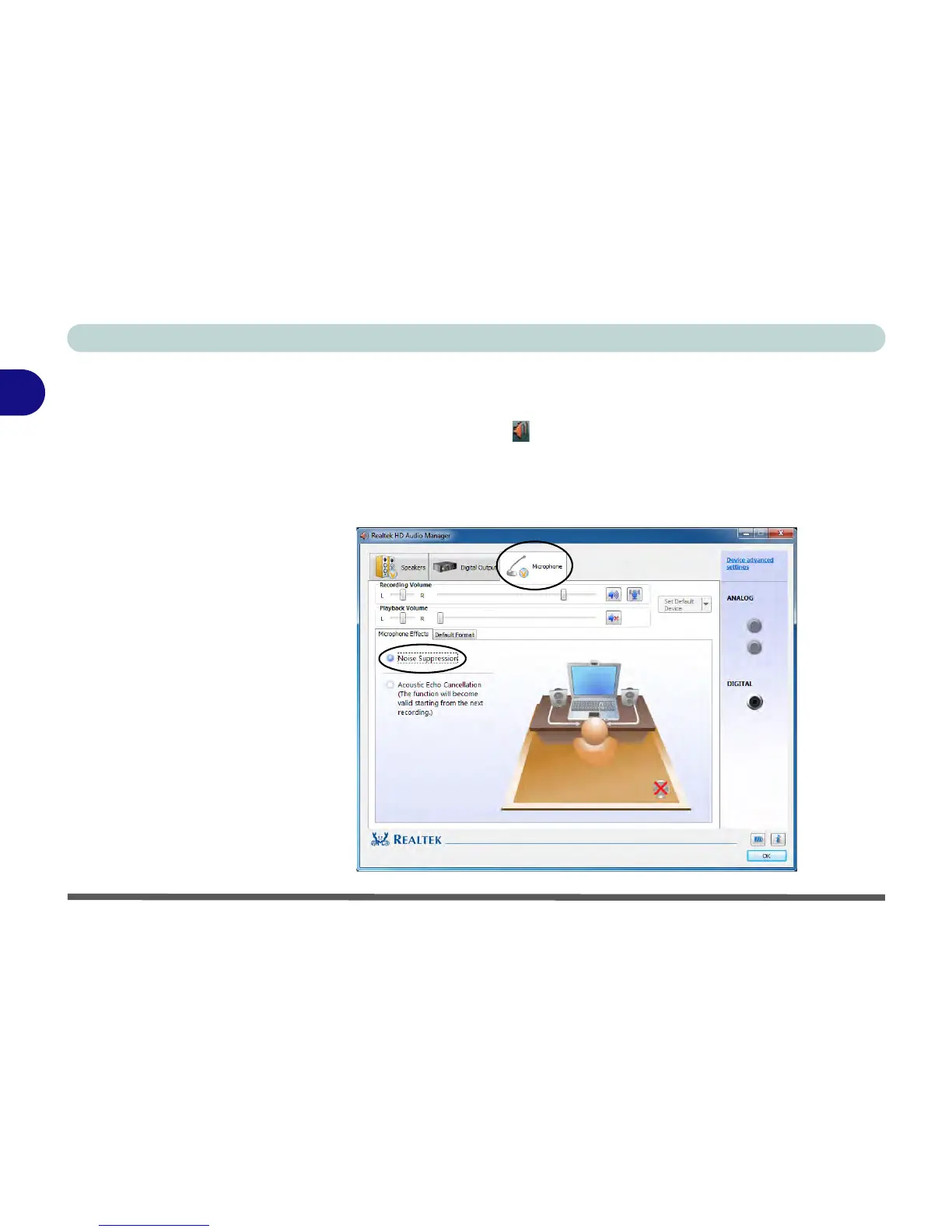
Optimizing Audio Recording
Follow these instructions to optimize your audio recording.
1. Double-click the taskbar icon to bring up the Realtek HD Audio Manager.
2. Click the Microphone tab.
3. Click the Noise Suppression button to prevent any background noise or
feedback.
4. Click OK to close the Realtek HD Audio Manager.



 To Next Page