Power Management
3 - 10 Energy Star Power Saving
3
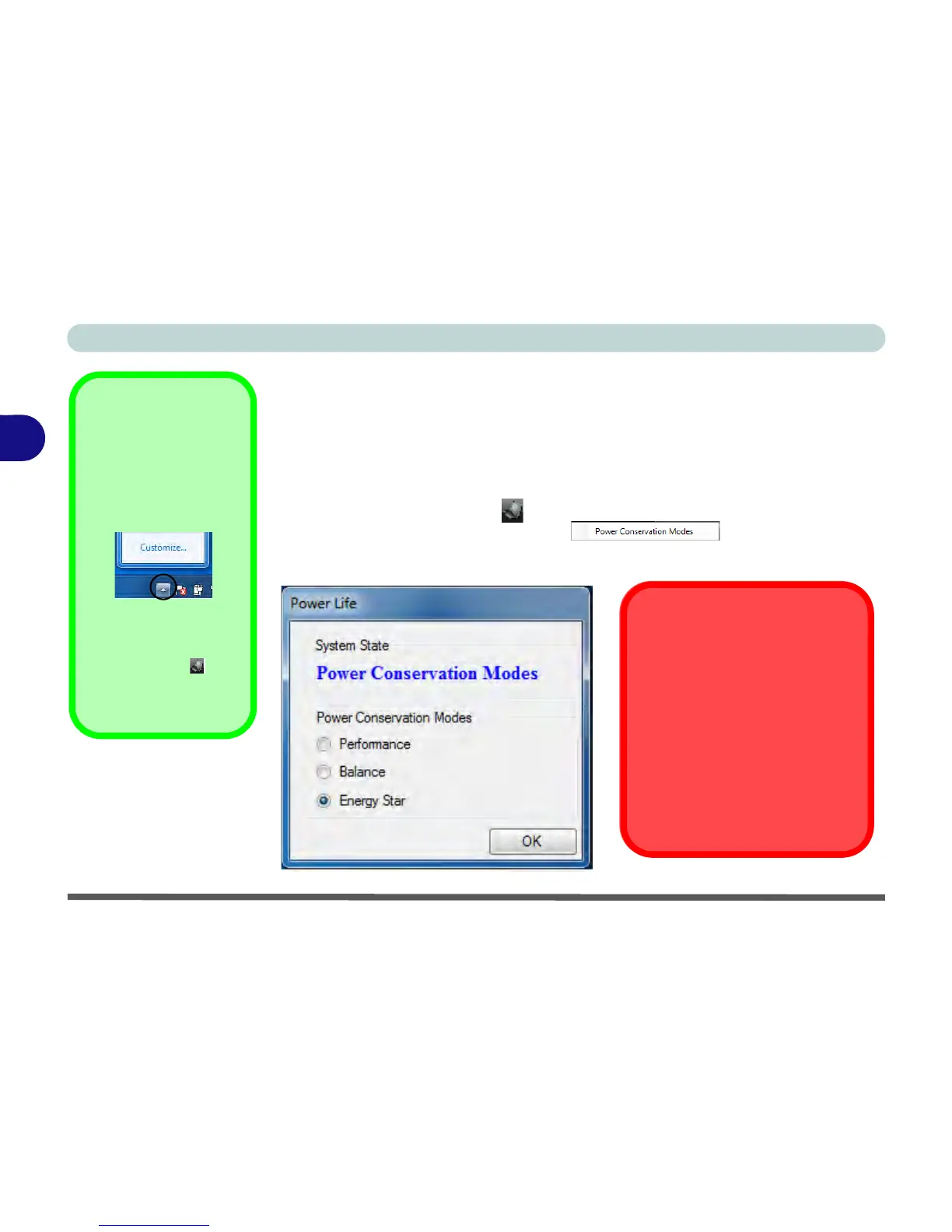
Energy Star Power Saving
This system supports Energy Star power management features that place comput-
ers (CPU, hard drive, etc.) into a low-power sleep modes after a designated period
of inactivity. If you want to enable Energy Star power saving then follow these in-
structions:
1. Right-click the taskbar icon (see sidebar).
2. Select Power Conservation Modes.
3. Select Energy Star to use the Energy Star power management and override other
power saving settings.
Conservation Modes
The default Energy Star setting
will result in maximum power sav-
ing, but with the possible loss of
some performance.
Setting the mode to Balance will
give power saving matched with
performance.
Performance will give optimum
computer performance but with
less power conservation.



 To Next Page