Modules & Options
3.75G/HSPA Module 7 - 39
7
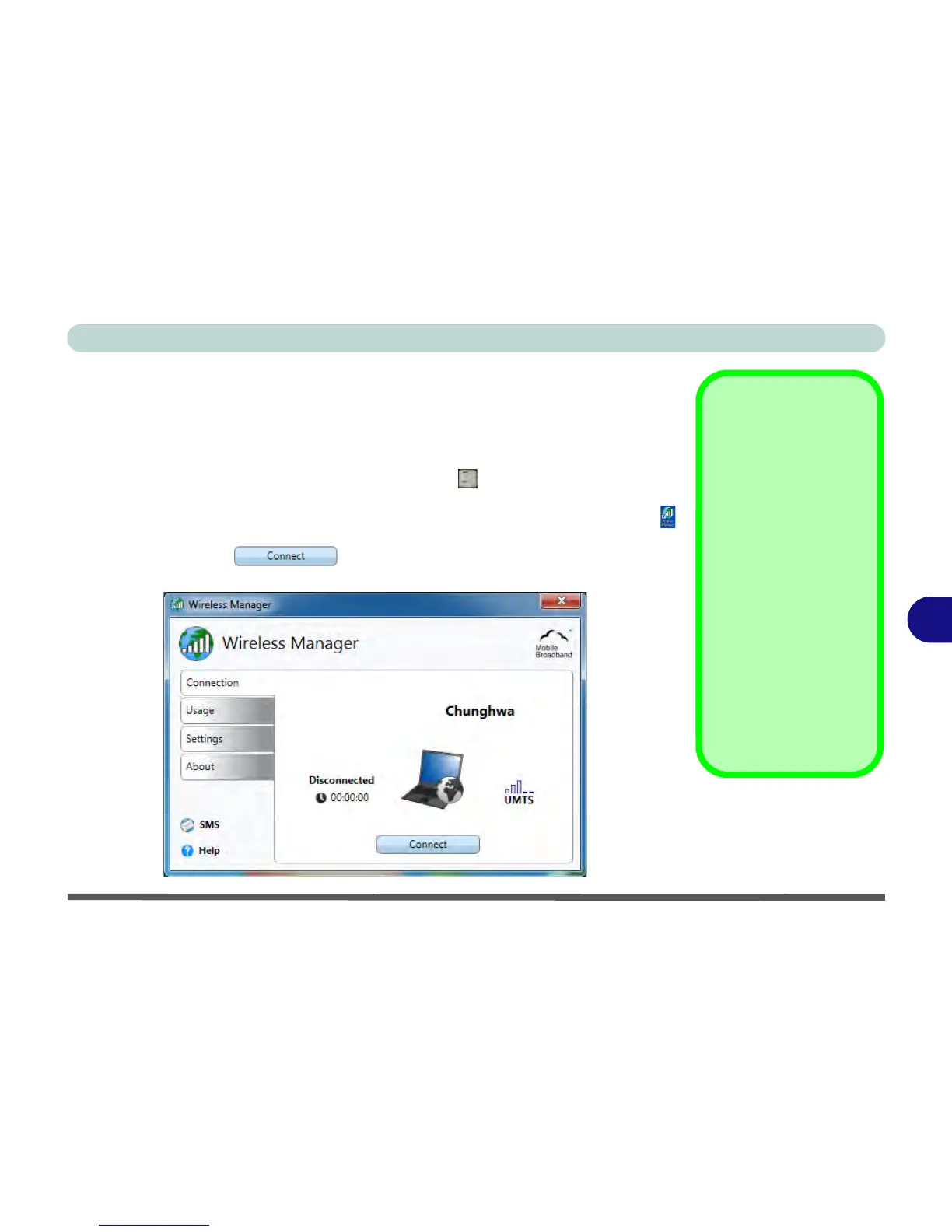
Wireless Manager Application
The connection information is stored on the USIM card supplied by the service pro-
vider (where this is not the case you may need to create a profile - see “Creating a
Profile” on page 7 - 45).
1. Power on the 3.75G/HSPA module using the Fn + key combination.
2. Access the Wireless Manager application from the Start menu (Start > All
Programs > Wireless Manager > Wireless Manager) or the desktop shortcut .
3. You may be required to enter you PIN number and click OK.
4. Click the Connect button (a Profile needs to be selected, and in
most cases this will be pre-configured).



 To Next Page