EasyManua.ls Logo

MAXDATA M-BOOK 600 - Security Menu; Set Supervisor Password (Security Menu)

MAXDATA M-BOOK 600
248 pages
Print Icon
To Next Page IconTo Next Page
To Previous Page IconTo Previous Page
Loading...
BIOS Utilities
5 - 10 Security Menu
5
Security Menu
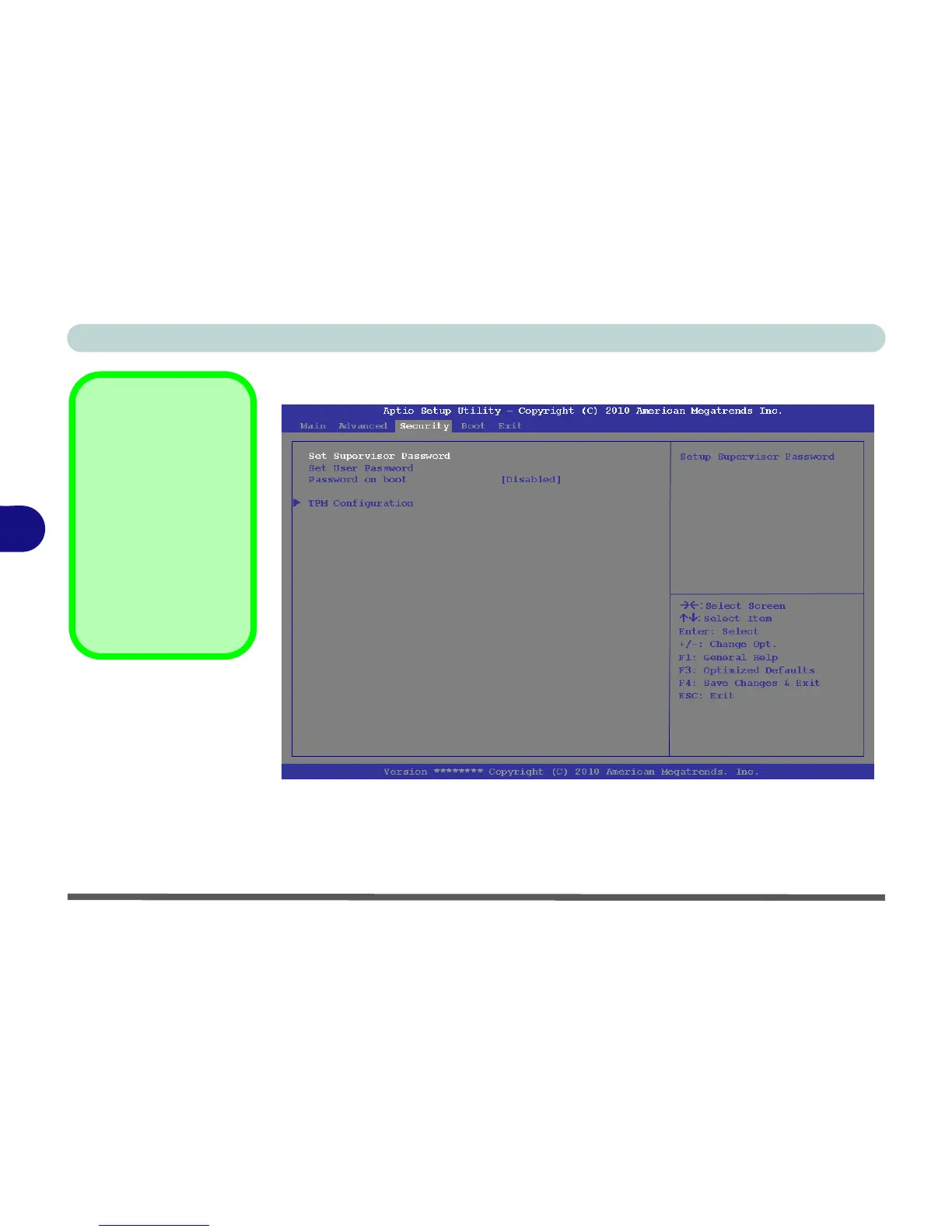
Set Supervisor Password (Security Menu)
You can set a password for access to the Aptio Setup Utility. This will not affect
access to the computer OS (only the Aptio Setup Utility). If you set a supervisor
password you can then add a user password and password on boot.
Security Menu
The changes you make
here affect the access
to the Setup utility itself,
and also access to your
machine as it boots up
after you turn it on.
These settings do not
affect your machine or
network passwords
which will be set in your
software OS.
Figure 5 - 4
Security Menu

Table of Contents

Other manuals for MAXDATA M-BOOK 600

Related product manuals