Modules & Options
7 - 62 Bluetooth & WLAN Combo Module
7
3rd Party Bluetooth & WLAN Combo Settings
This information applies to the combo Bluetooth and WLAN module only.
1. Make sure the Bluetooth module is powered on.
2. Double-click the My Bluetooth application on the desktop (or access it from the
Programs/All Programs menu).
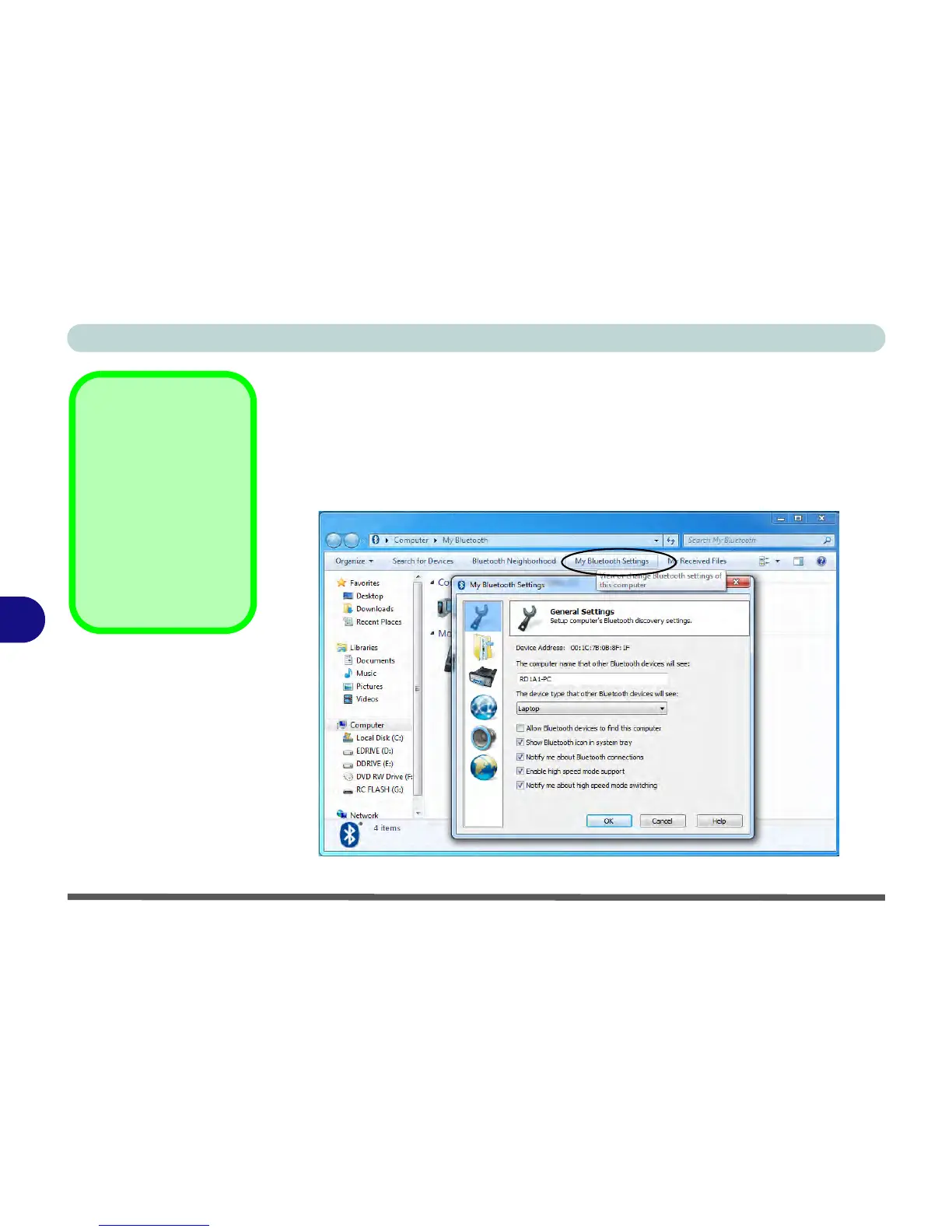
3. Click My Bluetooth Settings (menu heading).
Bluetooth Module &
Resuming From Sleep
Mode
The Bluetooth module’s de-
fault state will be off after re-
suming from the Sleep
power-saving state. Use the
key combination (Fn + F12)
to power on the Bluetooth
module after the computer
resumes from Sleep.
Figure 7 - 45
My Bluetooth
Settings



 To Next Page