1 - 18 Video Features
Quick Start Guide
1
Video Features
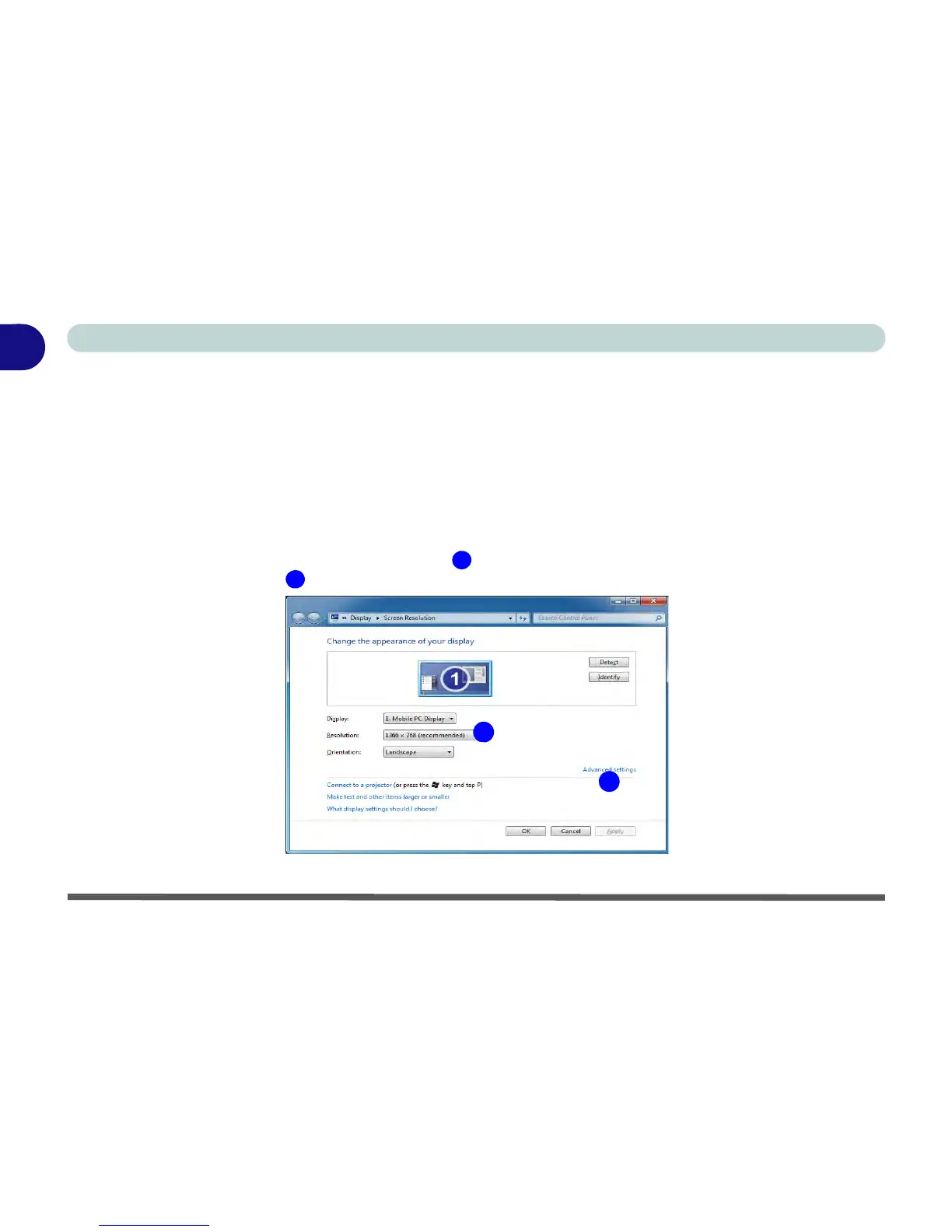
You can switch display devices, and configure display options, from the Display control panel (in Appearances
and Personalization) in Windows 7 (see over). For more detailed video information see “Video Driver Con-
trols” on page B - 1. To access Display (Control Panel) and Screen Resolution in Windows:
1. Click Start and click Control Panel.
2. Click Display (icon) - In the Appearances and Personalization category.
3. Click Adjust Screen Resolution/Adjust resolution.
4. Alternatively you can right-click the desktop and select Screen resolution.
5. Use the dropbox to select the screen Resolution (Figure 1 - 12).
6. Click Advanced settings (Figure 1 - 12) to bring up the Advanced properties tabs.
Figure 1 - 12 - Screen Resolution



 To Next Page