Modules & Options
7 - 54 3.75G/HSPA Module
7
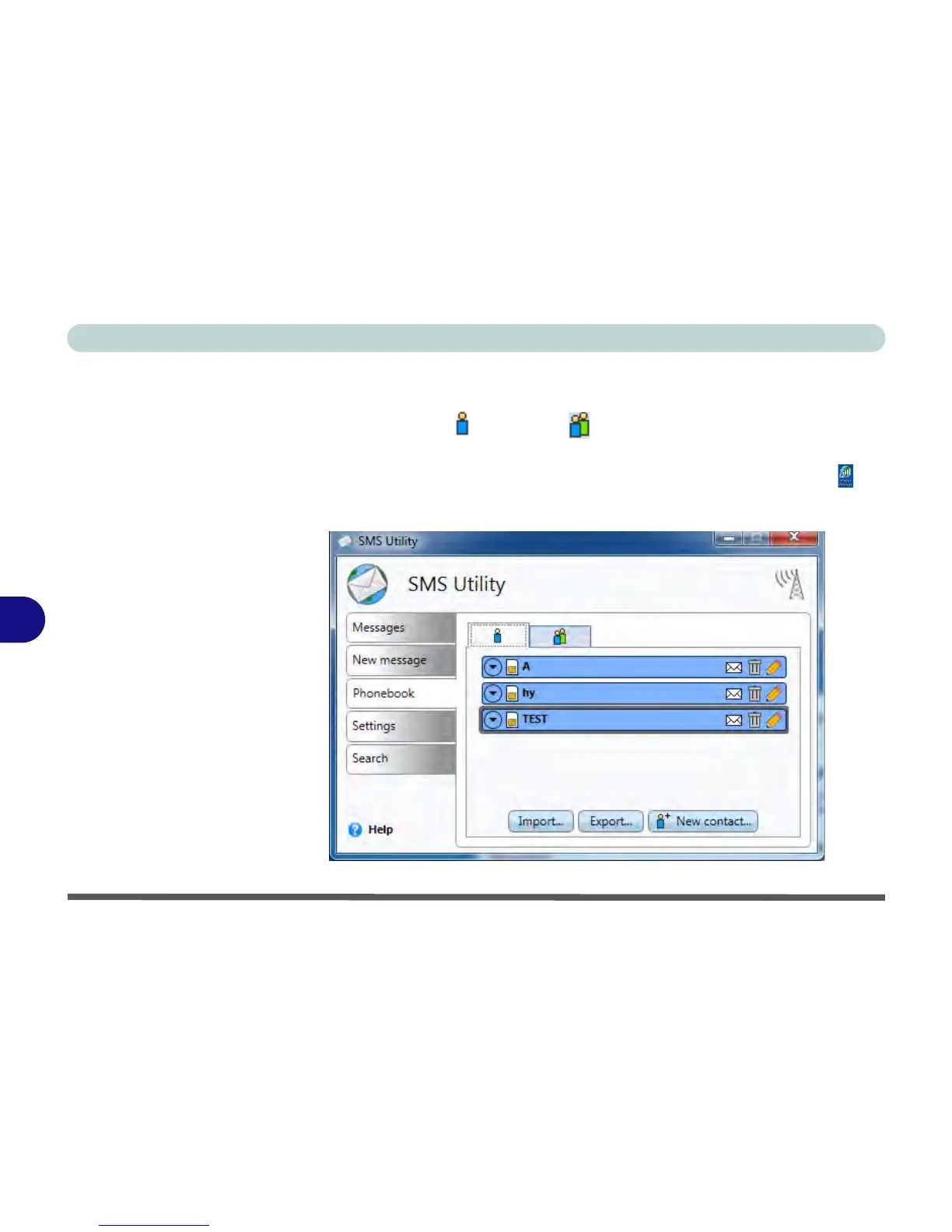
Phonebook
The Phonebook allows you to view and edit all your frequently used contacts, and
is divided into Contacts and Groups . To access the Phonebook:
1. Access the Wireless Manager application from the Start menu (Start > All Pro-
grams > Wireless Manager > Wireless Manager) or the desktop shortcut .
2. Click SMS and the SMS Utility will then start.
3. Click the Phonebook tab.



 To Next Page