Drivers & Utilities
4 - 2 Driver Installation
4
Driver Installation
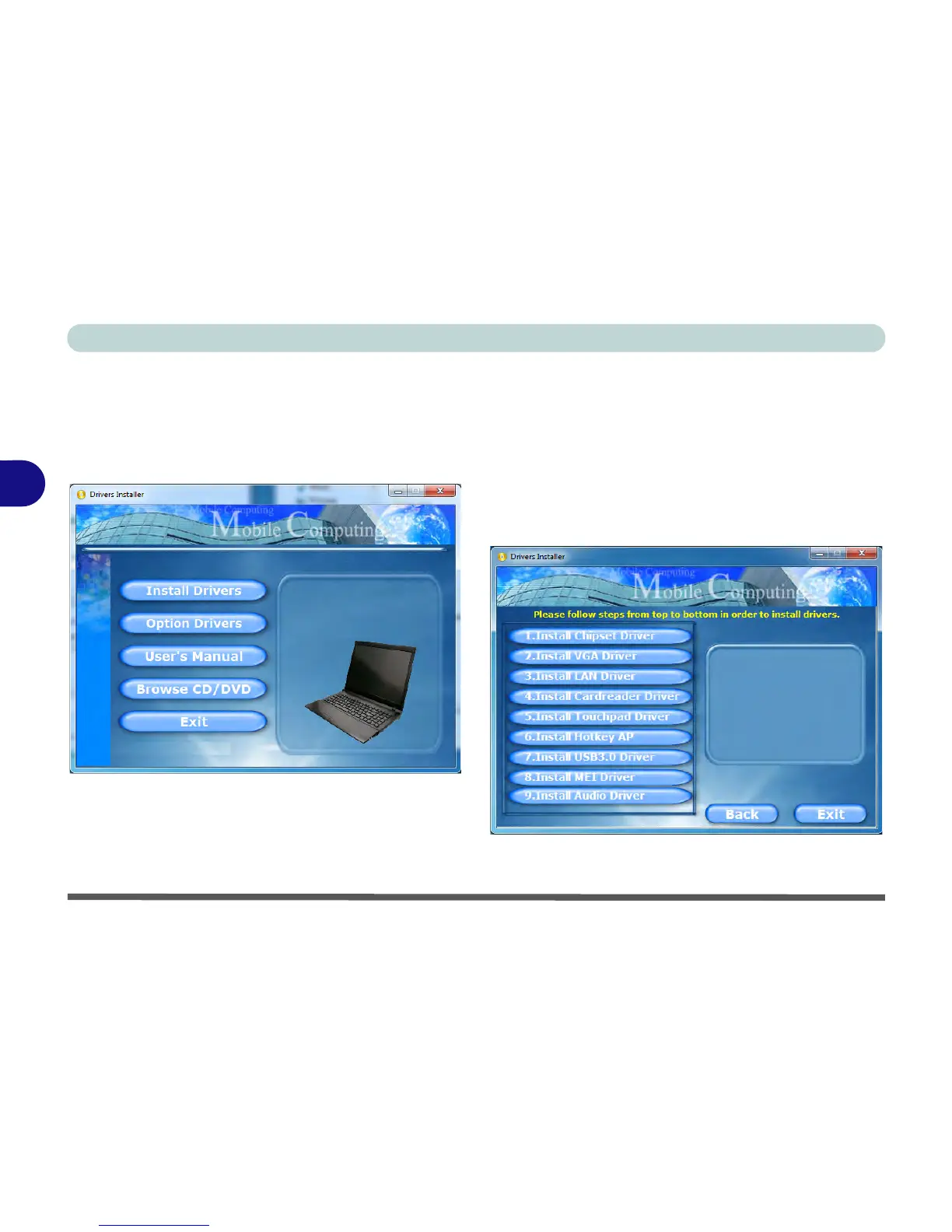
Insert the Device Drivers & Utilities + User’s Manual
disc and click Install Drivers (button), or Option Driv-
ers (button) to access the Optional driver menu.
Figure 4 - 1 - Drivers Installer Screen 1
1. Check the driver installation order from Table 4 - 1,
on page 4 - 3 (the drivers must be installed in
this order) which is the same as that listed in the
Drivers Installer menu below.
2. Click to select the driver you wish to install, (you
should note down the drivers as you install them).
3. Follow the instructions for each individual driver
installation procedure as listed on the following
pages.
Figure 4 - 2 - Drivers Installer Screen 2



 To Next Page