Modules & Options
7 - 46 3.75G/HSPA Module
7
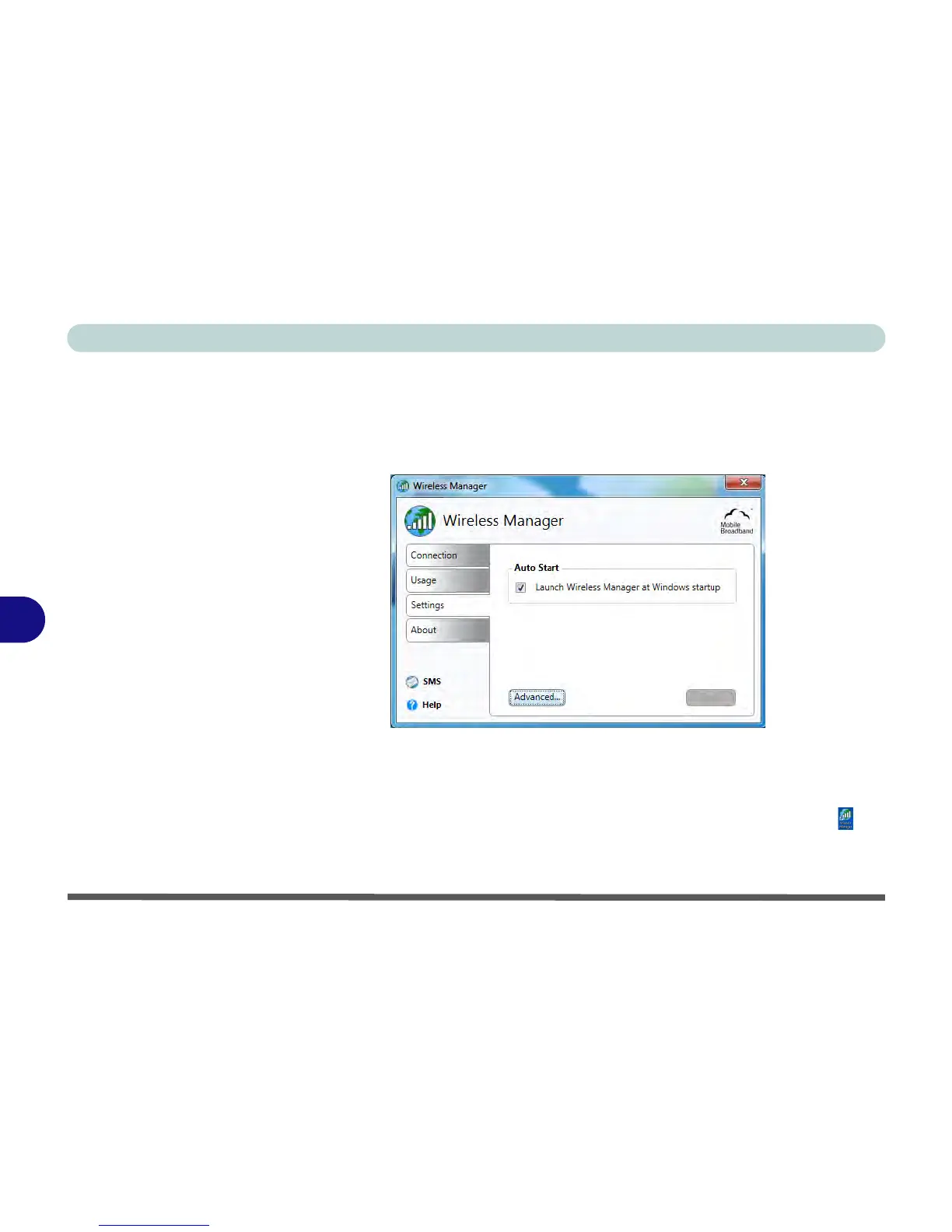
Settings
The Settings tab allows you at adjust the application features. Click to put a tick in
Launch Wireless Manager at Windows startup to launch the application at Win-
dows Startup.
The Advanced settings allows more detailed configuration. To access the Ad-
vanced settings:
1. Access the Wireless Manager program from the Start menu (Start > All Pro-
grams > Wireless Manager > Wireless Manager) or the desktop shortcut .
2. Click the Settings > Advanced.
3. Click the tab to edit any particular setting.



 To Next Page