Modules & Options
3.75G/HSPA Module 7 - 45
7
Creating a Profile
1. Click Manual selection (button).
2. Click the New.
3. Enter a name you prefer for the profile.
4. Enter the Access Point Name (APN).
5. Enter the User Name and Password if required (some service providers may not
require this information and the fields may then be left blank).
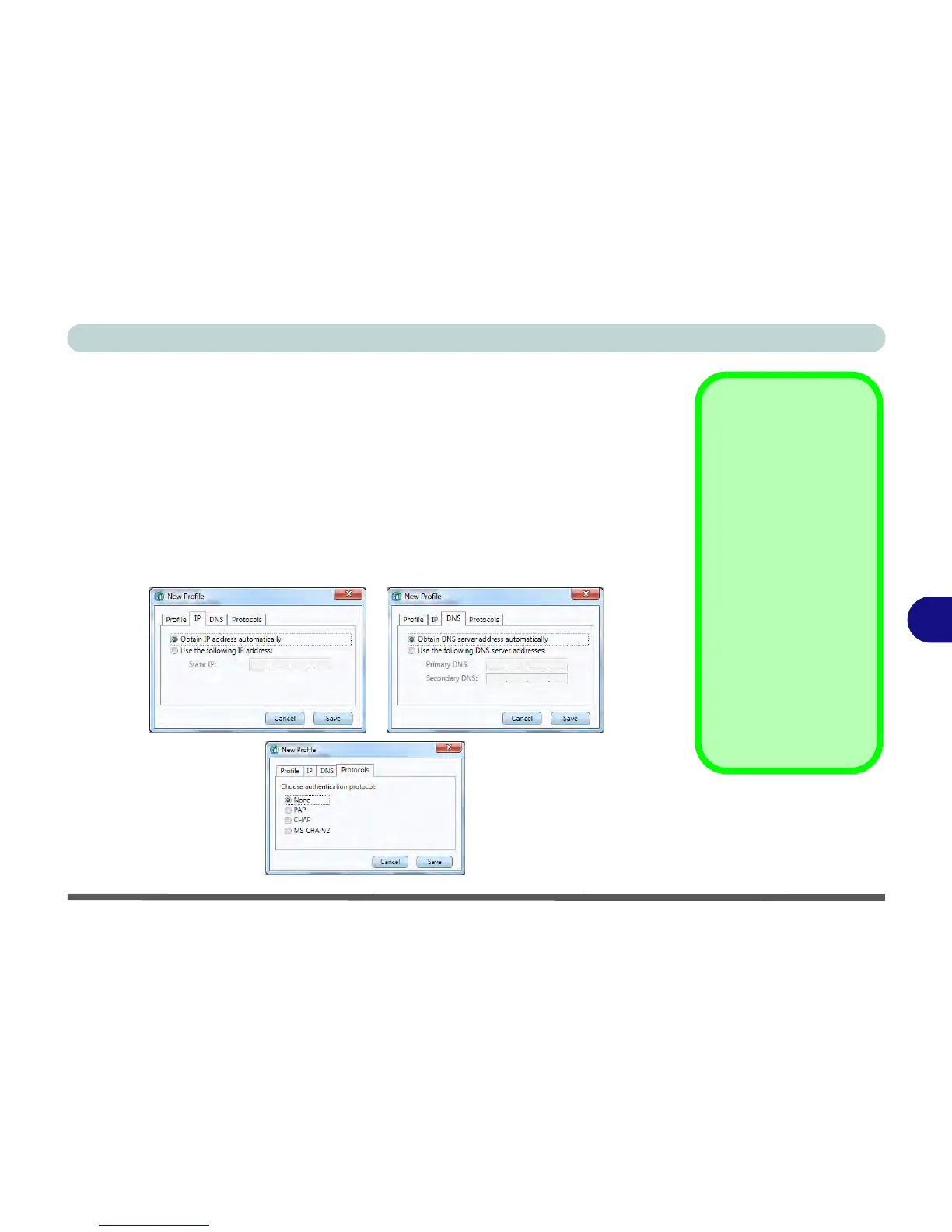
6. If your service provider requires
IP address
,
DNS
and
Protocols
to be entered,
click the appropriate tab and enter the supplied information (otherwise leave blank).
7. Click
Save
to save the profile information.
8. The profile will be stored under
User defined
in the
Filter drop-down list.



 To Next Page