Modules & Options
7 - 78 Trusted Platform Module
7
Trusted Platform Module (TPM) Driver Installation
1. Make sure you have enabled and activated the TPM in the BIOS before
installing the driver (if you do not do see the note below).
2. Insert the Device Drivers & Utilities + User’s Manual disc into the CD/
DVD drive.
3. Click Option Drivers (button).
4. Click 7.Install TPM Driver > Yes.
5. Click Install > Next.
6. Click the button to accept the license and click Next.
7. Click Next > Next > Install.
8. Click Finish > Yes to restart the computer.
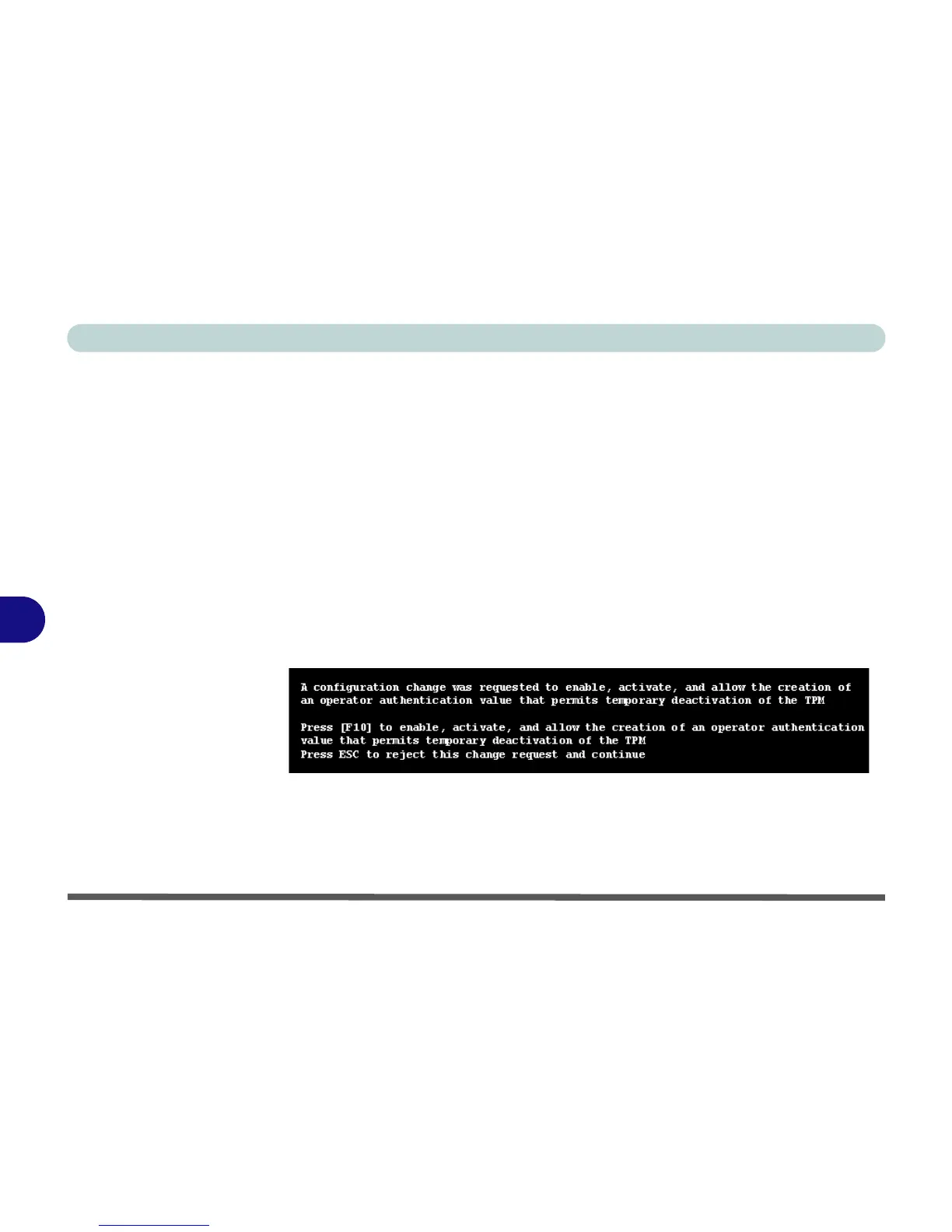
If you have installed the driver without enabling and activating the TPM first, a con-
firmation message will appear on restart.
Press F10 to enable and activate the TPM and you can then configure as overleaf.
However it is recommended that you enter the BIOS and take ownership (see page
7 - 77) of the TPM before configuration in Windows. Alternatively press Esc to con-
tinue without making changes the TPM.



 To Next Page