Features & Components
Touchpad and Buttons/Mouse 2 - 5
2
Touchpad and Buttons/Mouse
The Touchpad is an alternative to the mouse; however, you can also add a mouse to
your computer through one of the USB ports. The Touchpad buttons function in
much the same way as a two-button mouse.
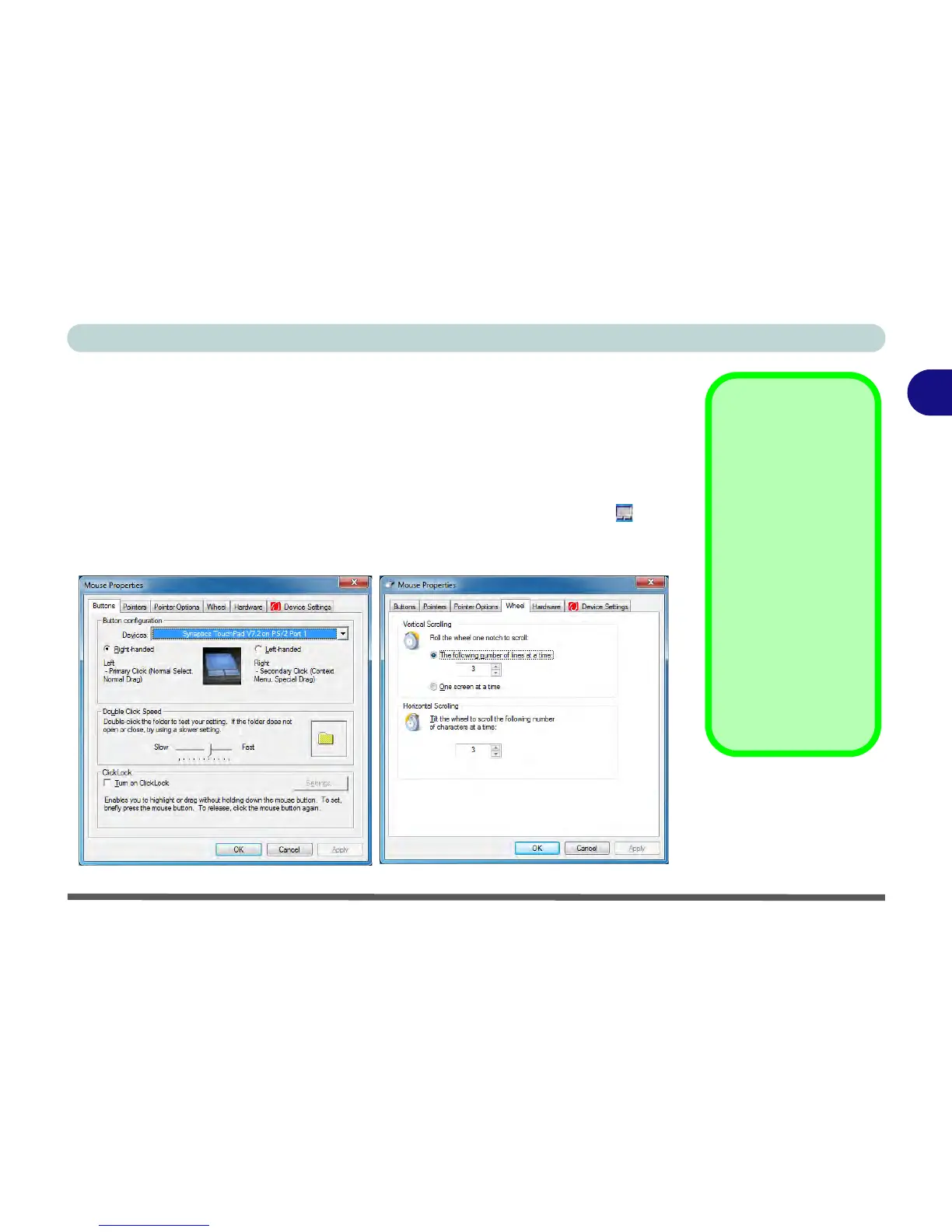
Once you have installed the Touchpad driver (see “TouchPad” on page 4 - 6) you
can configure the functions by double-clicking the Touchpad driver icon in the
notification area. You may then configure the Touchpad tapping, buttons, scrolling
(see sidebar), pointer motion and sensitivity options to your preferences.
Touchpad Scrolling
This computer model se-
ries may feature different
Touchpad versions.
These Touchpads may
differ in their vertical
scrolling function in most
scrollable windows.
Some Touchpads require
sliding the finger up and
down on the right of the
Touchpad to scroll the
window. Other versions
require tapping/holding
down the finger at the top
right or bottom right of the
Touchpad to scroll the
window.
Figure 2 - 4
Mouse Properties



 To Next Page