1 - 14 Docking Port
Quick Start Guide
1
Docking Port
Follow the instructions below before connecting the computer to the docking station, if included in your pur-
chase configuration. Failure to open the cover of the docking port before connecting the computer to the docking
station may result in irreparable damage to the connector on the docking station.
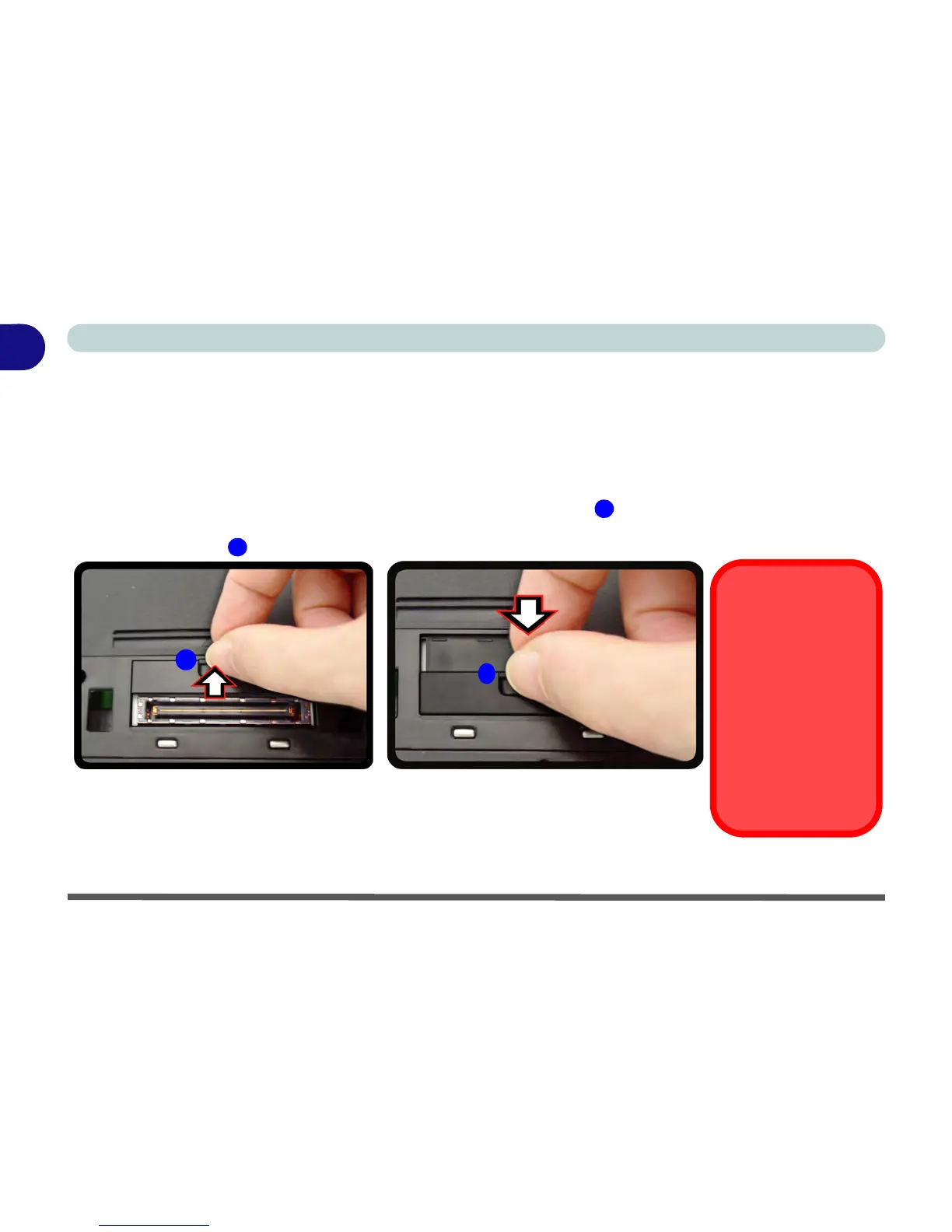
1. Turn the computer over.
2. Slide the docking port cover latch in the direction of the arrow at point to open the cover.
3. After disconnecting the computer from the docking station, slide the docking port cover latch in the direction of
the arrow at point .



 To Next Page