Upgrading The Computer
6 - 10 Upgrading the System Memory (RAM)
6
Upgrading the System Memory (RAM)
The computer has two memory sockets for 204 pin Small Outline Dual In-line (SO-
DIMM) DDRIII (DDR3) type memory modules (see “Memory” on page C - 2 for
details of supported module types).
1. Turn off the computer, and turn it over and remove the bottom cover (“Removing/
Replacing the Component Bay Cover” on page 6 - 4).
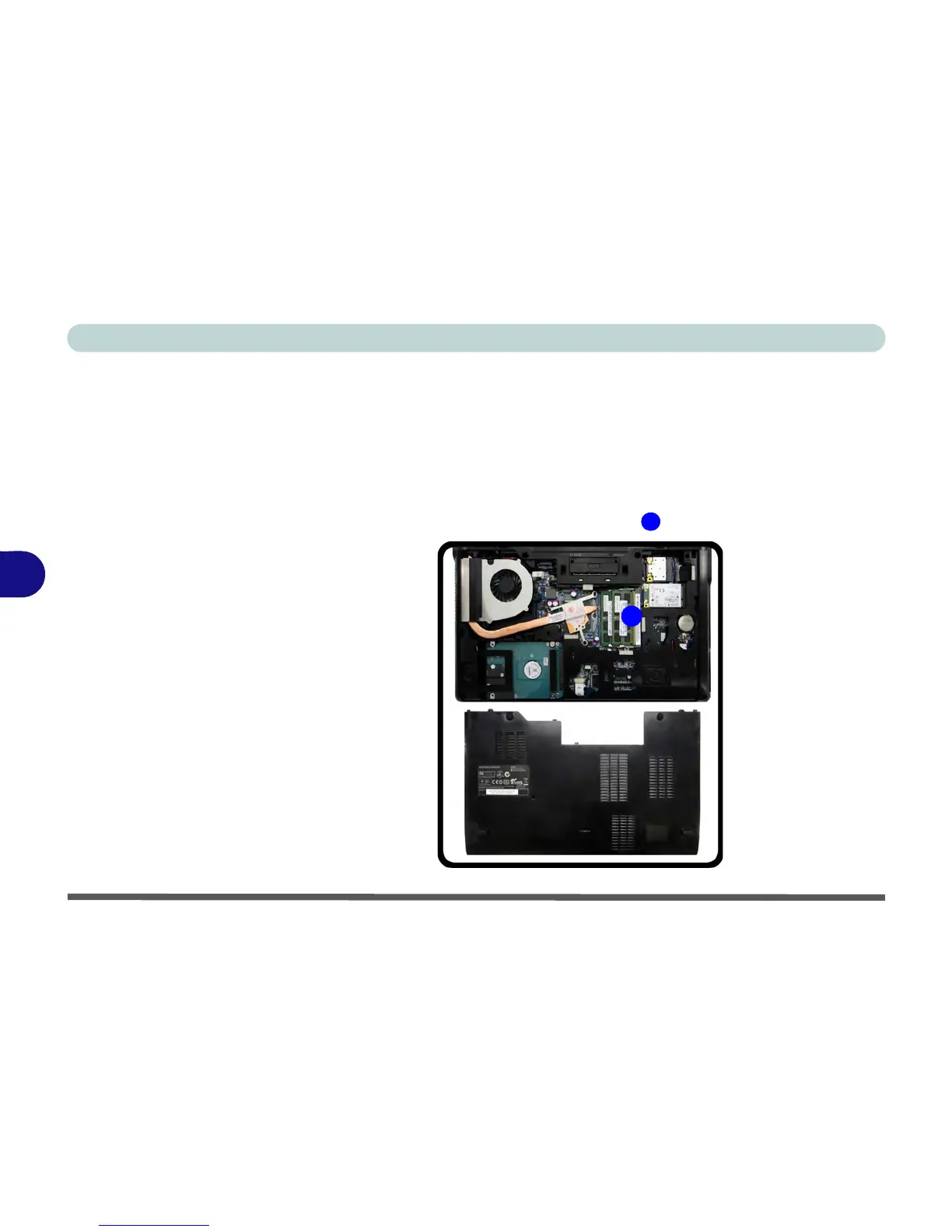
2. The memory (RAM) slots will be visible at point
.



 To Next Page