Upgrading The Computer
6 - 6 Upgrading the Hard Disk Drive
6
1. Turn off the computer, and turn it over and remove the bottom cover (see
“Removing/Replacing the Component Bay Cover” on page 6 - 4).
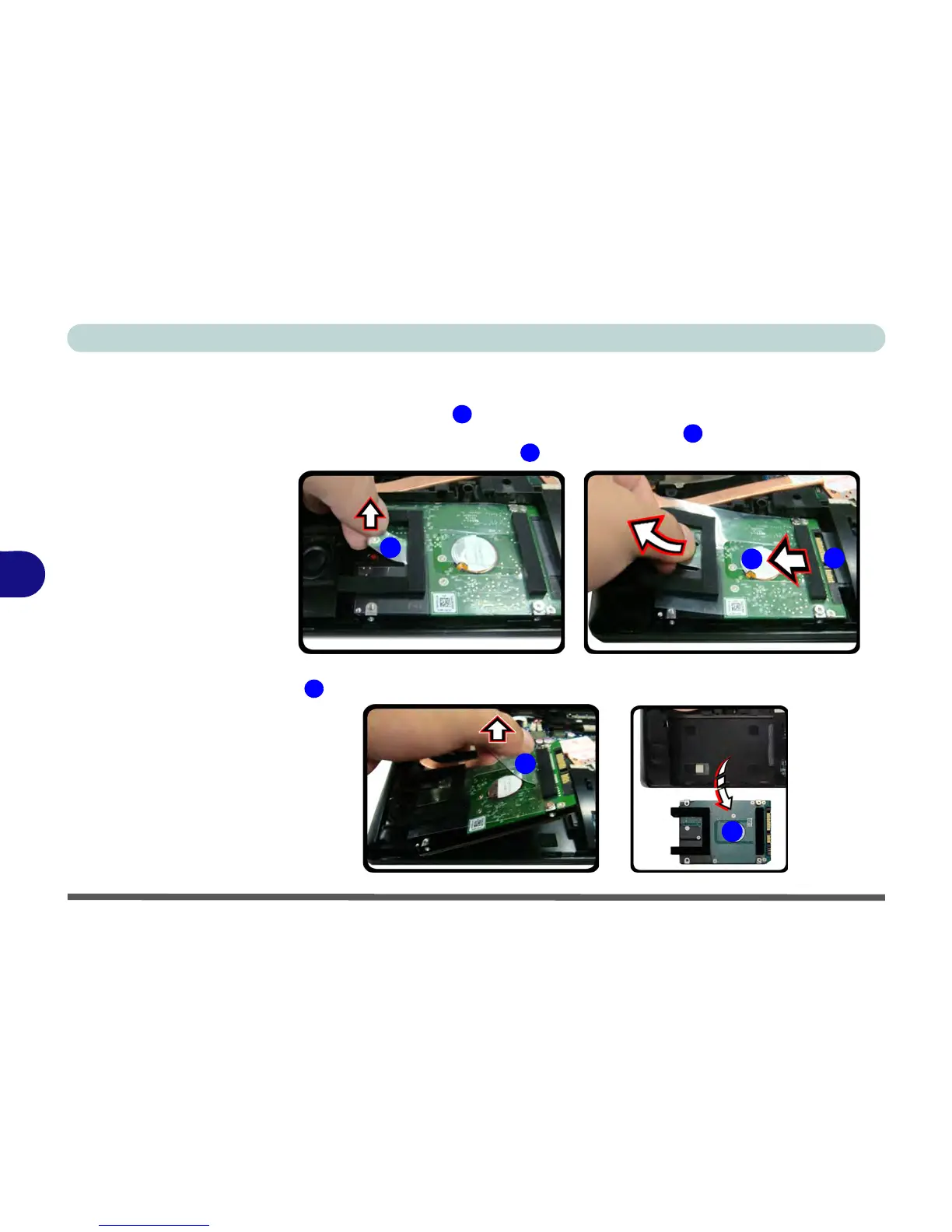
2. Raise the plastic tab
.
3. Slide the hard disk assembly in the direction of arrow until you can see the
(gold colored) HDD connector
.
4. When the connector can be viewed, lift the assembly up in the direction of arrow
remove the HDD assembly from the bay.



 To Next Page