Modules & Options
Wireless LAN Switch 7 - 27
7
24. Access the Intel® My WiFi Utility from the Start menu (Start > Programs/All
Programs > Intel PROSet Wireless > Intel My WiFi Technology), or by clicking
the taskbar icon .
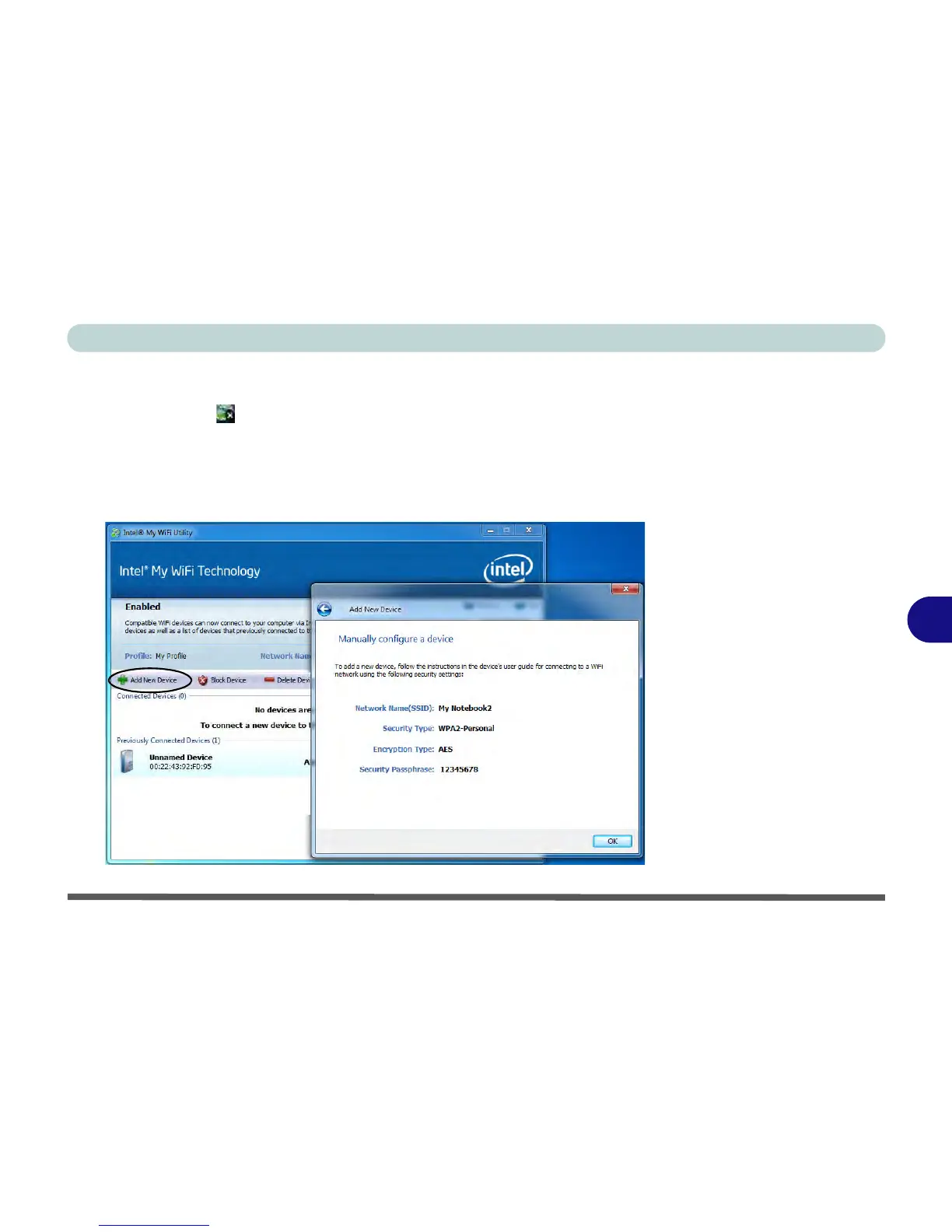
25. To add a new device follow the instructions in the devices’ user guide for
connecting to a WiFi network.
26. Click Add New Device in Intel®
My WiFi Utility to confirm the security settings
detail.



 To Next Page