Modules & Options
7 - 32 Fingerprint Reader Module
7
6. Click the button above any of the fingers to begin the enrollment process for that
finger.
7. Swipe the finger until the progress bar reaches 100% to enroll that finger.
8. Repeat the process for all the fingers you wish to enroll (see sidebar), and then
click Save and Continue.
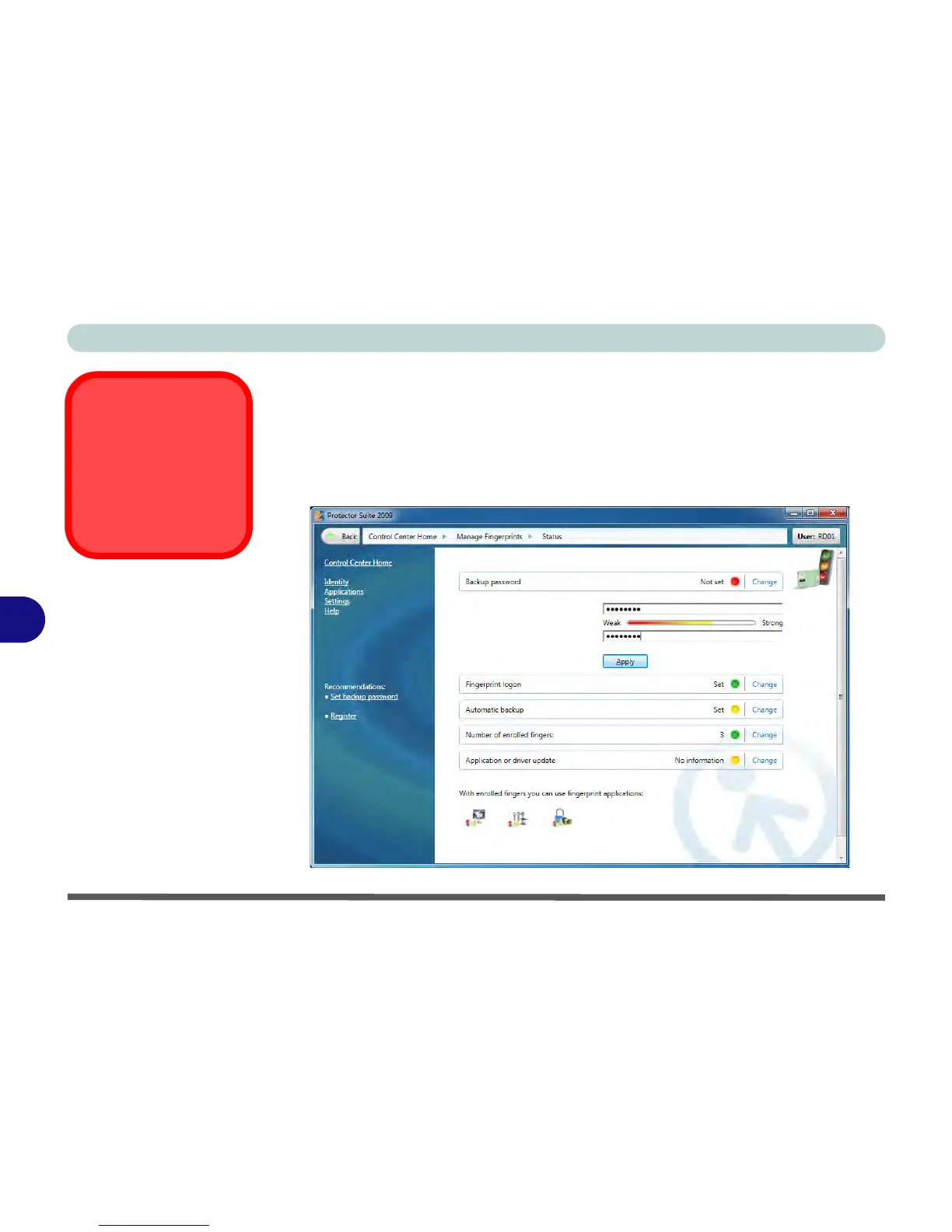
9. Enter a backup password and click Apply.
10. Close the fingerprint status window.



 To Next Page